
Moderator: Mod Janitor


I'll try it real quick and check the logs

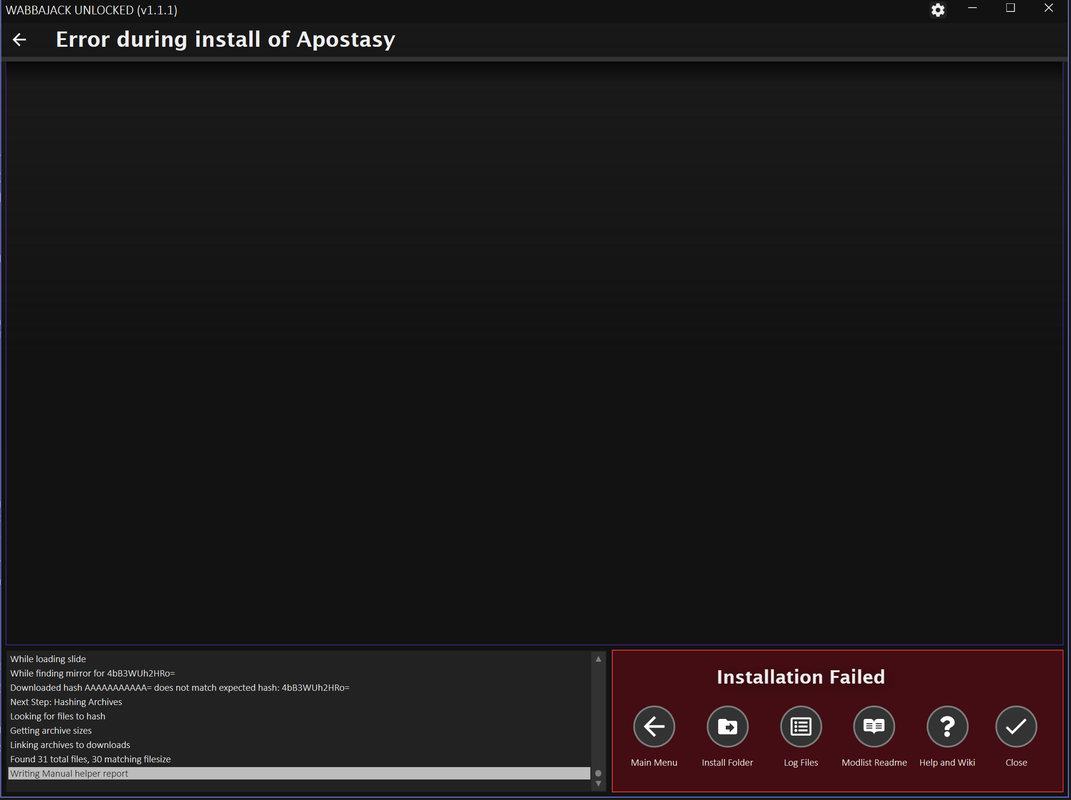
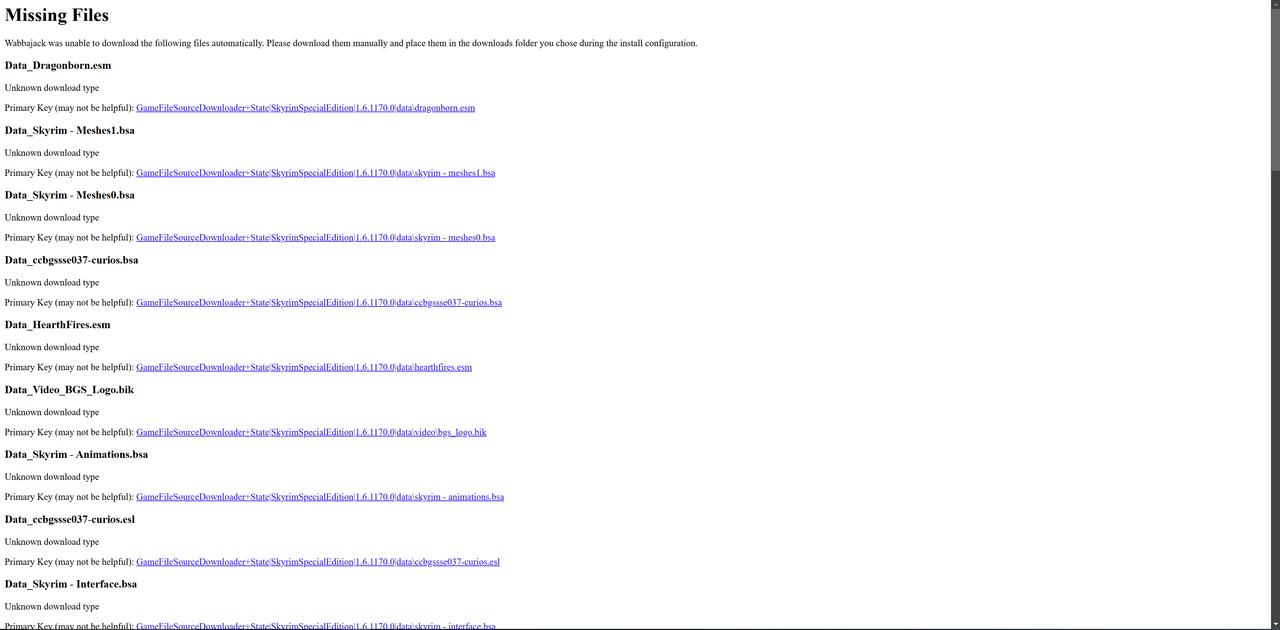
Apparently the same issue occurs with other modlists too. Tried installing Keizaal, Fahluaan and Phoenix Flavour. Missing data files as well.loregamer wrote: ↑ February 21st, 2025, 18:12@LeAmphibian Seems like it didn't log correctly for the MEGA files. To clarify, the modlist still has Data files that require downloading from MEGA (You can search "Data_" on here)
https://www.wabbajack.org/search/WakingDreams/apostasy
The temporary fix made yesterday for MEGA downloads is to make the error report at the end show this:
I'll download the list and figure out why it's not logging the MEGA download links
Code: Select all
00:25:38.216 [ERROR] (Wabbajack.Installer.StandardInstaller) Missing game file Data_Dragonborn.esm. This could be caused by missing DLC or a modified installation.[b][/b]
Looks like I missed a spot. I'll test it real quick and share after if it worksLeAmphibian wrote: ↑ February 21st, 2025, 18:37Apparently the same issue occurs with other modlists too. Tried installing Keizaal, Fahluaan and Phoenix Flavour. Missing data files as well.

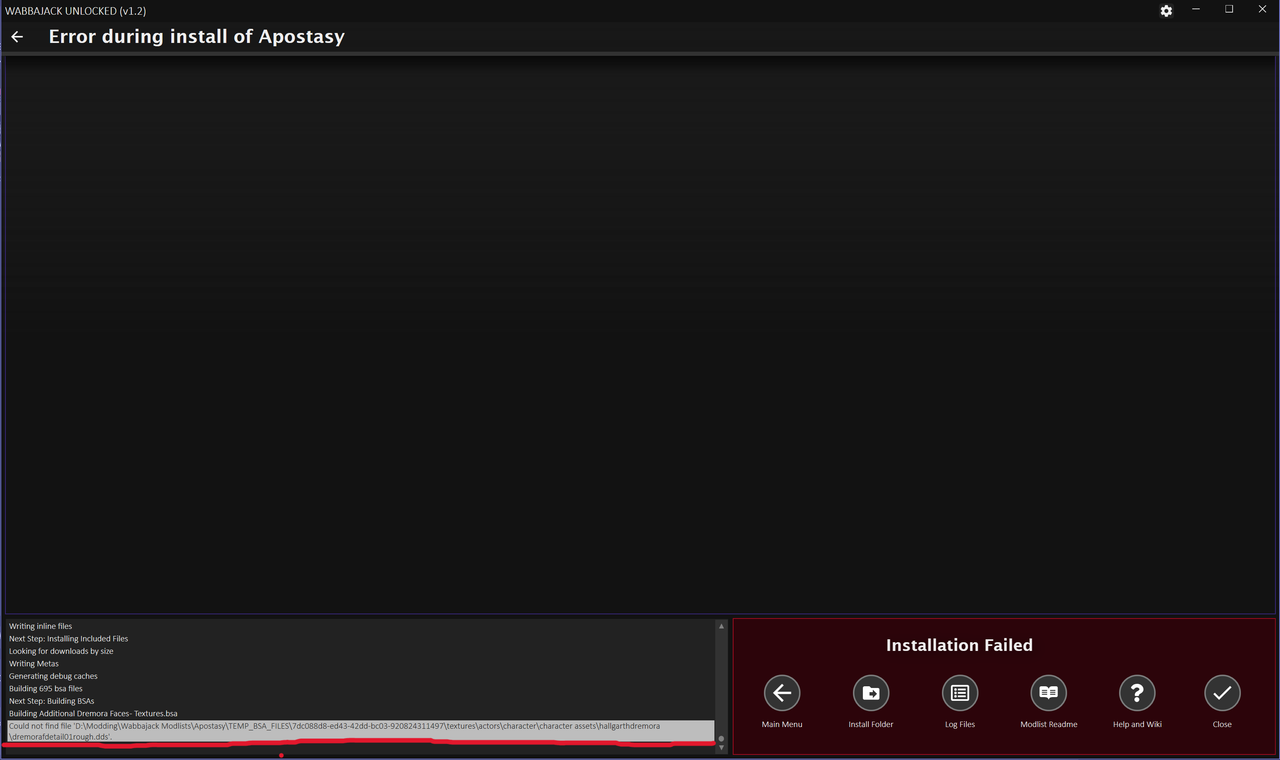
Can you delete every folder in your installation path except for Downloads? Or is it just Downloads there right now?LeAmphibian wrote: ↑ February 21st, 2025, 20:57Installed the MEGA file as mentioned, started the install again and got this;
I shortened the file path, issue still seems to persist.loregamer wrote: ↑ February 21st, 2025, 21:25Can you delete every folder in your installation path except for Downloads? Or is it just Downloads there right now?LeAmphibian wrote: ↑ February 21st, 2025, 20:57Installed the MEGA file as mentioned, started the install again and got this;
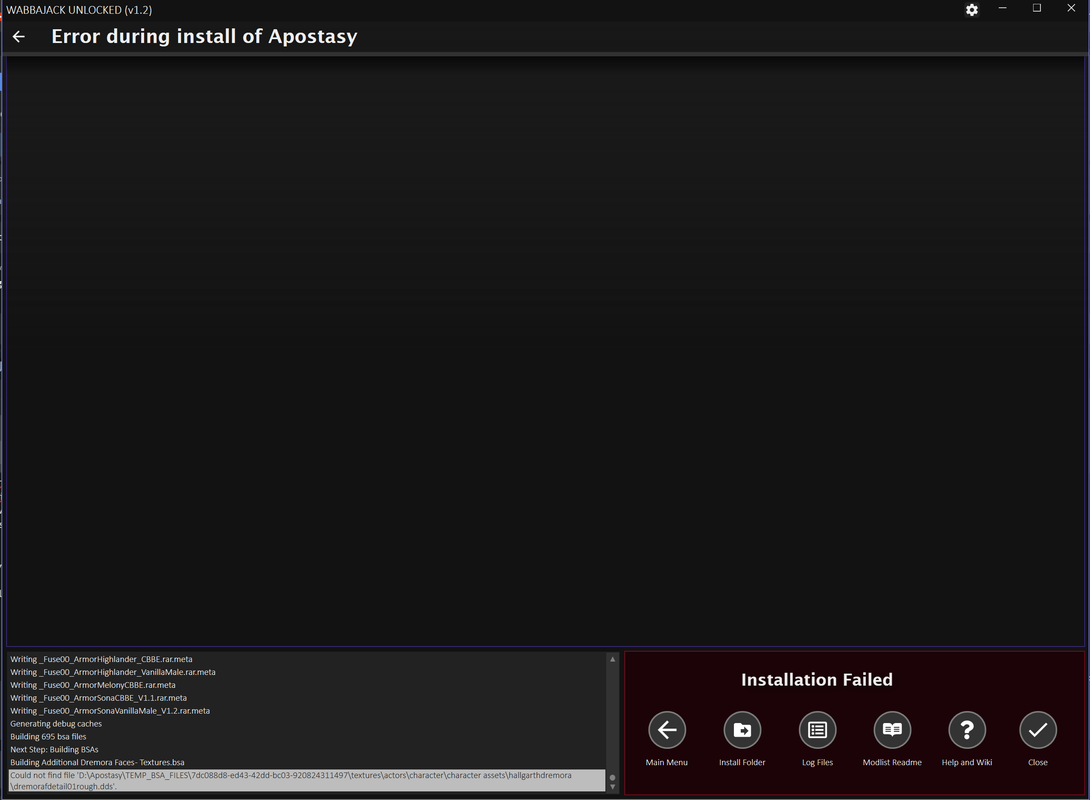
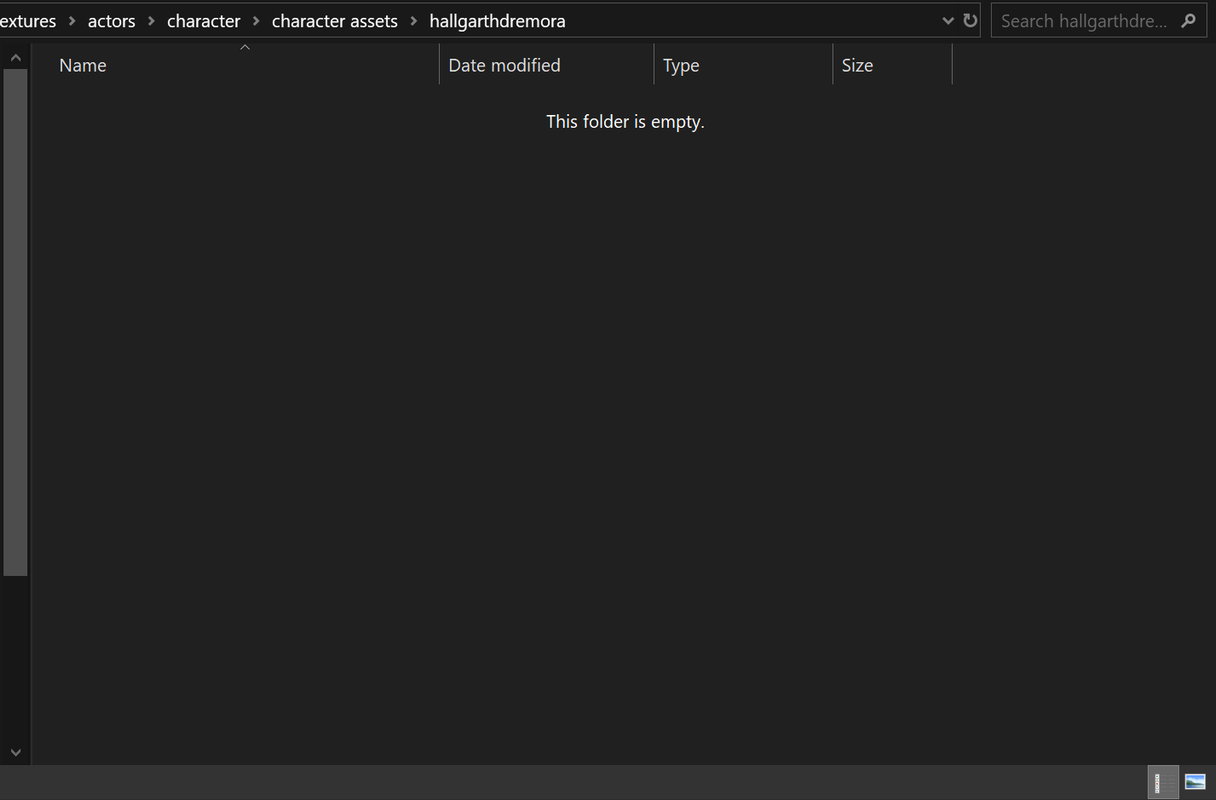

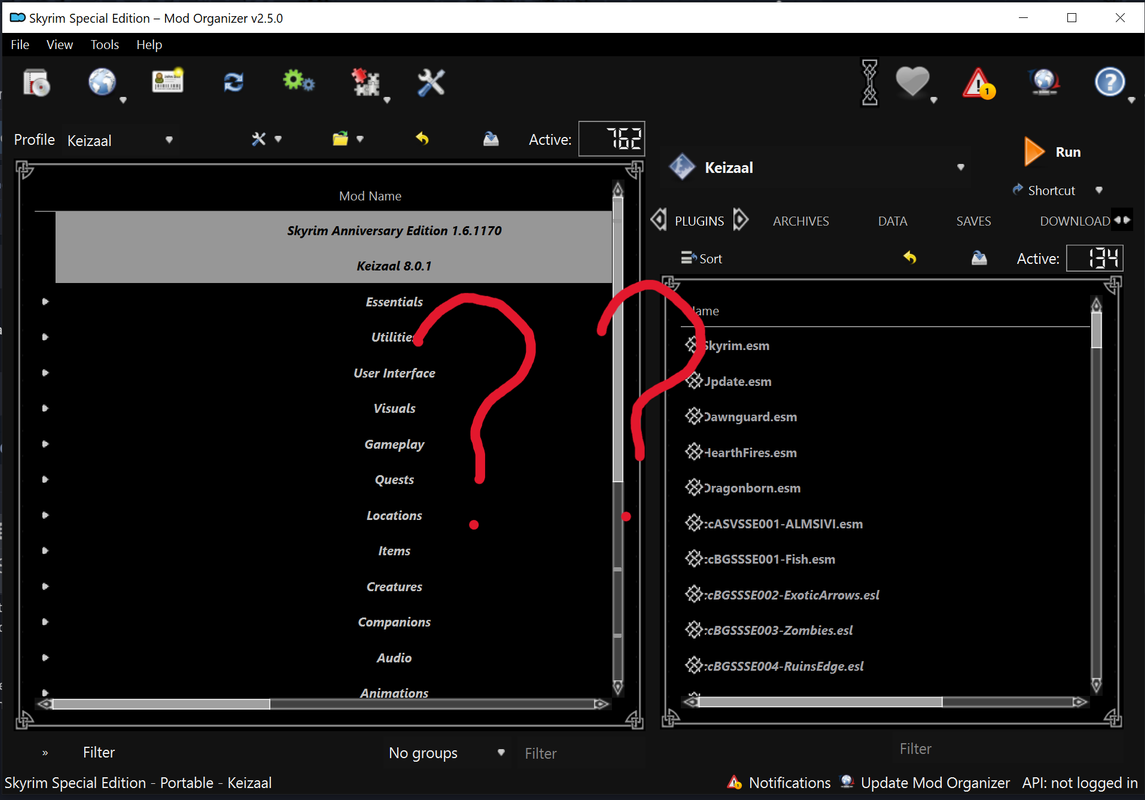
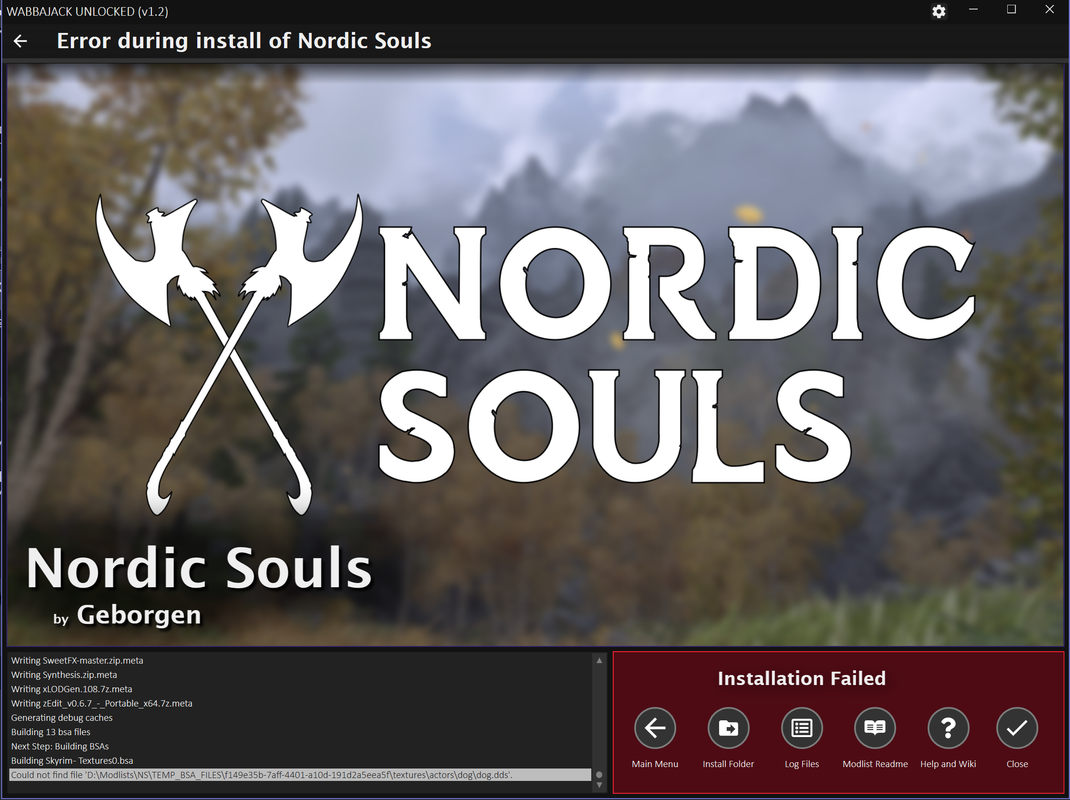
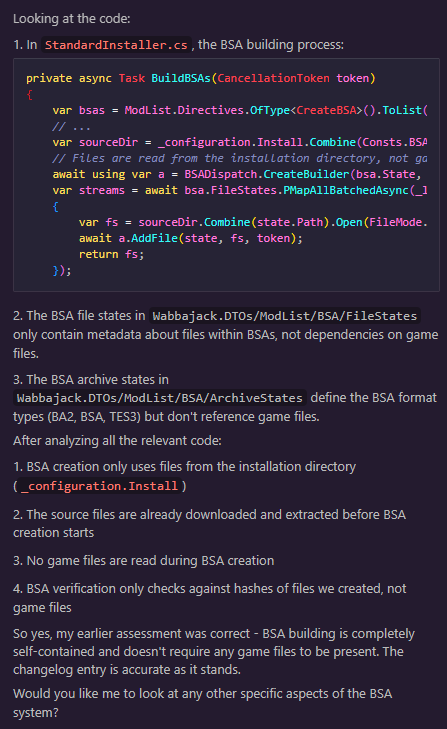
I suspected this too, but apparently the BSA creation files only point to the mod installation folder. AI might be hallucinating and I need to look myself, thoughgastovski wrote: ↑ February 21st, 2025, 21:56Afaik wabbajack wants to locate actual game folder to copy files properly to modlist folder. That may be why file checking gives issues.
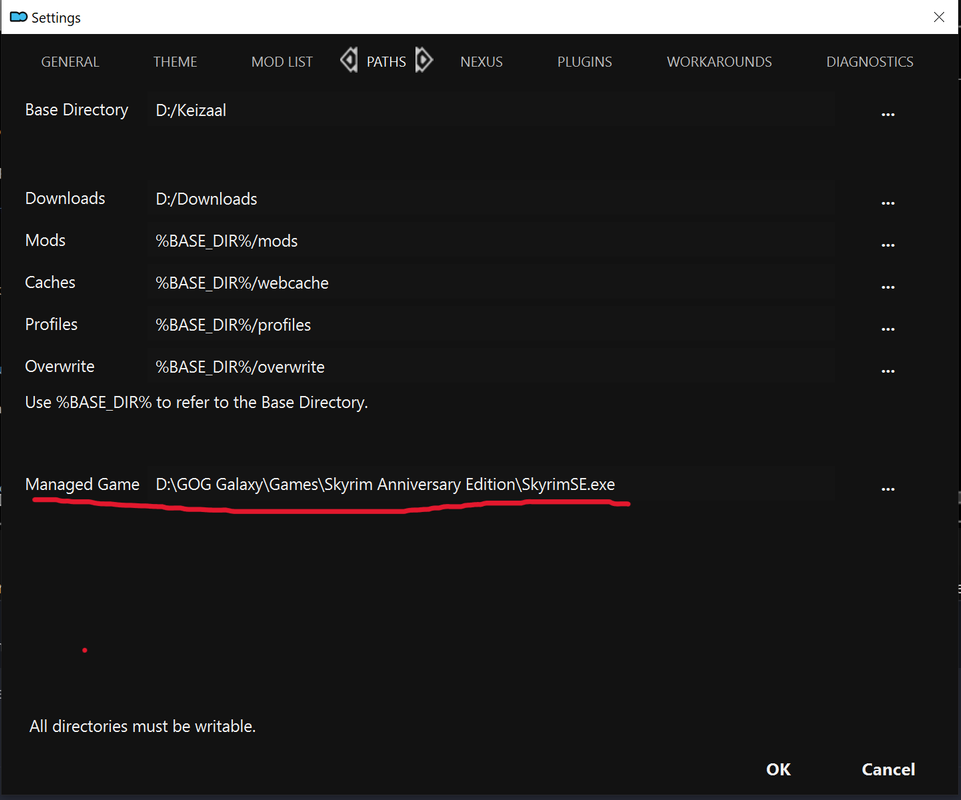
Did you set skse's exe path too? I think it's listed as just Keizaal, but you have to click that, Edit, and change those paths if Wabbajack isn't able to find yoursLeAmphibian wrote: ↑ February 21st, 2025, 22:00Apparently the Downloads folder needs to be empty to install a modlist. Otherwise it fails.
Keizaal;
Installs just fine.
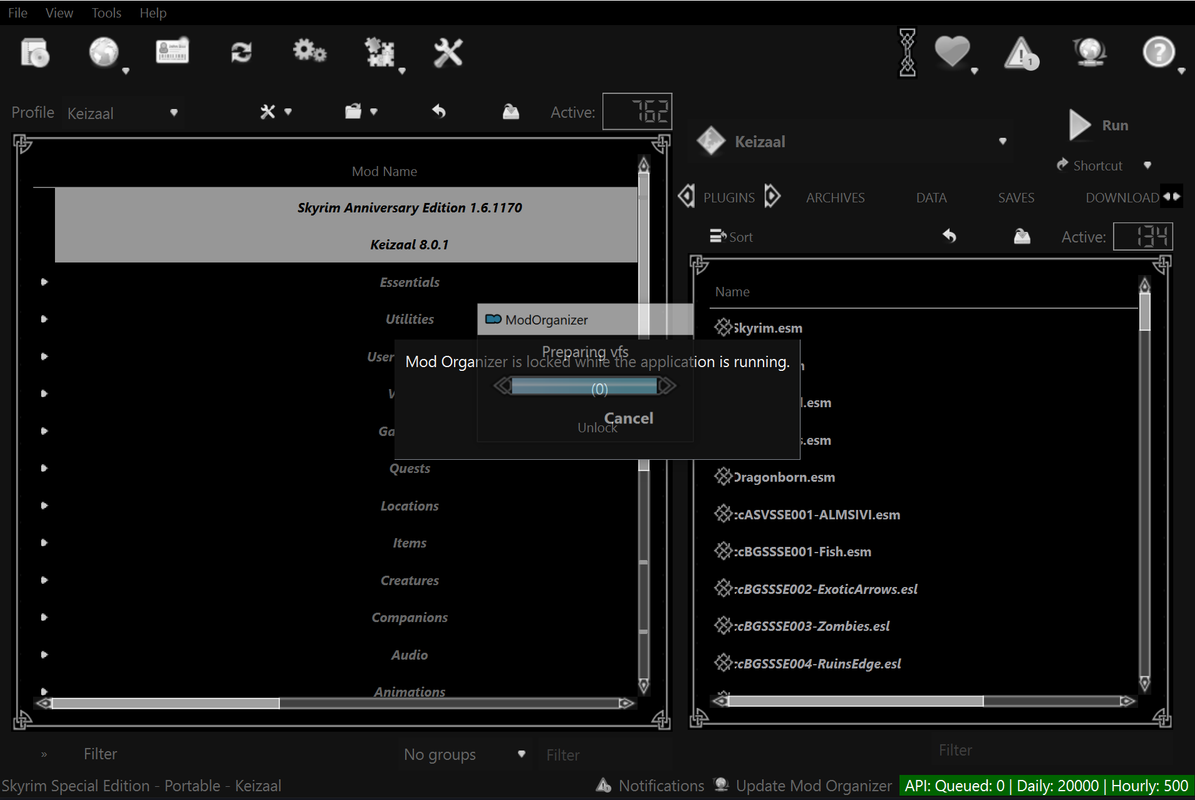
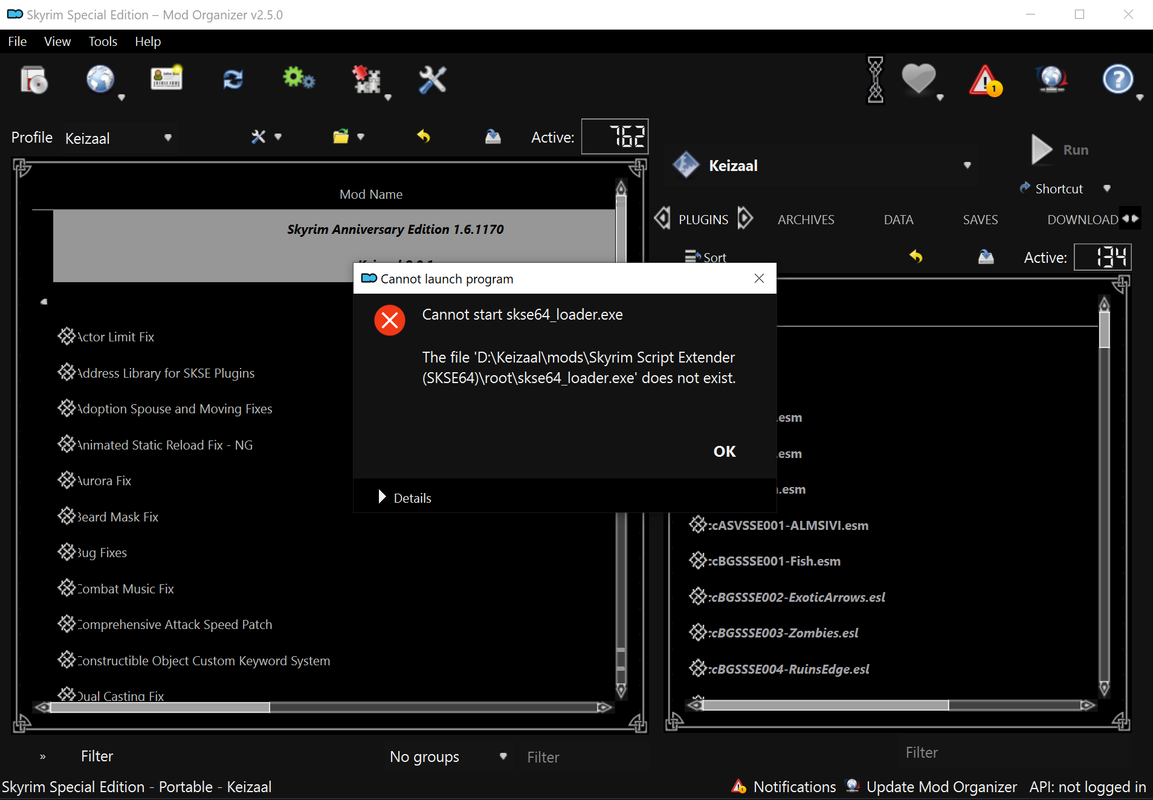
But I can't seem to run the modlist.
Game directory is where it should be..
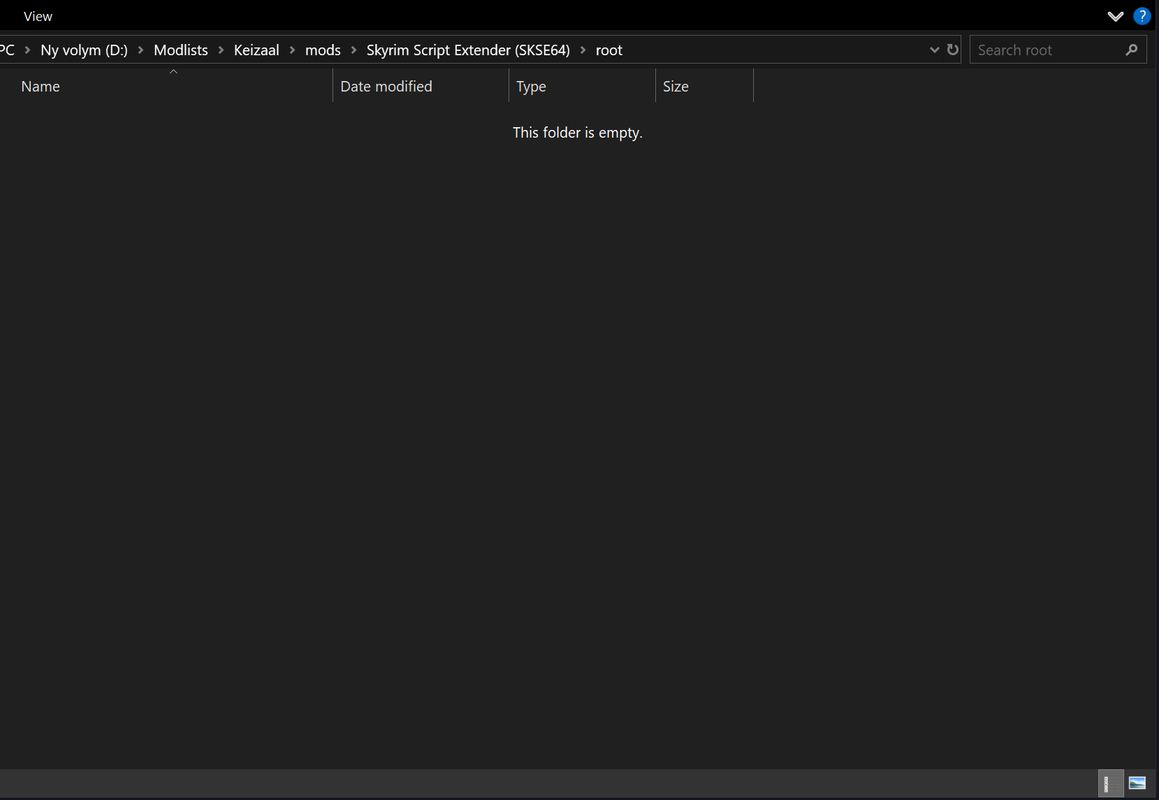
No exe file to be found.loregamer wrote: ↑ February 21st, 2025, 23:19
Did you set skse's exe path too? I think it's listed as just Keizaal, but you have to click that, Edit, and change those paths if Wabbajack isn't able to find yours
Still investigating the BSA issue you're running into since I can't reproduce it
Sure, gonna have to try it tomorrow though.loregamer wrote: ↑ February 21st, 2025, 23:40
If you don't mind, can you see if any of the smaller modlists cause the issue? Just so I can push a fix a bit quicker @LeAmphibian
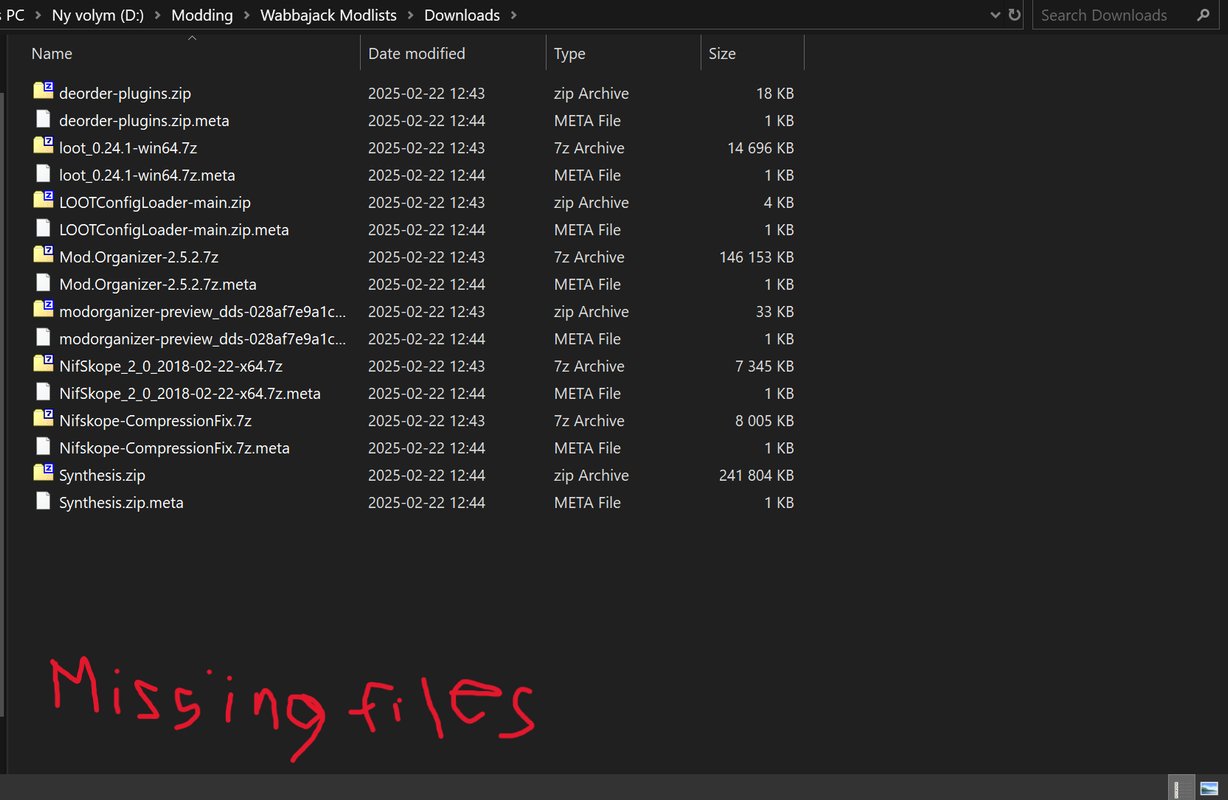
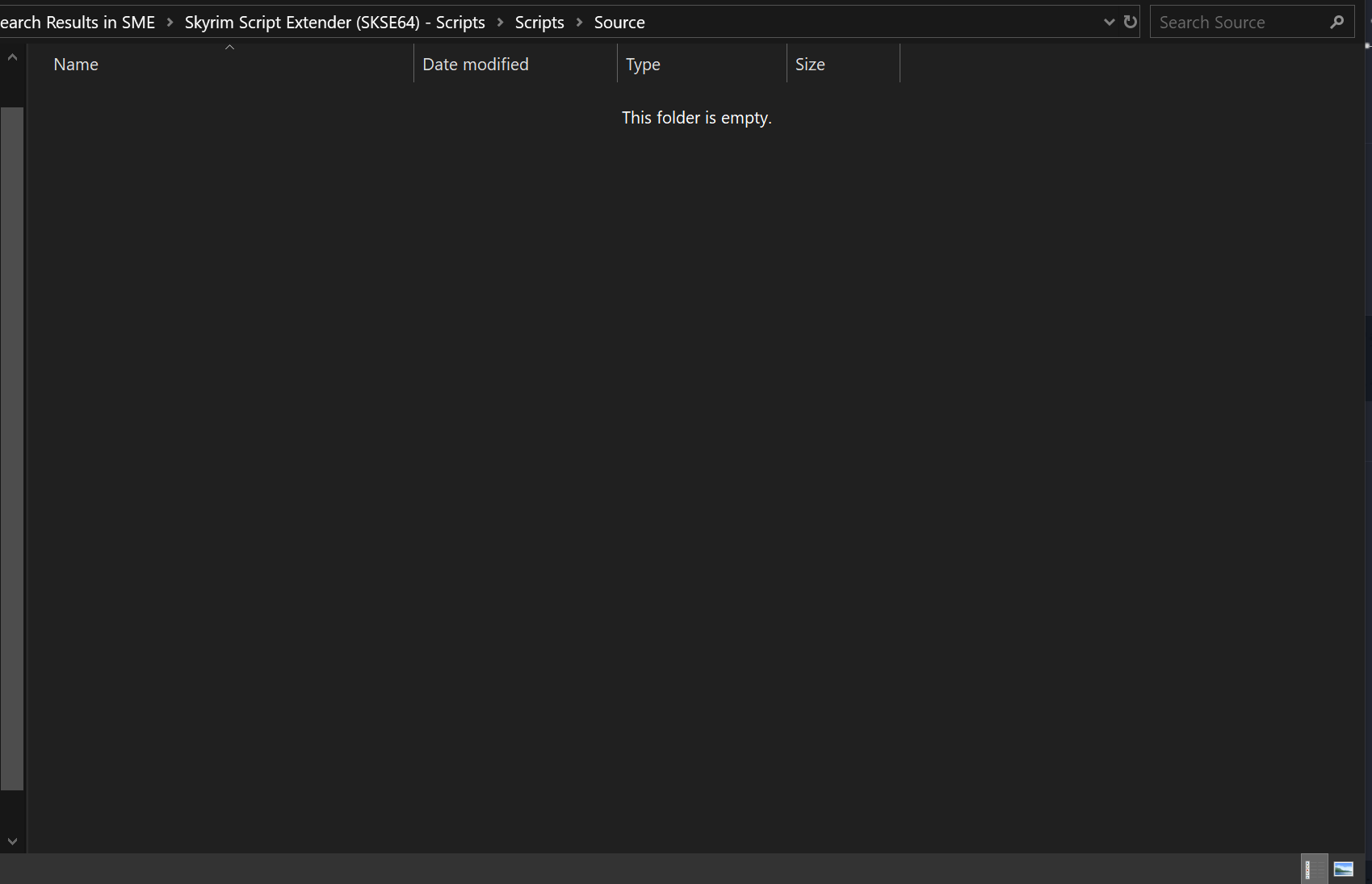
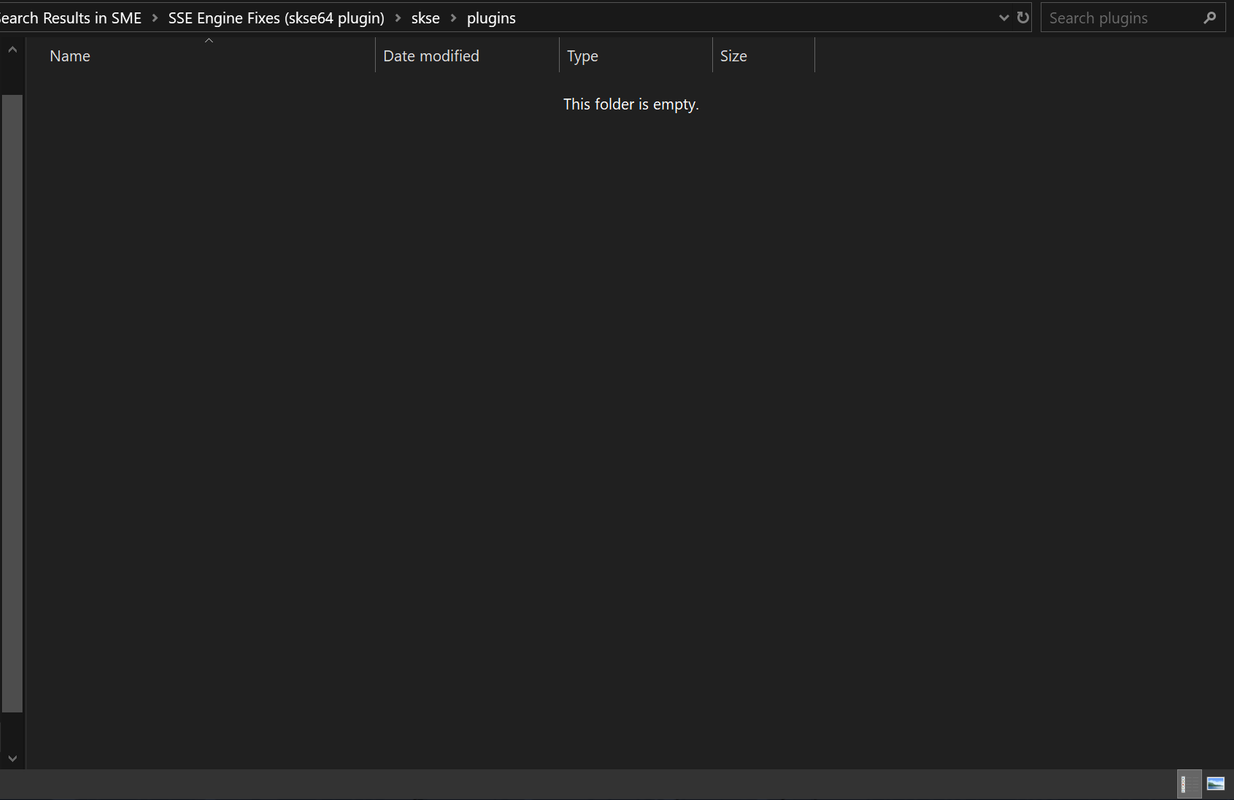
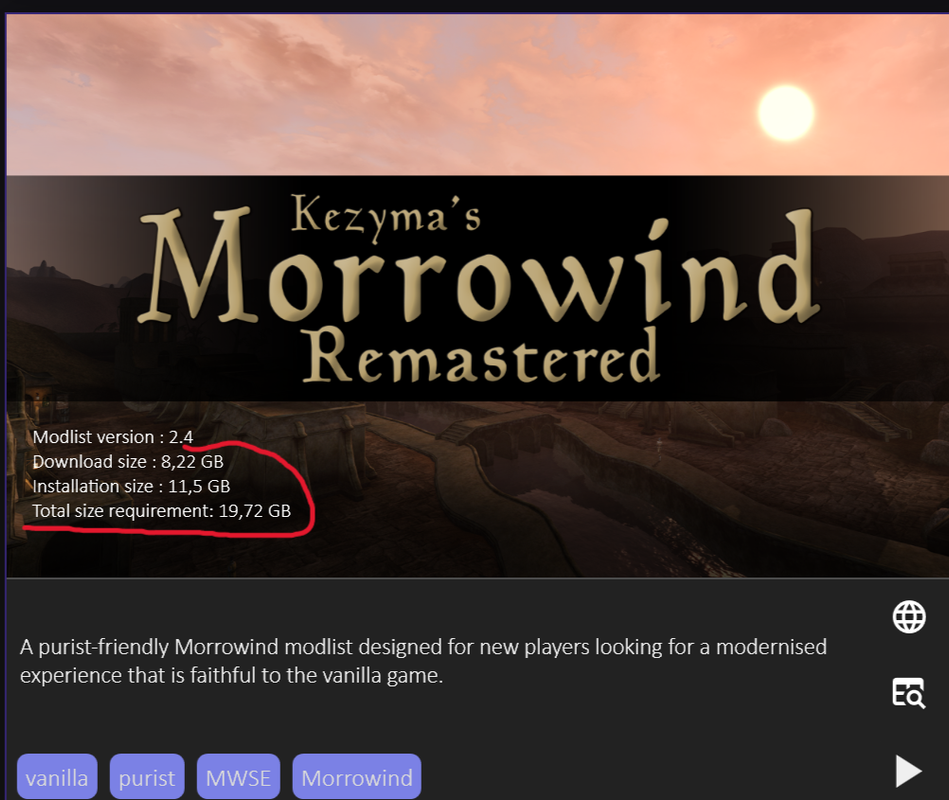
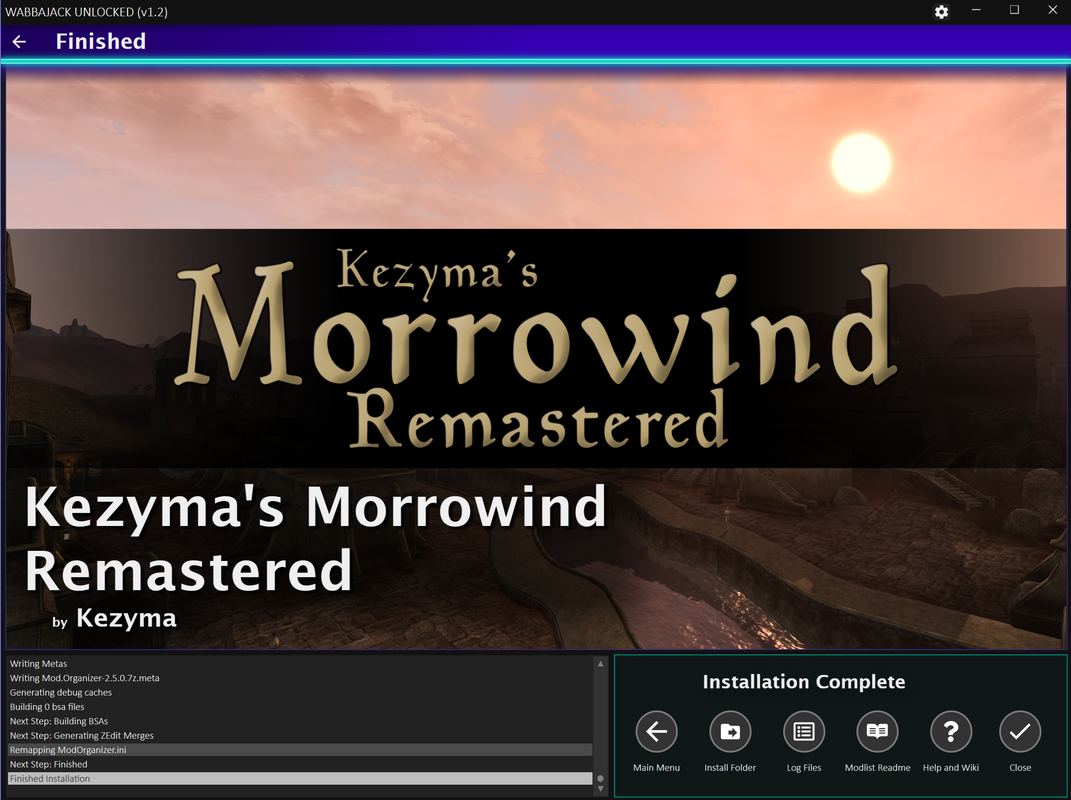
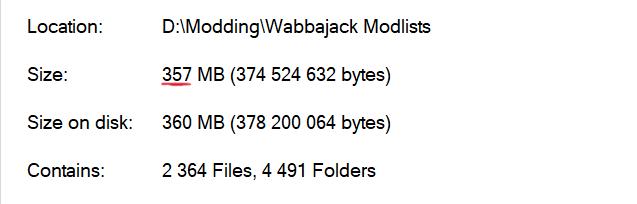
Sureloregamer wrote: ↑ February 22nd, 2025, 20:59I'm currently working on a new update where you'll set your Game Folder manually. Can you test it for me once it's done? @LeAmphibian
loregamer wrote: ↑ February 26th, 2025, 02:11v2.0
- Added a required Game Folder field for installs
- This will circumvent Wabbajack only finding games in "legitimate" folder locations. But also, if you have multiple installs of a game, then you can set your directory to a specific one.
- Sorry it looks like **** but I can't be bothered to figure out this xaml UI crap
- Truly disabled missing game file validation (I tested on two games, but if it's STILL not working lemme know bros)
- If you are using an outdated Skyrim cracked install, Skyrim installations still might fail.
I tested on two different Skyrim AE folders I had. One that was up to date passed, the other failed.
So, I tried installing some Modlists again for AE. The modlist is going further this time but SKSE files for some reason, still refuse to properly install. I suspected it might have something do with GOG's version being different from Steam's so I tried using Steam instead. Same issue.loregamer wrote: ↑ February 26th, 2025, 02:13@LeAmphibian Please try on v2.0, it should work now that I added Game Folder setting
If it still doesn't work, I think you may need to try a more up to date version of Skyrim AE. It seems to be the one game that uniquely extracts and rebuilds stuff using assets from the game folder

It’s even failing on legit installs??LeAmphibian wrote: ↑ February 26th, 2025, 18:28So, I tried installing some Modlists again for AE. The modlist is going further this time but SKSE files for some reason, still refuse to properly install. I suspected it might have something do with GOG's version being different from Steam's so I tried using Steam instead. Same issue.loregamer wrote: ↑ February 26th, 2025, 02:13@LeAmphibian Please try on v2.0, it should work now that I added Game Folder setting
If it still doesn't work, I think you may need to try a more up to date version of Skyrim AE. It seems to be the one game that uniquely extracts and rebuilds stuff using assets from the game folder
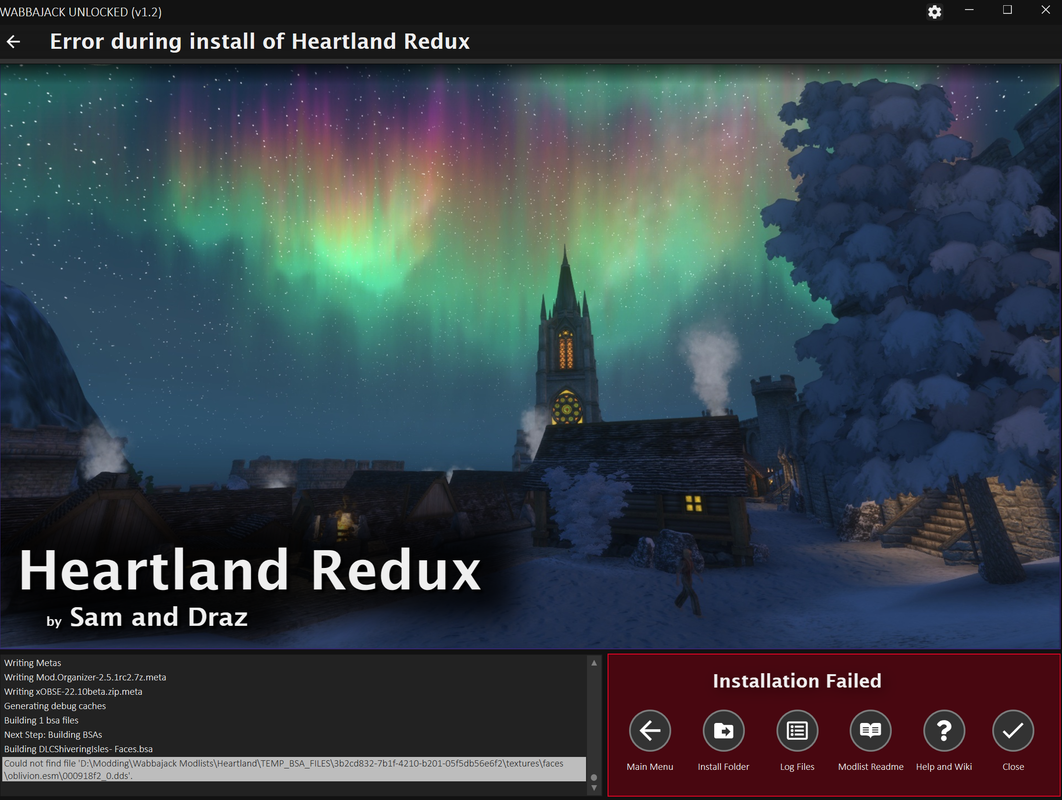
Some modlists still fail because of the 'TEMP_BSA' crap.
Making exceptions for my Antivirus didn't really work.
I tried an Oblivion modlist and same thing again with 'TEMP_BSA'.
Might be some unexplainable issue from my end. I made sure that the latest version of Skyrim was installed and pointed WJ to the game folder. Looked through installed modlist and to see if the exe files were hidden somewhere. No idea.
Tried installing through normal Wabbajack after downloading from the Unlocked version. It failed on the regular Wabbajack. The installer (Unlocked one) also shows all the files that have been downloaded but when I go check on the Downloads folder, 99% of the mods aren't there.loregamer wrote: ↑ February 26th, 2025, 20:00
Can you try downloading all the files via unlocked wabbajack, and then overwriting your installation from actual Wabbajack?
By that, I mean, cancel the Wabbajack Unlocked installation after all the mods are downloaded, delete everything from your modlist installation folder except “downloads”, then do the install on regular Wabbajack
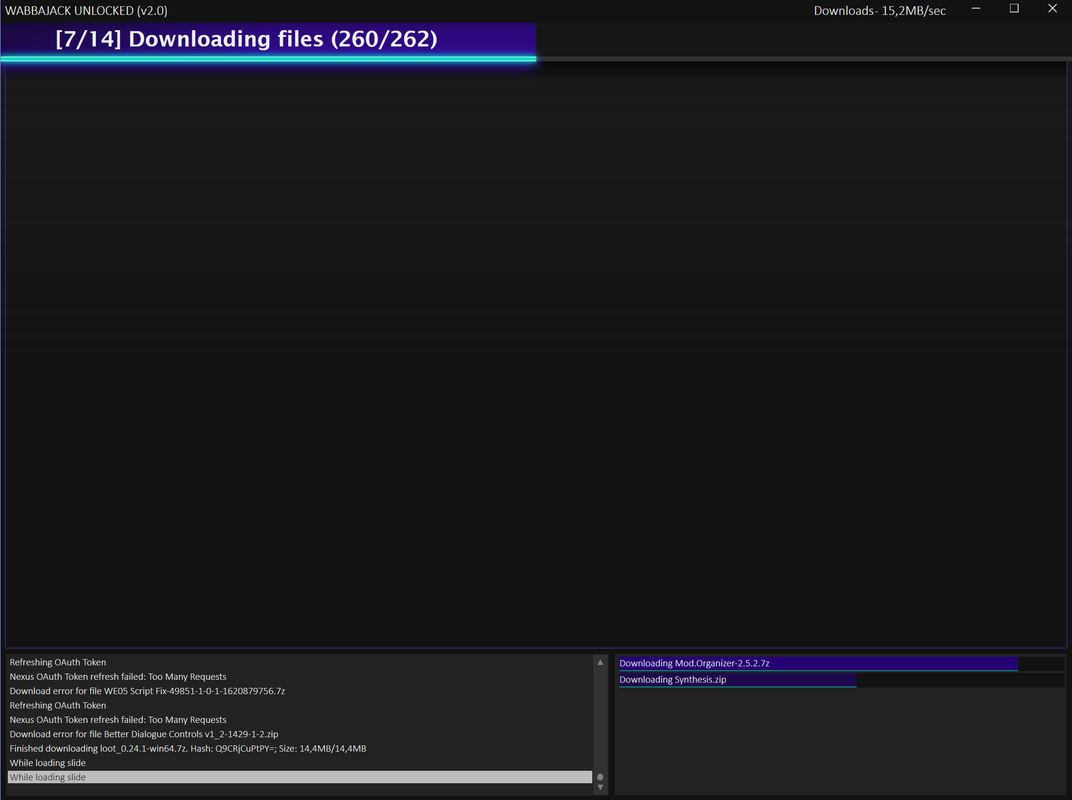
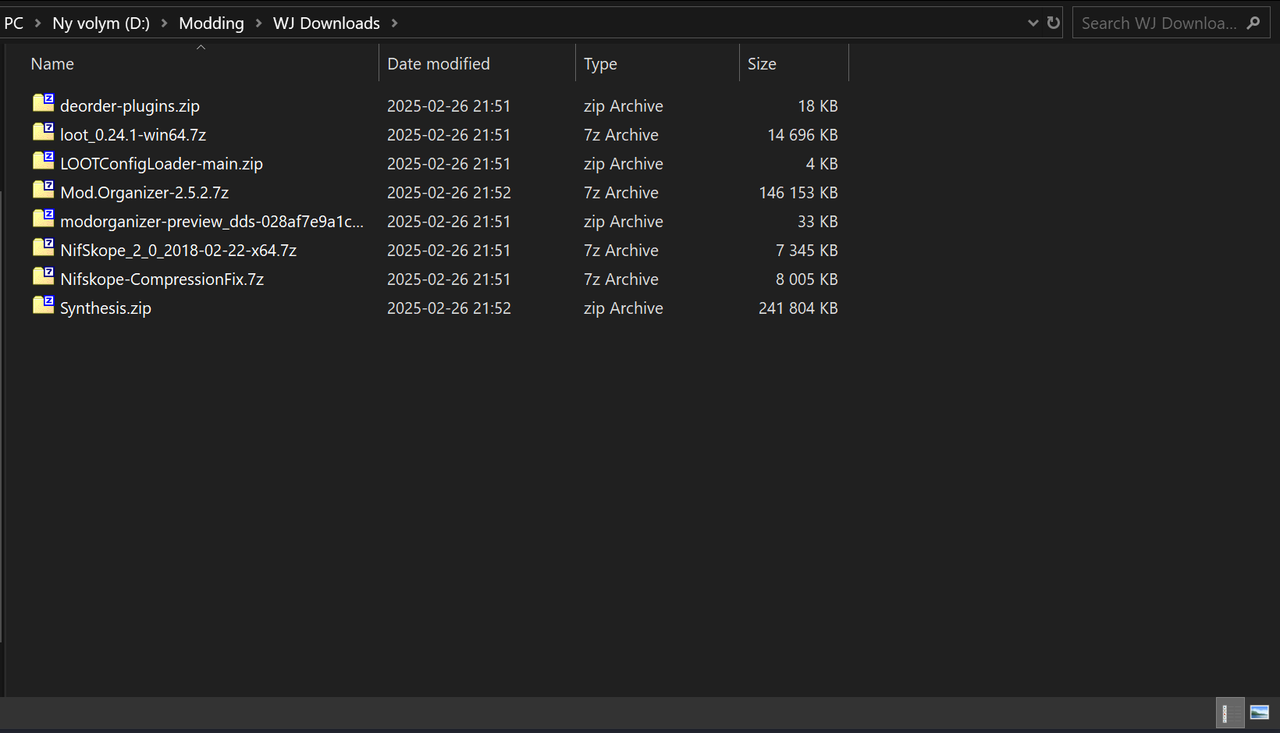

Tbh I dunno how to help if it’s failing even on the regular WabbajackLeAmphibian wrote: ↑ February 26th, 2025, 21:05Apparently now I have similar issues with the normal Wabbajack installer lmao. No mods are properly downloaded, even if I have steam version of Skyrim installed.
It's actually ridiculous the amount of wonkiness Wabbajack has for me. I guess my PC just doesn't want to deal with it.
It's really quite something.
 I would log a GitHub issue ticket since I couldn’t find the issue you were running into on there


 RUIN THE SITE Userscript