We have a Steam curator now. You should be following it. https://store.steampowered.com/curator/44994899-RPGHQ/
Chat client updated, if you have issues using chat press CTRL + SHIFT + R to force a hard refresh.

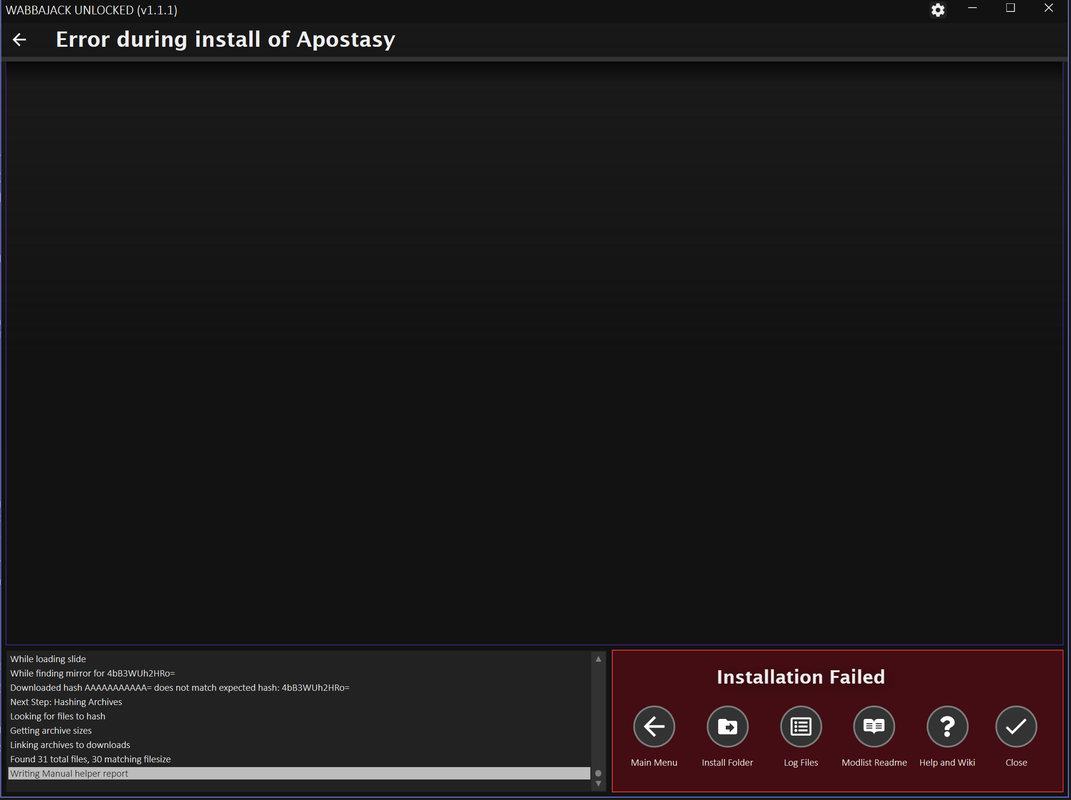
[Wabbajack Unlocked] BSA Build Process Woes + Missing Exe

Moderator: Mod Janitor

Ignore Topic
User avatar
LeAmphibian
Posts: 66
Joined: Apr 8, '24

Geolocation

[Wabbajack Unlocked] BSA Build Process Woes + Missing Exe

Post by LeAmphibian »

Image
Image
:scratch:
User avatar
loregamer
Site Moderator
Posts: 5059
Joined: Dec 3, '23

Geolocation

Post by loregamer »

I'll try it real quick and check the logs

Jingle Jangle Jingle
User avatar
loregamer
Site Moderator
Posts: 5059
Joined: Dec 3, '23

Geolocation

Post by loregamer »

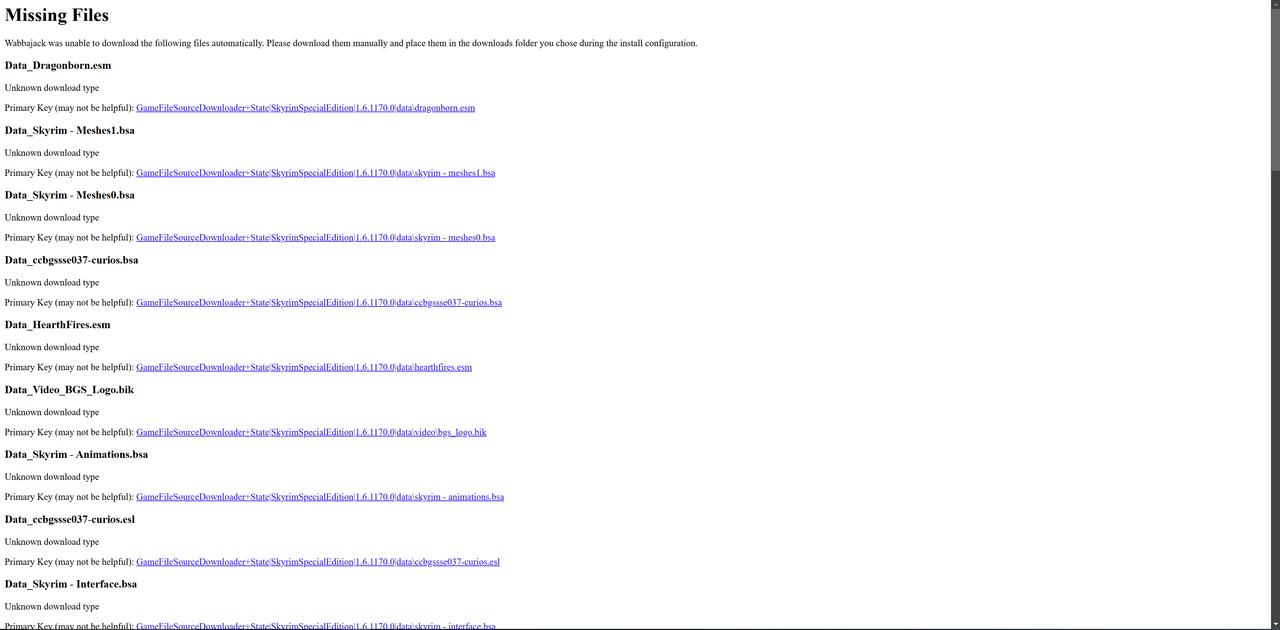
@LeAmphibian Seems like it didn't log correctly for the MEGA files. To clarify, the modlist still has Data files that require downloading from MEGA (You can search "Data_" on here)
https://www.wabbajack.org/search/WakingDreams/apostasy

The temporary fix made yesterday for MEGA downloads is to make the error report at the end show this:
Image

I'll download the list and figure out why it's not logging the MEGA download links
Jingle Jangle Jingle
User avatar
LeAmphibian
Posts: 66
Joined: Apr 8, '24

Geolocation

Post by LeAmphibian »

loregamer wrote: February 21st, 2025, 18:12
@LeAmphibian Seems like it didn't log correctly for the MEGA files. To clarify, the modlist still has Data files that require downloading from MEGA (You can search "Data_" on here)
https://www.wabbajack.org/search/WakingDreams/apostasy

The temporary fix made yesterday for MEGA downloads is to make the error report at the end show this:
Image

I'll download the list and figure out why it's not logging the MEGA download links
Apparently the same issue occurs with other modlists too. Tried installing Keizaal, Fahluaan and Phoenix Flavour. Missing data files as well.

User avatar
loregamer
Site Moderator
Posts: 5059
Joined: Dec 3, '23

Geolocation

Post by loregamer »

Wait, sorry brother, I lied to you LOL. @LeAmphibian Somehow, Apostasy has baked in the Missing game file validation into the list itself? I dunno, I'll fix it real quick.

This stuff is such ******* garbage

Code: Select all

00:25:38.216 [ERROR] (Wabbajack.Installer.StandardInstaller) Missing game file Data_Dragonborn.esm. This could be caused by missing DLC or a modified installation.[b][/b]
Jingle Jangle Jingle
User avatar
loregamer
Site Moderator
Posts: 5059
Joined: Dec 3, '23

Geolocation

Post by loregamer »

LeAmphibian wrote: February 21st, 2025, 18:37
Apparently the same issue occurs with other modlists too. Tried installing Keizaal, Fahluaan and Phoenix Flavour. Missing data files as well.
Looks like I missed a spot. I'll test it real quick and share after if it works
Image
Last edited by loregamer on February 21st, 2025, 18:45, edited 1 time in total.
Jingle Jangle Jingle
User avatar
loregamer
Site Moderator
Posts: 5059
Joined: Dec 3, '23

Geolocation

Post by loregamer »

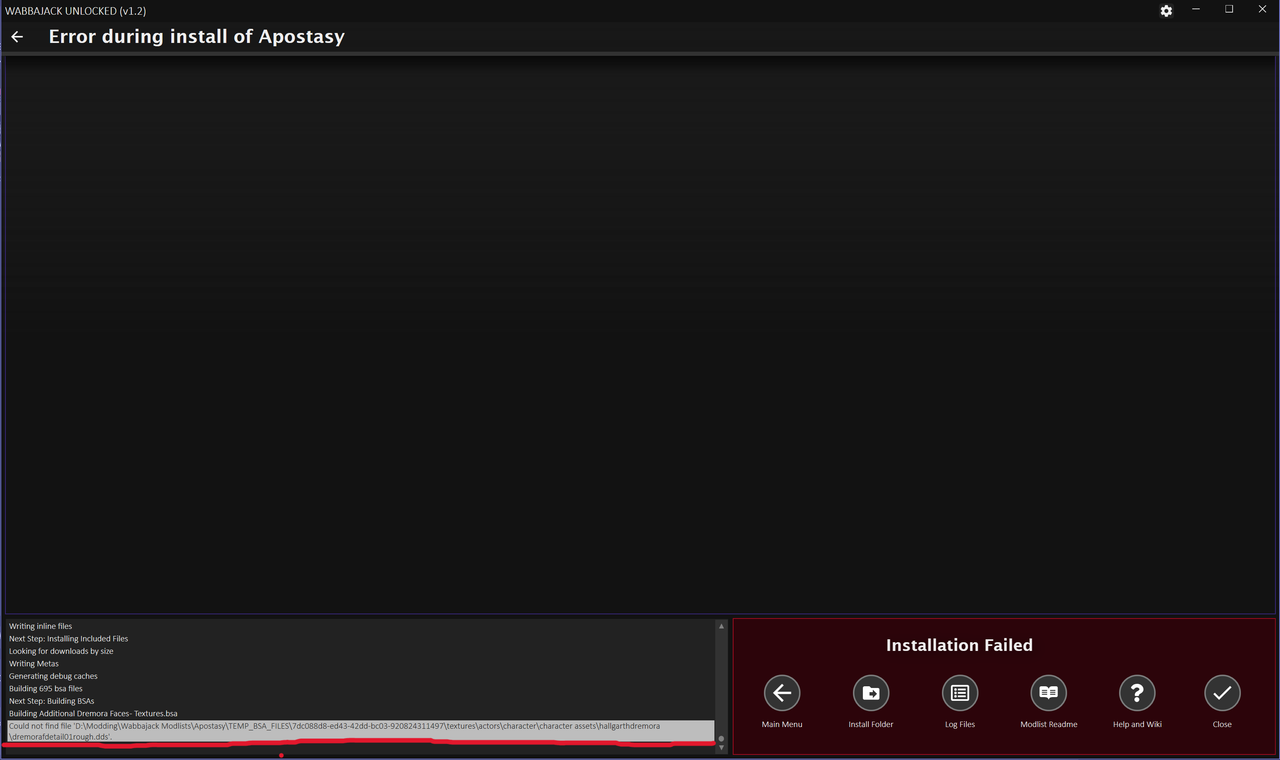
****, there are so many steps to big Skyrim modlist installations LOL. I had to add workarounds to three different point of failures for game file validations. Currently got to the Building BSAs step and something errored
Jingle Jangle Jingle
User avatar
LeAmphibian
Posts: 66
Joined: Apr 8, '24

Geolocation

Post by LeAmphibian »

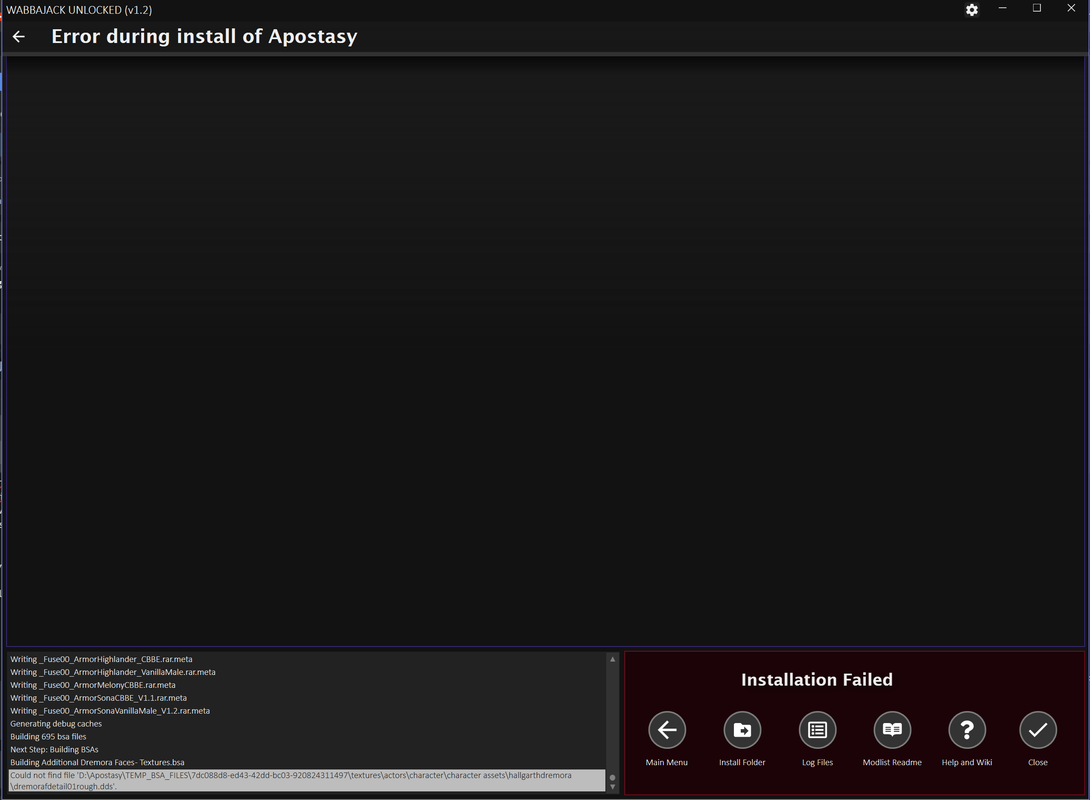
Installed the MEGA file as mentioned, started the install again and got this;
Image
User avatar
loregamer
Site Moderator
Posts: 5059
Joined: Dec 3, '23

Geolocation

Post by loregamer »

LeAmphibian wrote: February 21st, 2025, 20:57
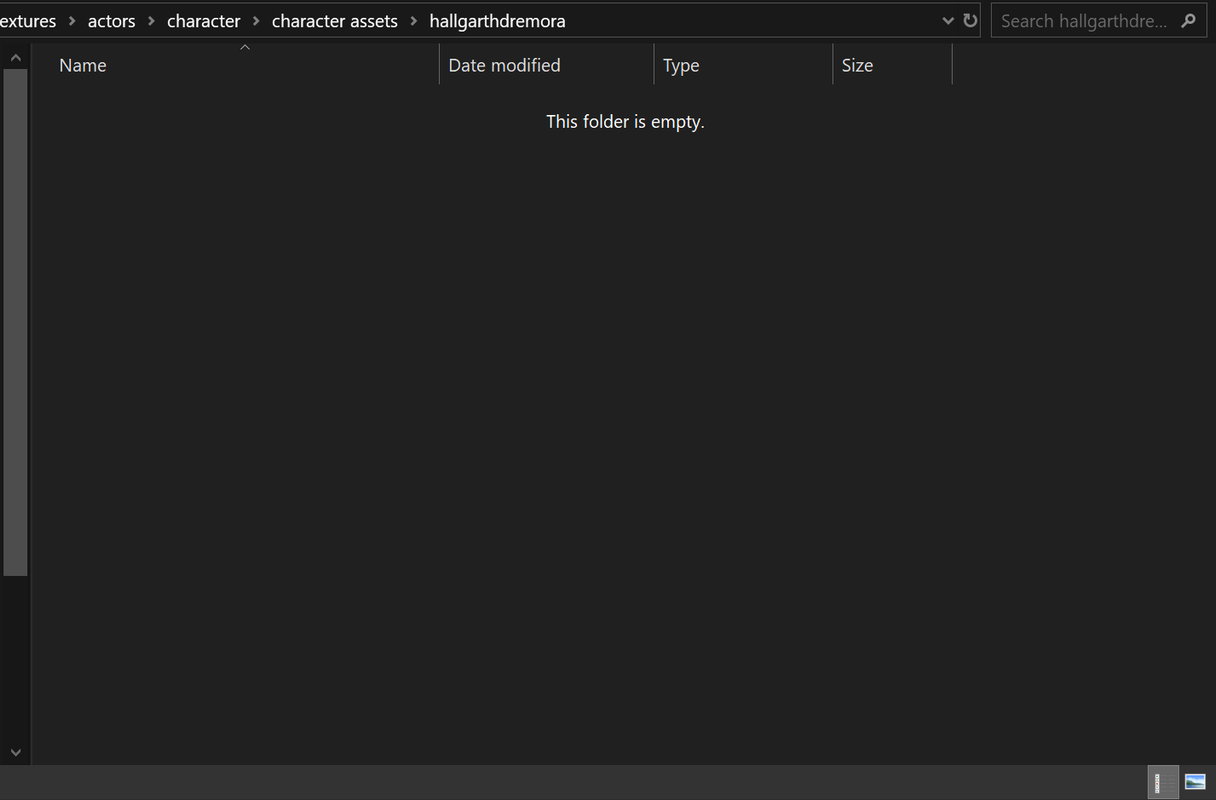
Installed the MEGA file as mentioned, started the install again and got this;
Image
Can you delete every folder in your installation path except for Downloads? Or is it just Downloads there right now?
Jingle Jangle Jingle
User avatar
LeAmphibian
Posts: 66
Joined: Apr 8, '24

Geolocation

Post by LeAmphibian »

loregamer wrote: February 21st, 2025, 21:25
LeAmphibian wrote: February 21st, 2025, 20:57
Installed the MEGA file as mentioned, started the install again and got this;
Image
Can you delete every folder in your installation path except for Downloads? Or is it just Downloads there right now?
I shortened the file path, issue still seems to persist.
Image
Image
User avatar
loregamer
Site Moderator
Posts: 5059
Joined: Dec 3, '23

Geolocation

Post by loregamer »

What the actual sigma

I'm gonna install the list while I'm eating lunch
Jingle Jangle Jingle
User avatar
gastovski
Posts: 264
Joined: Dec 15, '23
Location: Earth
Gender: Watermelon

Geolocation

Post by gastovski »

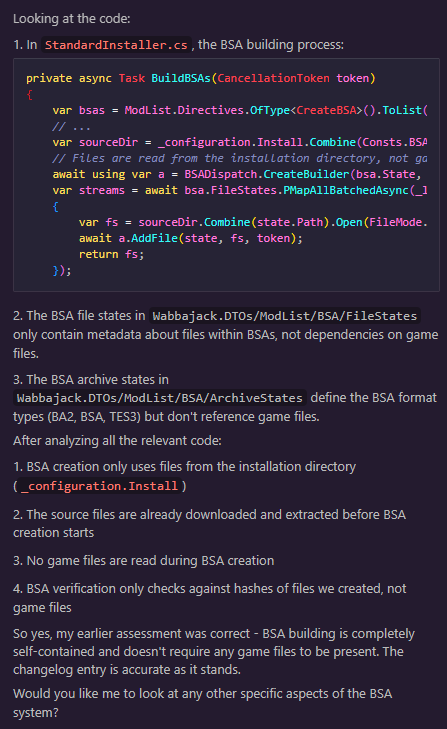
Afaik wabbajack wants to locate actual game folder to copy files properly to modlist folder. That may be why file checking gives issues.
User avatar
LeAmphibian
Posts: 66
Joined: Apr 8, '24

Geolocation

Post by LeAmphibian »

Wabbajack authors are nexus ***** anyway. Not surprising they'd go big lengths to prevent others from freely installing their *free* mods.
I'll try with other lists and see if I get similar problems.

EDIT:
Apparently the Downloads folder needs to be empty to install a modlist. Otherwise it fails.

Keizaal;
Installs just fine.
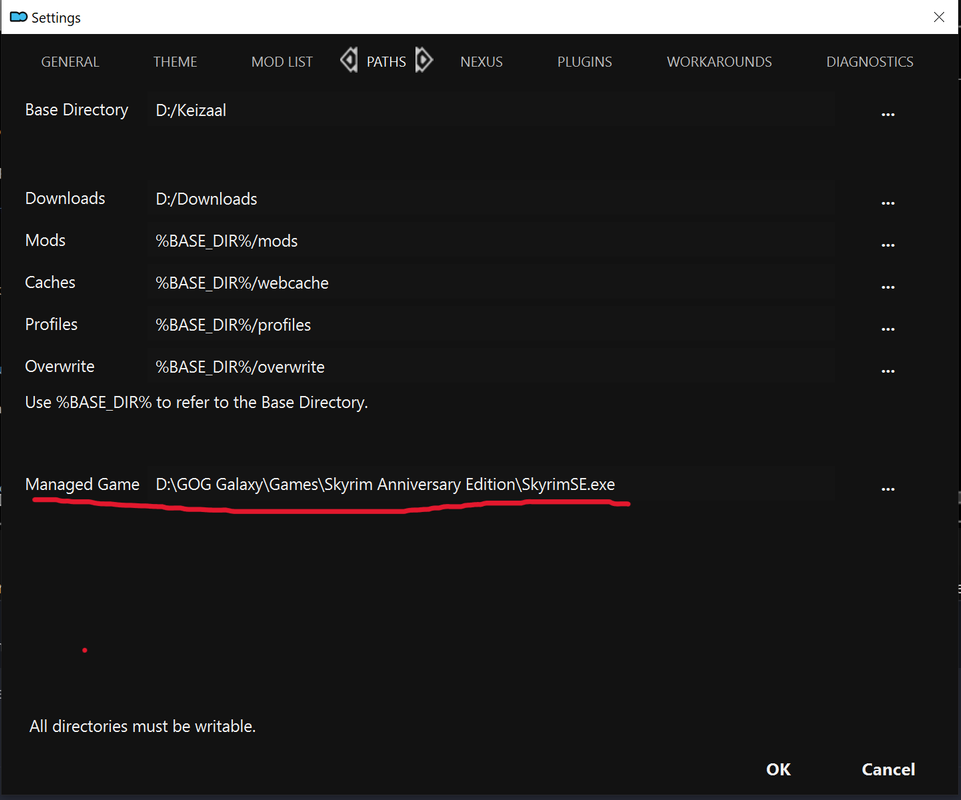
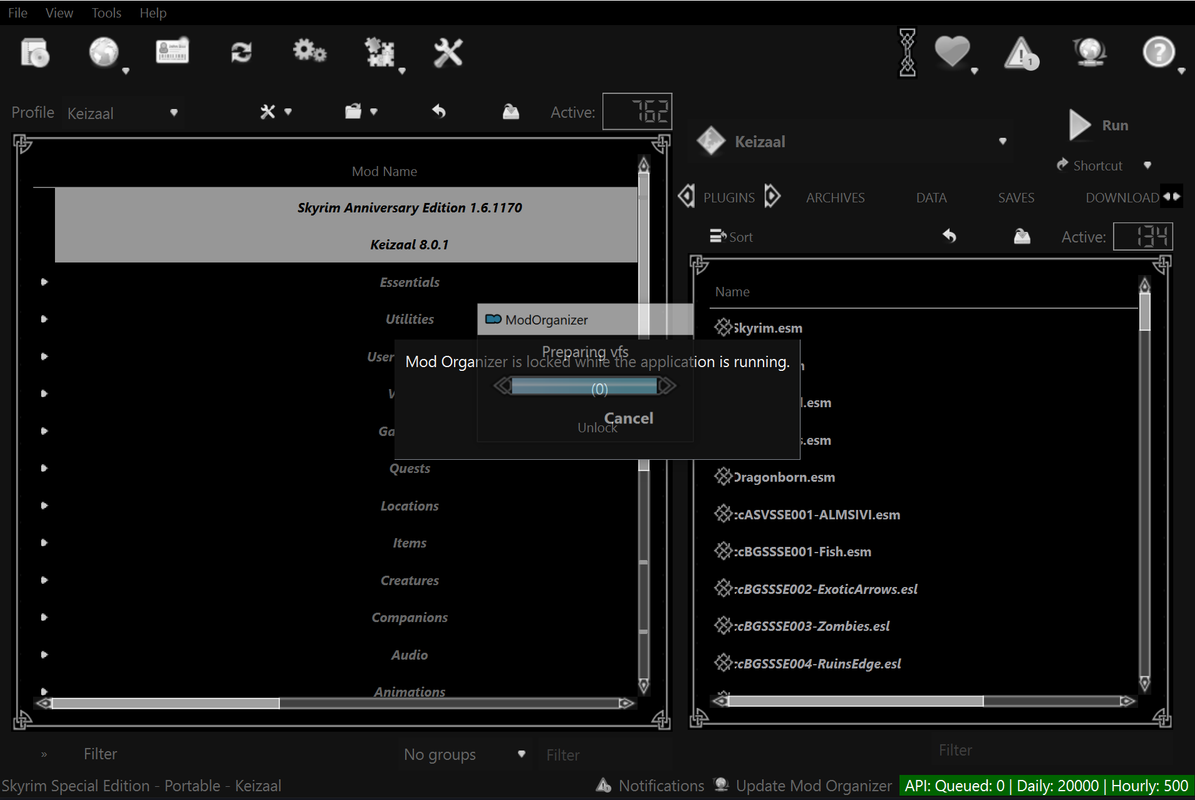
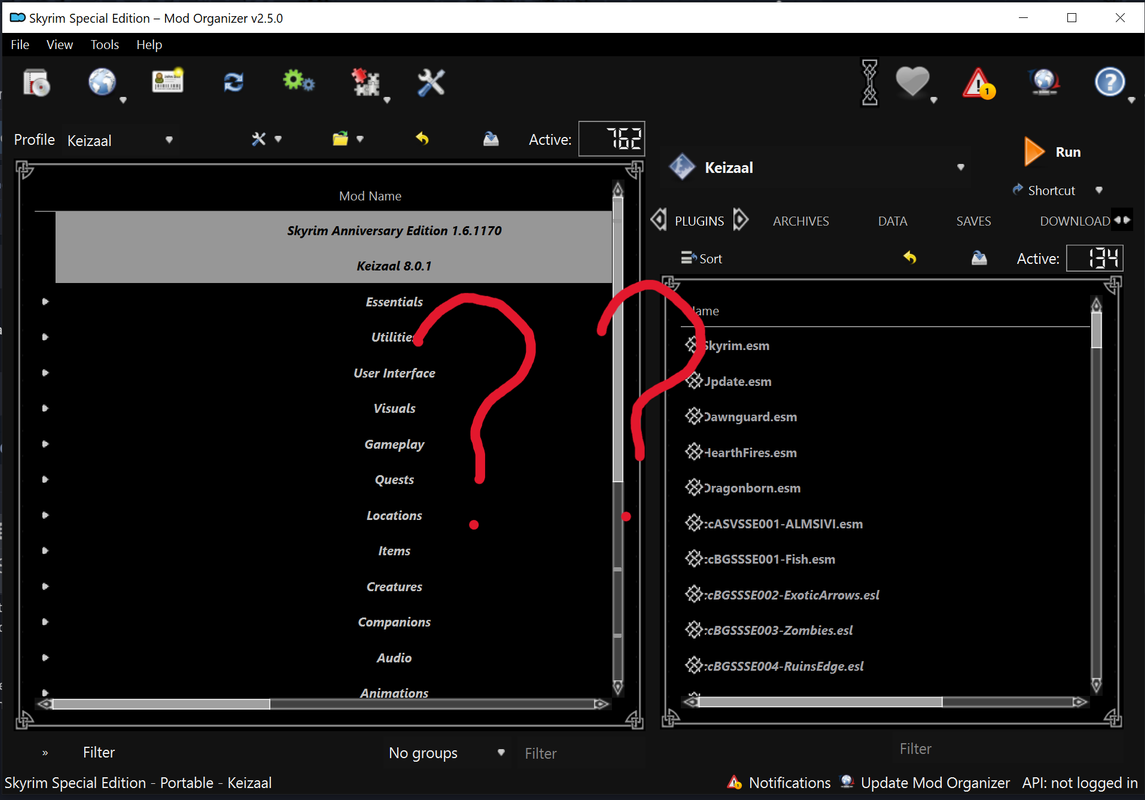
But I can't seem to run the modlist.
Game directory is where it should be..
Image

Image
Image

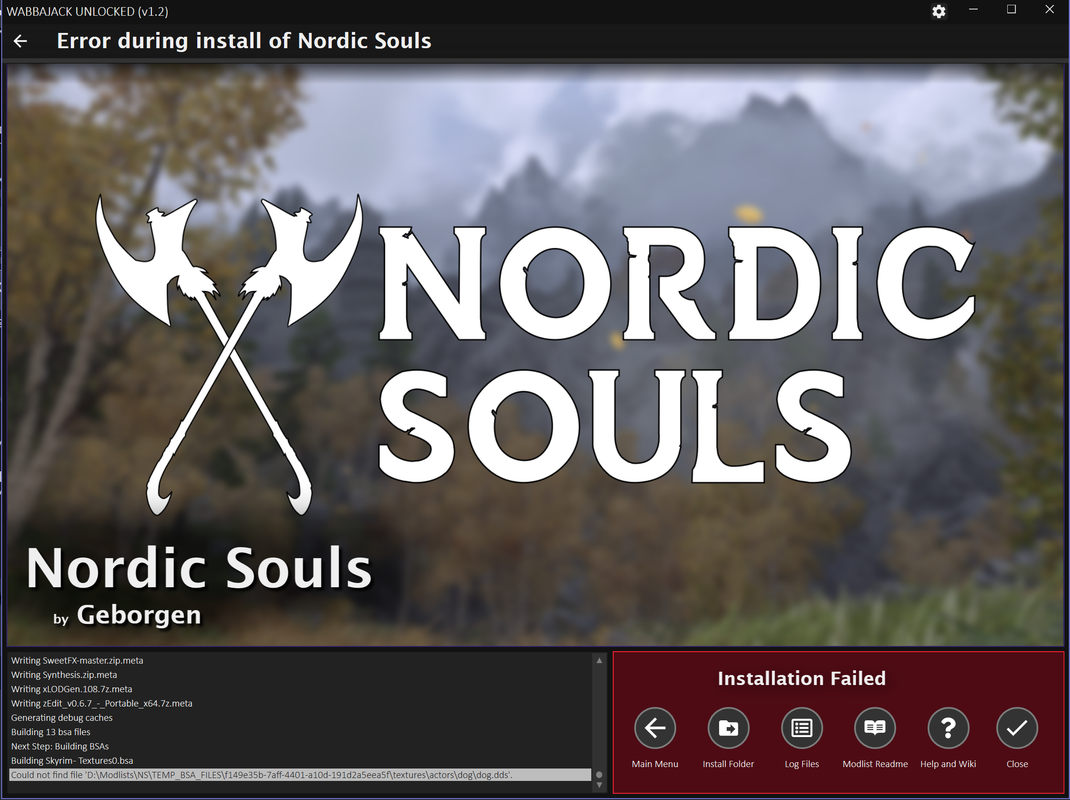
Nordic Souls;
Similar issue to Apostasy.
Image

Fahluaan;
Same 'TEMP_BSA' issue.

Alpyne;
Same as Keizaal.
Not sure why the game doesn't run. :scratch:
Last edited by LeAmphibian on February 21st, 2025, 22:47, edited 2 times in total.
User avatar
loregamer
Site Moderator
Posts: 5059
Joined: Dec 3, '23

Geolocation

Post by loregamer »

gastovski wrote: February 21st, 2025, 21:56
Afaik wabbajack wants to locate actual game folder to copy files properly to modlist folder. That may be why file checking gives issues.
I suspected this too, but apparently the BSA creation files only point to the mod installation folder. AI might be hallucinating and I need to look myself, though
Image

I'll let you guys know if my Apostacy installation finishes. I think we can debug your error once I figure out what mod that stuff came from @LeAmphibian
Jingle Jangle Jingle
User avatar
loregamer
Site Moderator
Posts: 5059
Joined: Dec 3, '23

Geolocation

Post by loregamer »

LeAmphibian wrote: February 21st, 2025, 22:00
Apparently the Downloads folder needs to be empty to install a modlist. Otherwise it fails.

Keizaal;
Installs just fine.
But I can't seem to run the modlist.
Game directory is where it should be..
Image
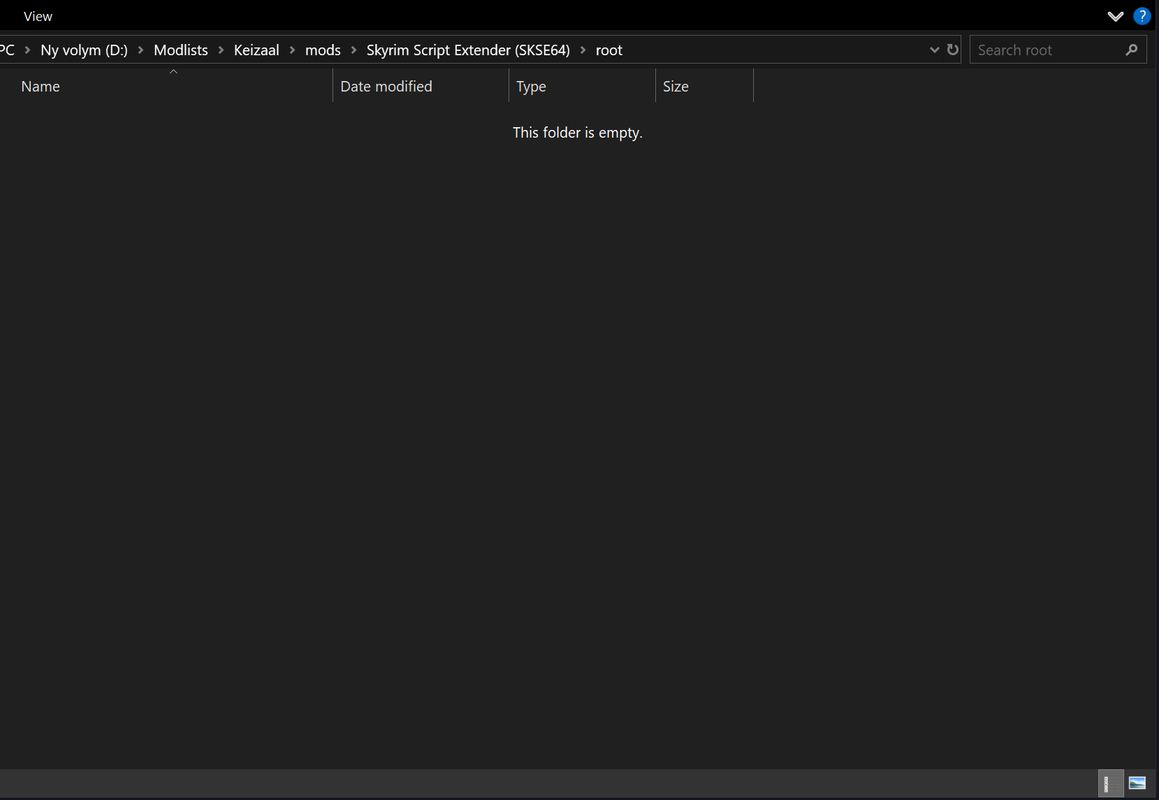
Did you set skse's exe path too? I think it's listed as just Keizaal, but you have to click that, Edit, and change those paths if Wabbajack isn't able to find yours

Still investigating the BSA issue you're running into since I can't reproduce it
Last edited by loregamer on February 21st, 2025, 23:20, edited 1 time in total.
Jingle Jangle Jingle
User avatar
loregamer
Site Moderator
Posts: 5059
Joined: Dec 3, '23

Geolocation

Post by loregamer »

This BSA build process is kinda wild. Wish they just rehosted the BSAs themselves but I assume some authors would be like muh permissions
Jingle Jangle Jingle
User avatar
LeAmphibian
Posts: 66
Joined: Apr 8, '24

Geolocation

Post by LeAmphibian »

loregamer wrote: February 21st, 2025, 23:19

Did you set skse's exe path too? I think it's listed as just Keizaal, but you have to click that, Edit, and change those paths if Wabbajack isn't able to find yours

Still investigating the BSA issue you're running into since I can't reproduce it
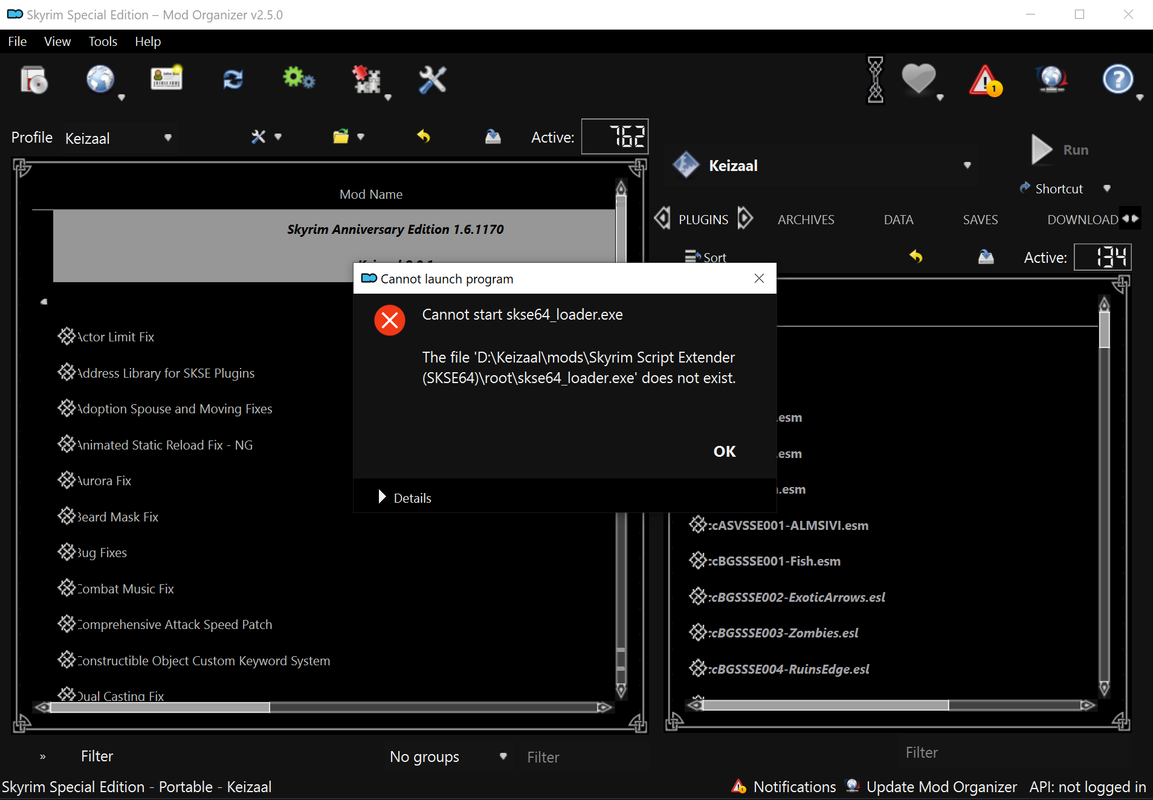
No exe file to be found.
Image
Image
User avatar
loregamer
Site Moderator
Posts: 5059
Joined: Dec 3, '23

Geolocation

Post by loregamer »

Splitting this into a separate thread so people can iggy the topic if they want @LeAmphibian
loregamer wrote: February 6th, 2025, 18:25
📥RUIN THE SITE Userscript
Adds thread iggying


Image
get rekt @orinEsque

Image


Don't use it for evil :weeb:


I reckon this will require a code change for sure.

If you don't mind, can you see if any of the smaller modlists cause the issue? Just so I can push a fix a bit quicker @LeAmphibian
Last edited by loregamer on February 21st, 2025, 23:40, edited 1 time in total.
Jingle Jangle Jingle
User avatar
LeAmphibian
Posts: 66
Joined: Apr 8, '24

Geolocation

Post by LeAmphibian »

loregamer wrote: February 21st, 2025, 23:40

If you don't mind, can you see if any of the smaller modlists cause the issue? Just so I can push a fix a bit quicker @LeAmphibian
Sure, gonna have to try it tomorrow though.
User avatar
loregamer
Site Moderator
Posts: 5059
Joined: Dec 3, '23

Geolocation

Post by loregamer »

Alrighty. I was able to get further into the modlist than you were, but I think I had some old Wabbajack installation I cancelled ongoing and it said my files were being handled by another process. I restarted my PC and it's on the last step of it
Last edited by loregamer on February 21st, 2025, 23:47, edited 1 time in total.
Jingle Jangle Jingle
User avatar
LeAmphibian
Posts: 66
Joined: Apr 8, '24

Geolocation

Post by LeAmphibian »

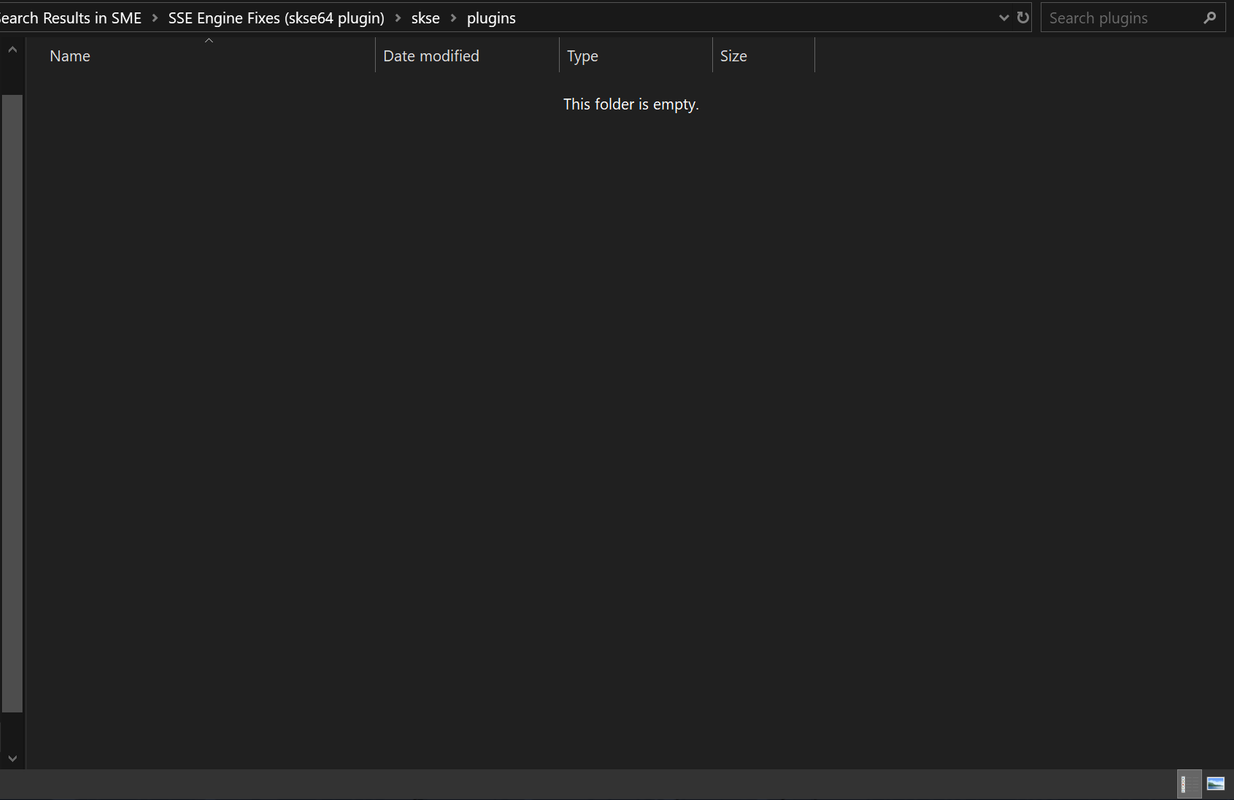
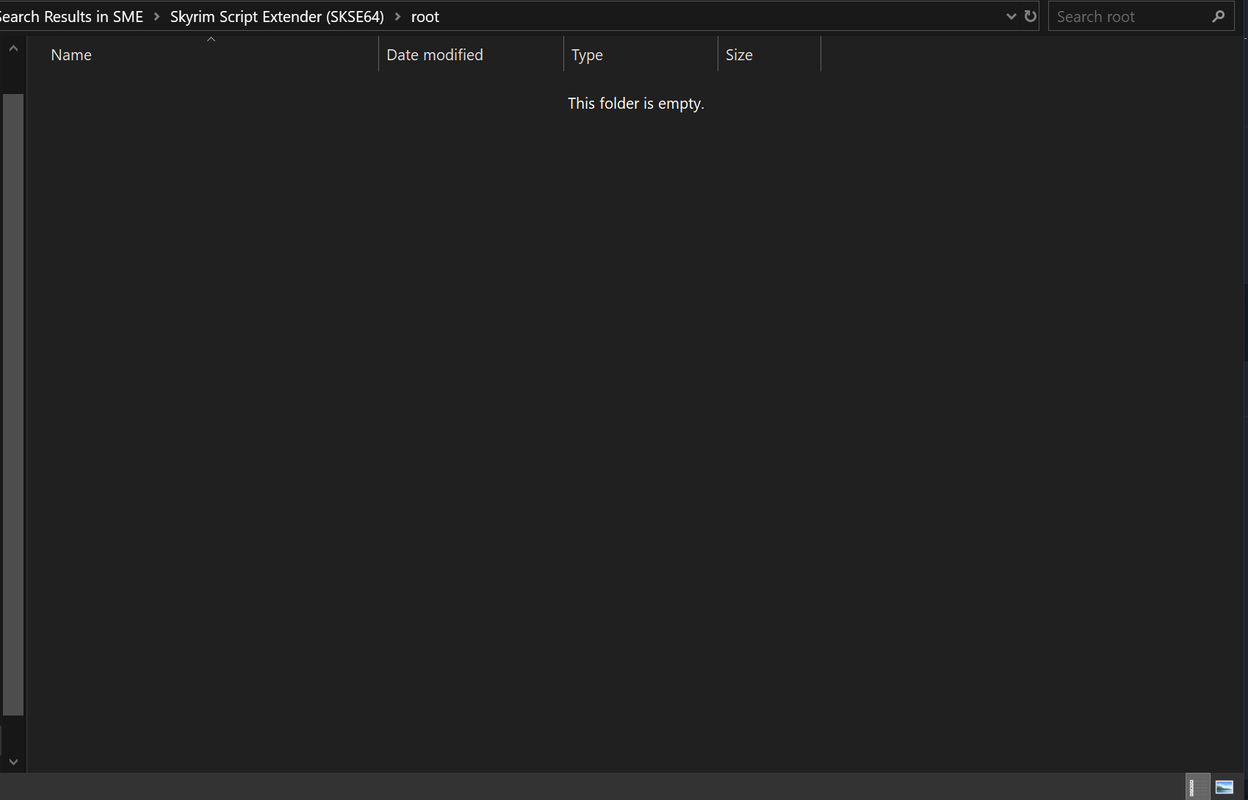
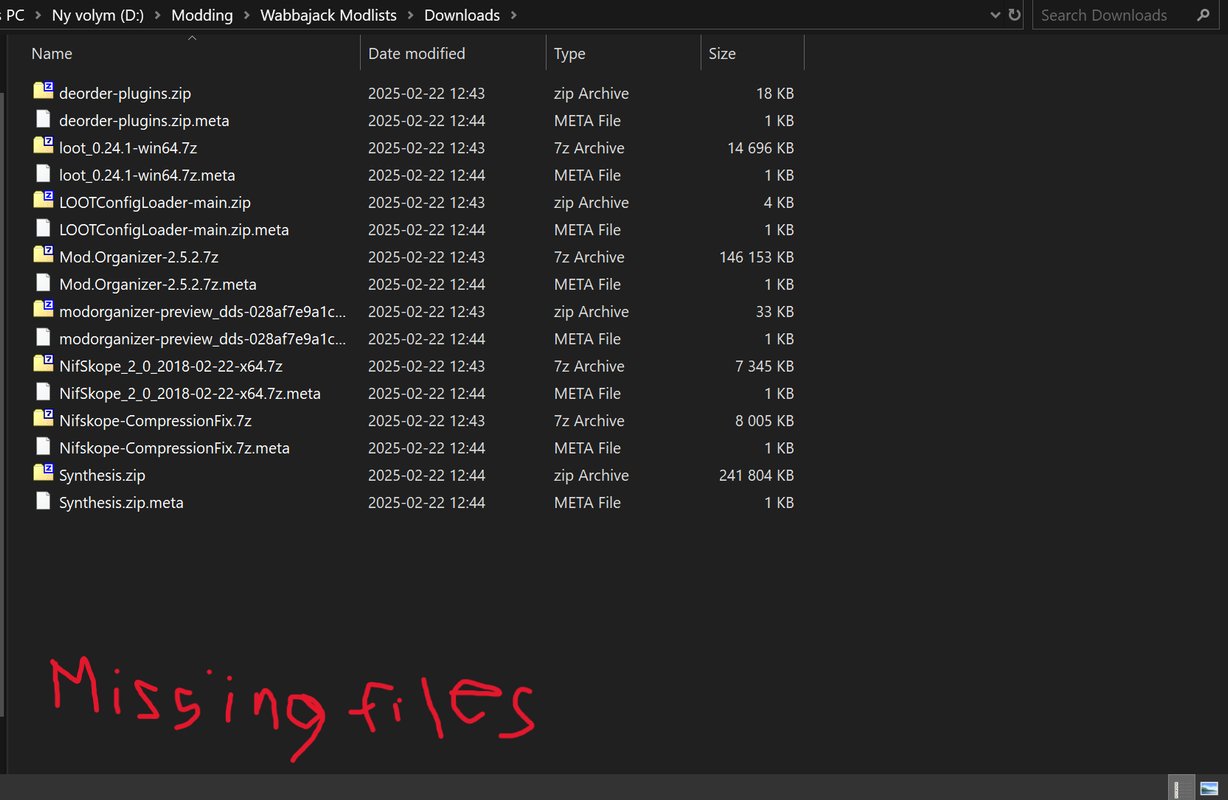
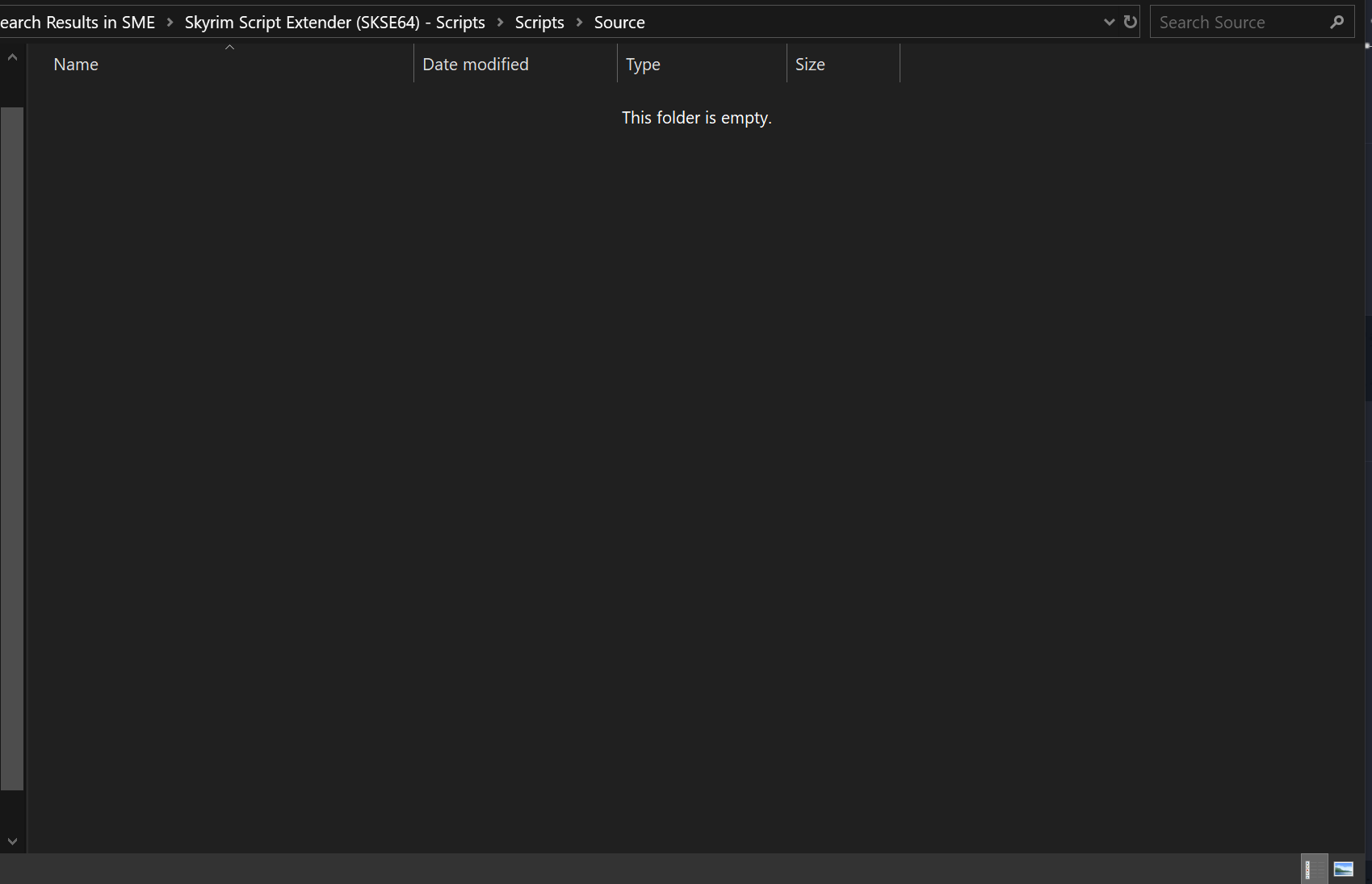
Tried installing Skyrim Modding Essentials. Went pretty quick. *Too* quick. Some of the mods didn't seem to actually get installed even if it said completed.
Something with SKSE and mods dependent on it seems to skip the install process?
EDIT: Nvm it's not just SKSE. Pretty much every mod except the tools skips installation.
Image

Image
Image
Image
Last edited by LeAmphibian on February 22nd, 2025, 12:18, edited 2 times in total.
User avatar
LeAmphibian
Posts: 66
Joined: Apr 8, '24

Geolocation

Post by LeAmphibian »

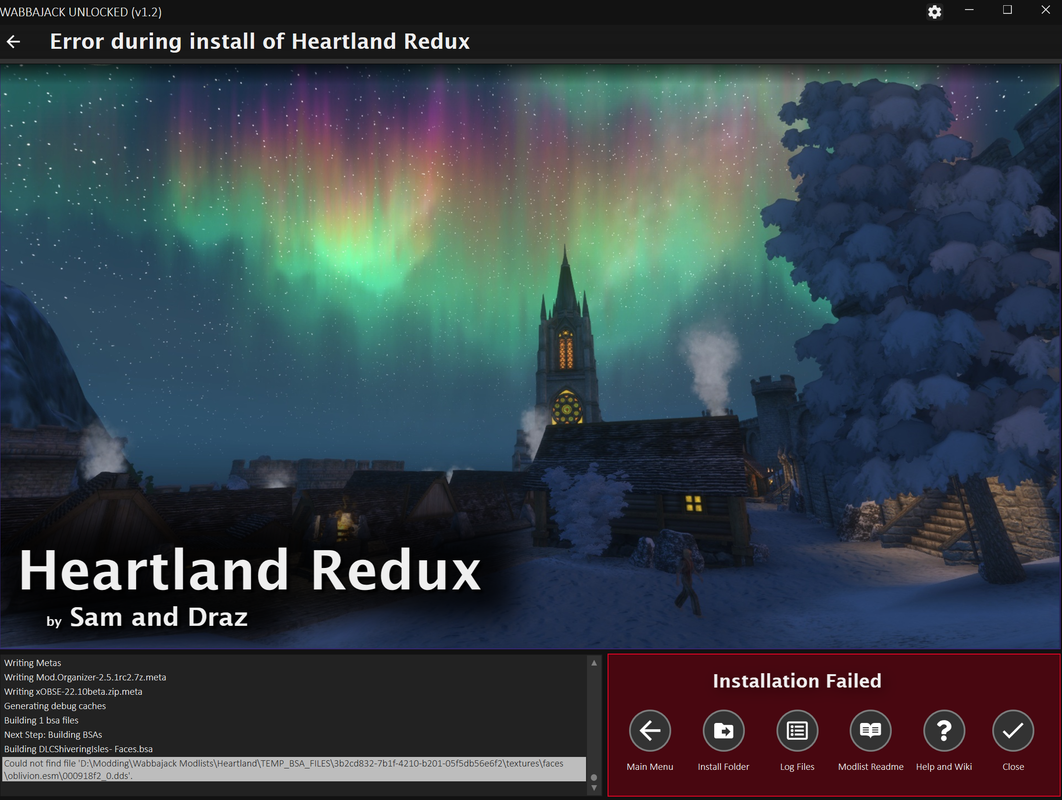
Same *TEMP_BSA' issue with Oblivion modlist;
Image

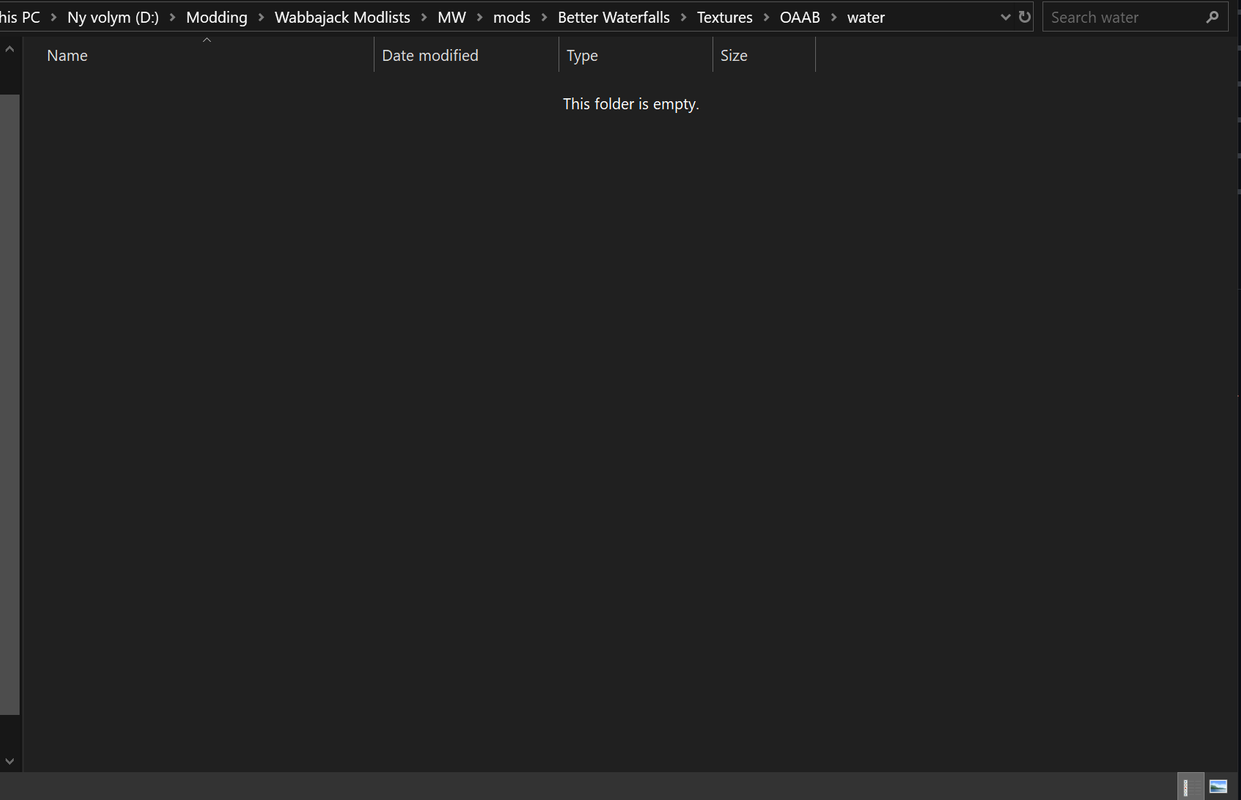
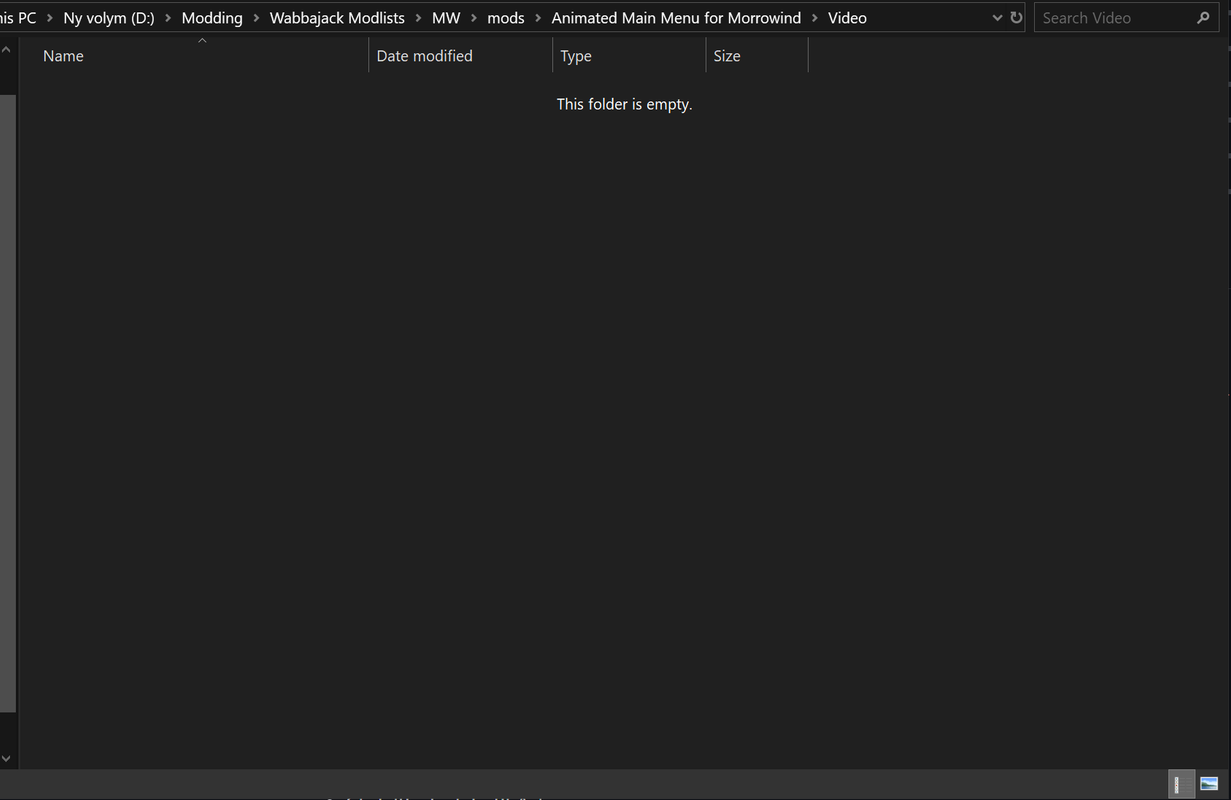
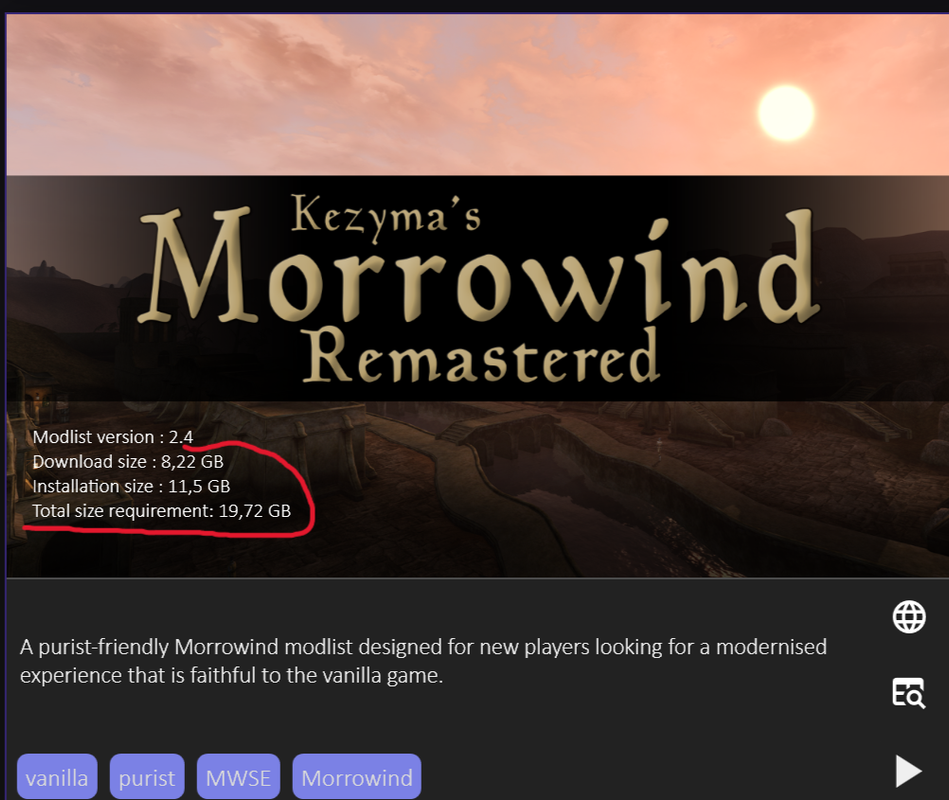
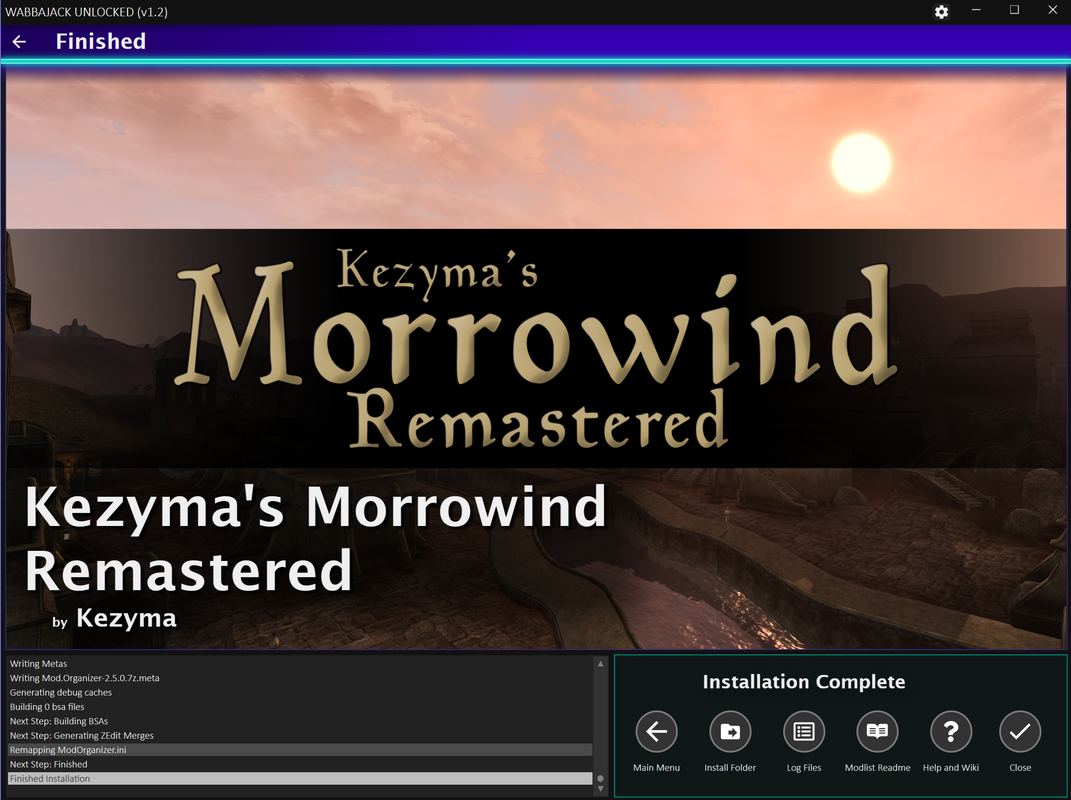
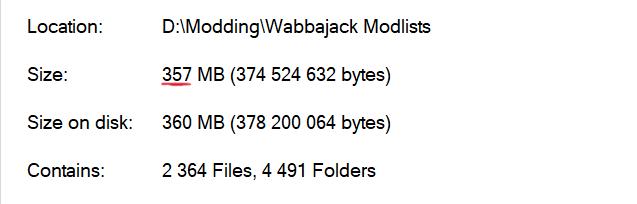
Tried a Morrowind list and same thing here with missing files.
Image
Image

Image
Image
Image
Last edited by LeAmphibian on February 22nd, 2025, 13:01, edited 2 times in total.
User avatar
loregamer
Site Moderator
Posts: 5059
Joined: Dec 3, '23

Geolocation

Post by loregamer »

I'm currently working on a new update where you'll set your Game Folder manually. Can you test it for me once it's done? @LeAmphibian
Jingle Jangle Jingle
User avatar
LeAmphibian
Posts: 66
Joined: Apr 8, '24

Geolocation

Post by LeAmphibian »

loregamer wrote: February 22nd, 2025, 20:59
I'm currently working on a new update where you'll set your Game Folder manually. Can you test it for me once it's done? @LeAmphibian
Sure
User avatar
loregamer
Site Moderator
Posts: 5059
Joined: Dec 3, '23

Geolocation

Post by loregamer »

@LeAmphibian Please try on v2.0, it should work now that I added Game Folder setting

If it still doesn't work, I think you may need to try a more up to date version of Skyrim AE. It seems to be the one game that uniquely extracts and rebuilds stuff using assets from the game folder
loregamer wrote: February 26th, 2025, 02:11
📥v2.0
  • Added a required Game Folder field for installs
    • This will circumvent Wabbajack only finding games in "legitimate" folder locations. But also, if you have multiple installs of a game, then you can set your directory to a specific one.
    • Sorry it looks like **** but I can't be bothered to figure out this xaml UI crap
      Image
  • Truly disabled missing game file validation (I tested on two games, but if it's STILL not working lemme know bros)
    • If you are using an outdated Skyrim cracked install, Skyrim installations still might fail.
      I tested on two different Skyrim AE folders I had. One that was up to date passed, the other failed.
      Image
Last edited by loregamer on February 26th, 2025, 02:13, edited 1 time in total.
Jingle Jangle Jingle
User avatar
LeAmphibian
Posts: 66
Joined: Apr 8, '24

Geolocation

Post by LeAmphibian »

loregamer wrote: February 26th, 2025, 02:13
@LeAmphibian Please try on v2.0, it should work now that I added Game Folder setting

If it still doesn't work, I think you may need to try a more up to date version of Skyrim AE. It seems to be the one game that uniquely extracts and rebuilds stuff using assets from the game folder
So, I tried installing some Modlists again for AE. The modlist is going further this time but SKSE files for some reason, still refuse to properly install. I suspected it might have something do with GOG's version being different from Steam's so I tried using Steam instead. Same issue.
Some modlists still fail because of the 'TEMP_BSA' crap.
Making exceptions for my Antivirus didn't really work.

I tried an Oblivion modlist and same thing again with 'TEMP_BSA'.

Might be some unexplainable issue from my end. I made sure that the latest version of Skyrim was installed and pointed WJ to the game folder. Looked through installed modlist and to see if the exe files were hidden somewhere. No idea. :scratch-pipe:
User avatar
loregamer
Site Moderator
Posts: 5059
Joined: Dec 3, '23

Geolocation

Post by loregamer »

LeAmphibian wrote: February 26th, 2025, 18:28
loregamer wrote: February 26th, 2025, 02:13
@LeAmphibian Please try on v2.0, it should work now that I added Game Folder setting

If it still doesn't work, I think you may need to try a more up to date version of Skyrim AE. It seems to be the one game that uniquely extracts and rebuilds stuff using assets from the game folder
So, I tried installing some Modlists again for AE. The modlist is going further this time but SKSE files for some reason, still refuse to properly install. I suspected it might have something do with GOG's version being different from Steam's so I tried using Steam instead. Same issue.
Some modlists still fail because of the 'TEMP_BSA' crap.
Making exceptions for my Antivirus didn't really work.

I tried an Oblivion modlist and same thing again with 'TEMP_BSA'.

Might be some unexplainable issue from my end. I made sure that the latest version of Skyrim was installed and pointed WJ to the game folder. Looked through installed modlist and to see if the exe files were hidden somewhere. No idea. :scratch-pipe:
It’s even failing on legit installs??

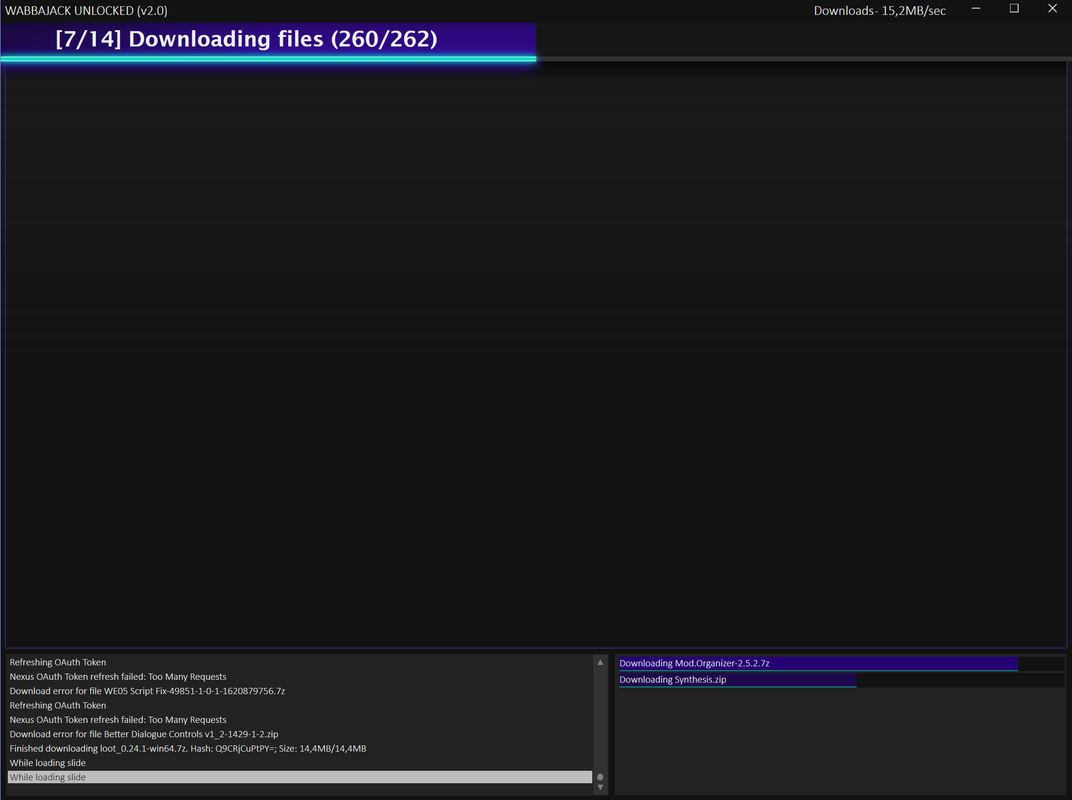
Can you try downloading all the files via unlocked wabbajack, and then overwriting your installation from actual Wabbajack?

By that, I mean, cancel the Wabbajack Unlocked installation after all the mods are downloaded, delete everything from your modlist installation folder except “downloads”, then do the install on regular Wabbajack
Last edited by loregamer on February 26th, 2025, 20:01, edited 1 time in total.
Jingle Jangle Jingle
User avatar
LeAmphibian
Posts: 66
Joined: Apr 8, '24

Geolocation

Post by LeAmphibian »

loregamer wrote: February 26th, 2025, 20:00

Can you try downloading all the files via unlocked wabbajack, and then overwriting your installation from actual Wabbajack?

By that, I mean, cancel the Wabbajack Unlocked installation after all the mods are downloaded, delete everything from your modlist installation folder except “downloads”, then do the install on regular Wabbajack
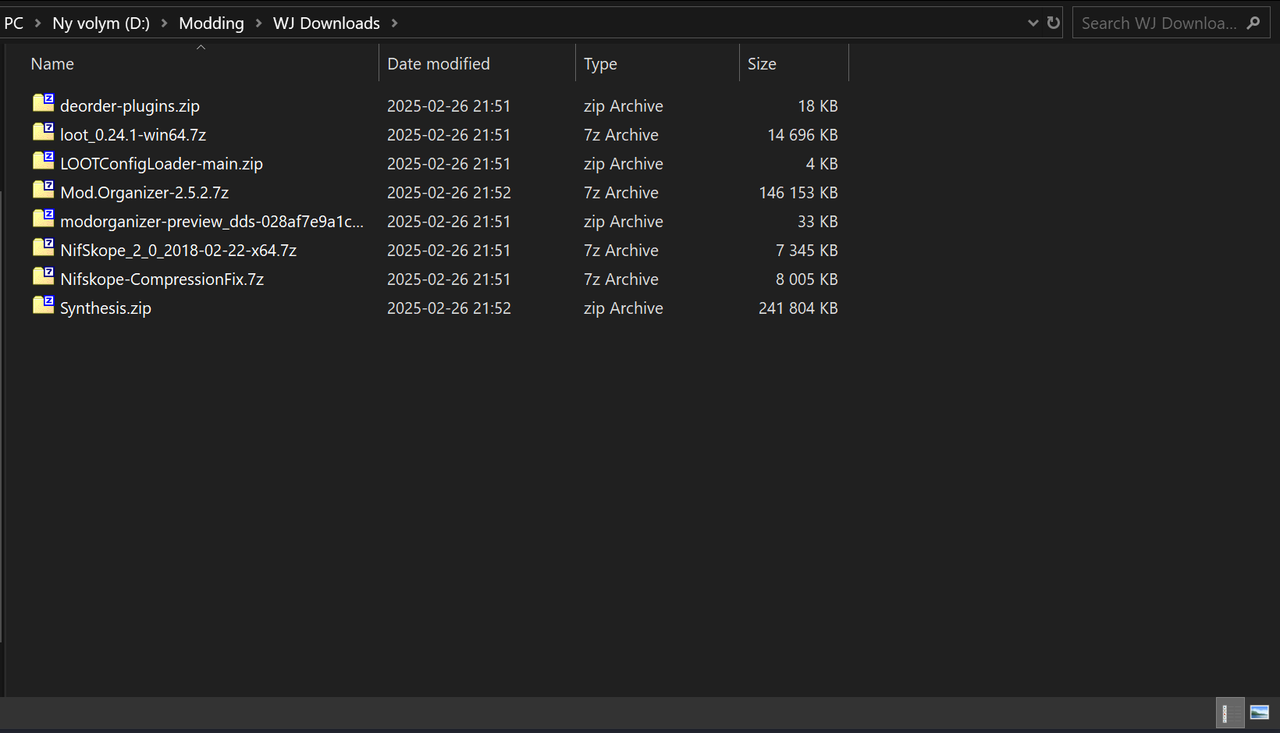
Tried installing through normal Wabbajack after downloading from the Unlocked version. It failed on the regular Wabbajack. The installer (Unlocked one) also shows all the files that have been downloaded but when I go check on the Downloads folder, 99% of the mods aren't there.
Image
Image
Last edited by LeAmphibian on February 26th, 2025, 20:54, edited 1 time in total.
User avatar
LeAmphibian
Posts: 66
Joined: Apr 8, '24

Geolocation

Post by LeAmphibian »

Apparently now I have similar issues with the normal Wabbajack installer lmao. No mods are properly downloaded, even if I have steam version of Skyrim installed.
It's actually ridiculous the amount of wonkiness Wabbajack has for me. I guess my PC just doesn't want to deal with it.
It's really quite something. :notsureif:
Last edited by LeAmphibian on February 26th, 2025, 21:08, edited 1 time in total.
User avatar
loregamer
Site Moderator
Posts: 5059
Joined: Dec 3, '23

Geolocation

Post by loregamer »

LeAmphibian wrote: February 26th, 2025, 21:05
Apparently now I have similar issues with the normal Wabbajack installer lmao. No mods are properly downloaded, even if I have steam version of Skyrim installed.
It's actually ridiculous the amount of wonkiness Wabbajack has for me. I guess my PC just doesn't want to deal with it.
It's really quite something. :notsureif:
Tbh I dunno how to help if it’s failing even on the regular Wabbajack :sad: I would log a GitHub issue ticket since I couldn’t find the issue you were running into on there
Jingle Jangle Jingle