@jebacdrkac
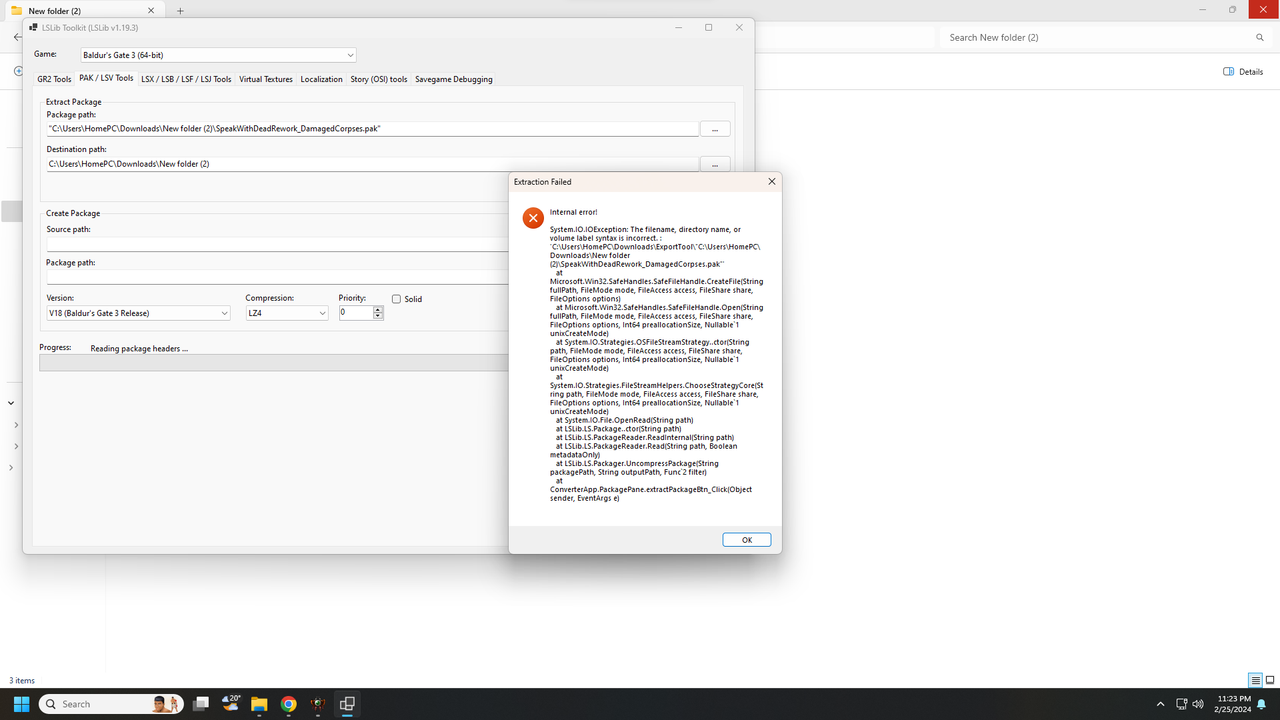
My first guess is that the destination path has spaces in it and there are no quotation marks bracketing it so the code can't identify it as a whole and is confused by thinking it's a path with subsequent switches/discriminators.
Try putting the full path in "quotes".
Good luck with the fix!
You may as well not bother replying to my posts if it's to argue anything except concrete facts or your personal opinion. I still probably won't see it.
Reject your retarded-wing political programming and learn to think.
If you can.
It looks like the path is messed up and has two paths, here. Is one meant to be input and one output?
You read Exception messages bottom up, here it's failing on CreateFile, with the path being dodgy.
Make sure the folder exists that you're wanting to save it to, too. Some apps are not smart enough to create the path up to where the file is supposed to be saved.
Last edited by Magick on February 26th, 2024, 00:40, edited 1 time in total.
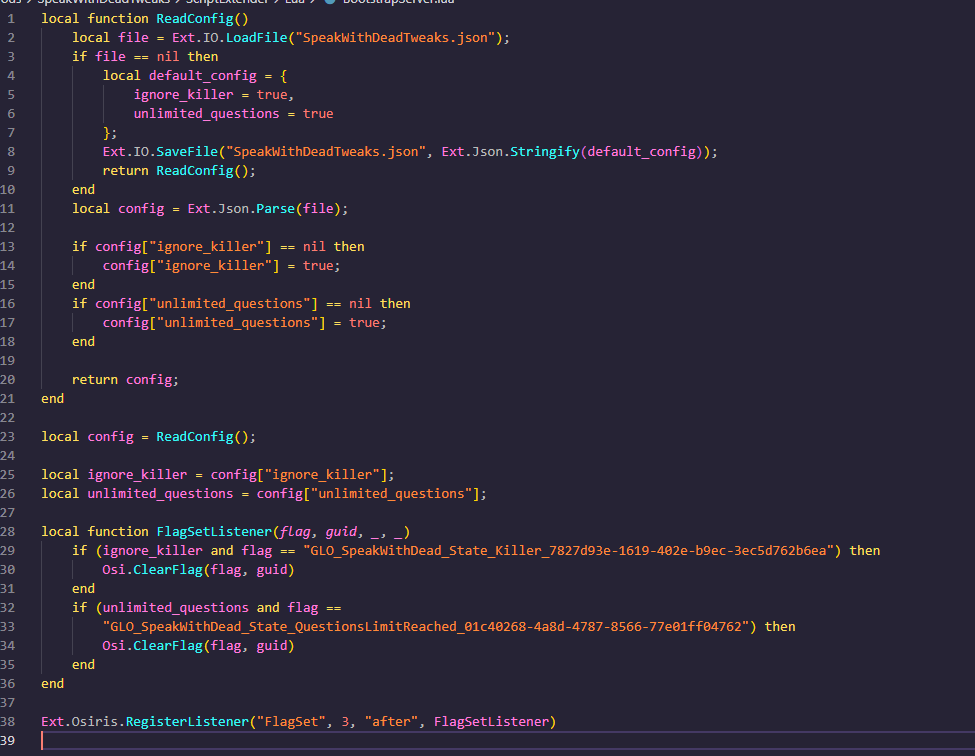
Oh hey the mod is actually super simple. Wonder why it broke though. Maybe the flag names changed?
BG3 Multitool worked but how did you even get this file xD?
I only got those three
Status.txt
► Show Spoiler
new entry "SPEAK_WITH_DEAD_RECAST"
type "StatusData"
using "SPEAK_WITH_DEAD_RECAST"
data "AuraStatuses" "TARGET:IF(Tagged('HASSWDDIALOG') and Dead() and not Tagged('BEAST') and not Tagged('UNDEAD') and not Tagged('CORPSE_SPOKEN') and not Tagged('BLOCK_SPEAK_WITH_DEAD') and not Player()):ApplyStatus(SPEAK_WITH_DEAD_INTERESTING)"
data "StatusGroups" ""
data "StatusPropertyFlags" "DisableCombatlog;DisablePortraitIndicator;DisableOverhead;IgnoreResting;ApplyToDead"
Spell.txt
► Show Spoiler
new entry "Target_SpeakWithDead"
type "SpellData"
using "Target_SpeakWithDead"
data "SpellType" "Shout"
data "SpellProperties" "ApplyStatus(SPEAK_WITH_DEAD_RECAST,100,-1)"
data "TargetConditions" "Self() and not HasStatus('SPEAK_WITH_DEAD_RECAST')"
new entry "Target_SpeakWithDead_FreeRecast"
type "SpellData"
using "Target_SpeakWithDead_FreeRecast"
data "SpellType" "Target"
data "TargetConditions" "not Tagged('CORPSE_SPOKEN') and not Tagged('BLOCK_SPEAK_WITH_DEAD') and ((Dead() and not Tagged('BEAST') and not Tagged('UNDEAD') and not Player()) or Tagged('ALLOW_SPEAK_WITH_DEAD')) and not HasStatus('SILENCED')"
Oh, my bad. It looks like that mod actually works, but I didn't download the additional file, which is, for whatever reason, optional and standalone. I've really finished two whole playthroughs and only realized it now.
Sorry for wasting everybody's time, I am such a moron lol but well at least I learned how to unpack files
Oh, my bad. It looks like that mod actually works, but I didn't download the additional file, which is, for whatever reason, optional and standalone. I've really finished two whole playthroughs and only realized it now.
Sorry for wasting everybody's time, I am such a moron lol but well at least I learned how to unpack files