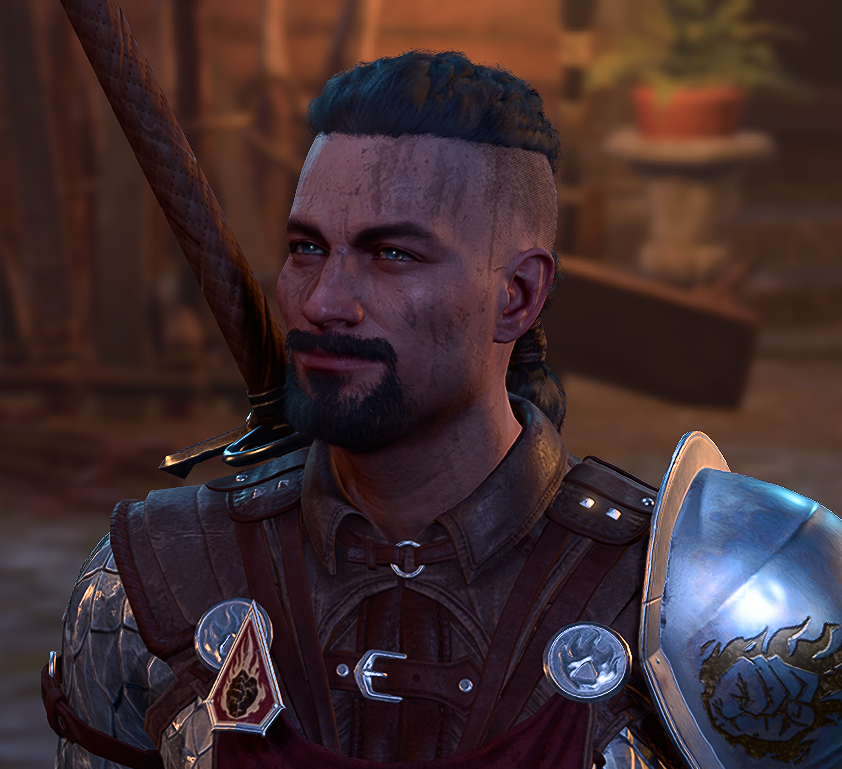

You may already be doing it or something similar, but I'll structure it like a step-by-step for anyone reading it and being interested in the process.
- First, use Norbyte's LSlib Toolkit's "PAK / LSV Tools" to extract the relevant .pak's. This isn't always obvious, but let's focus on "random people in the game world", so we extract Gustav.pak, the .pak that contains most campaign-specific data for the main campaign, to an arbitrary location, a work folder.
- We know that the vast majority of characters for the game are in here somewhere, in one of the _merged.lsf files. But we can't read those files yet. So we use the Norbyte's LSlib Toolkit's "LSX/LSB/LSF/LSJ Tools" to batch convert everything we have extracted. We take the folder we extracted the game into and use as both "Input" and "Output", and then we select Input Format as "LSF (binary) file" and Output Format as "LSX (XML) file". We hit convert and it will convert all LSF files in all the subdirectories into LSX files we can work with.
- We now go to do this; we open up the start menu in Windows 10/11, we search for "Indexing Options". We pick "Modify" and add the folder that we extracted to and then converted everything in. We then go back and pick "Advanced", and then the "File Types" tab at the top. We then "Add new extension to list" in the form of "lsx" and make sure that the extension is set to "Index Properties and File Contents".
- At this point, we give the computer time to re-index everything it needs to index. We're potentially talking about thousands of files, or tens of thousands. But just give it some time.
- We made sure that we have a readable english.xml/english.loca for reference purposes. Just use Norbyte's to extract the English.pak, and then the "Localization" tab in the same program to convert english.loca to english.xml, and then open it up in Notepad++ or whatever you want to use.
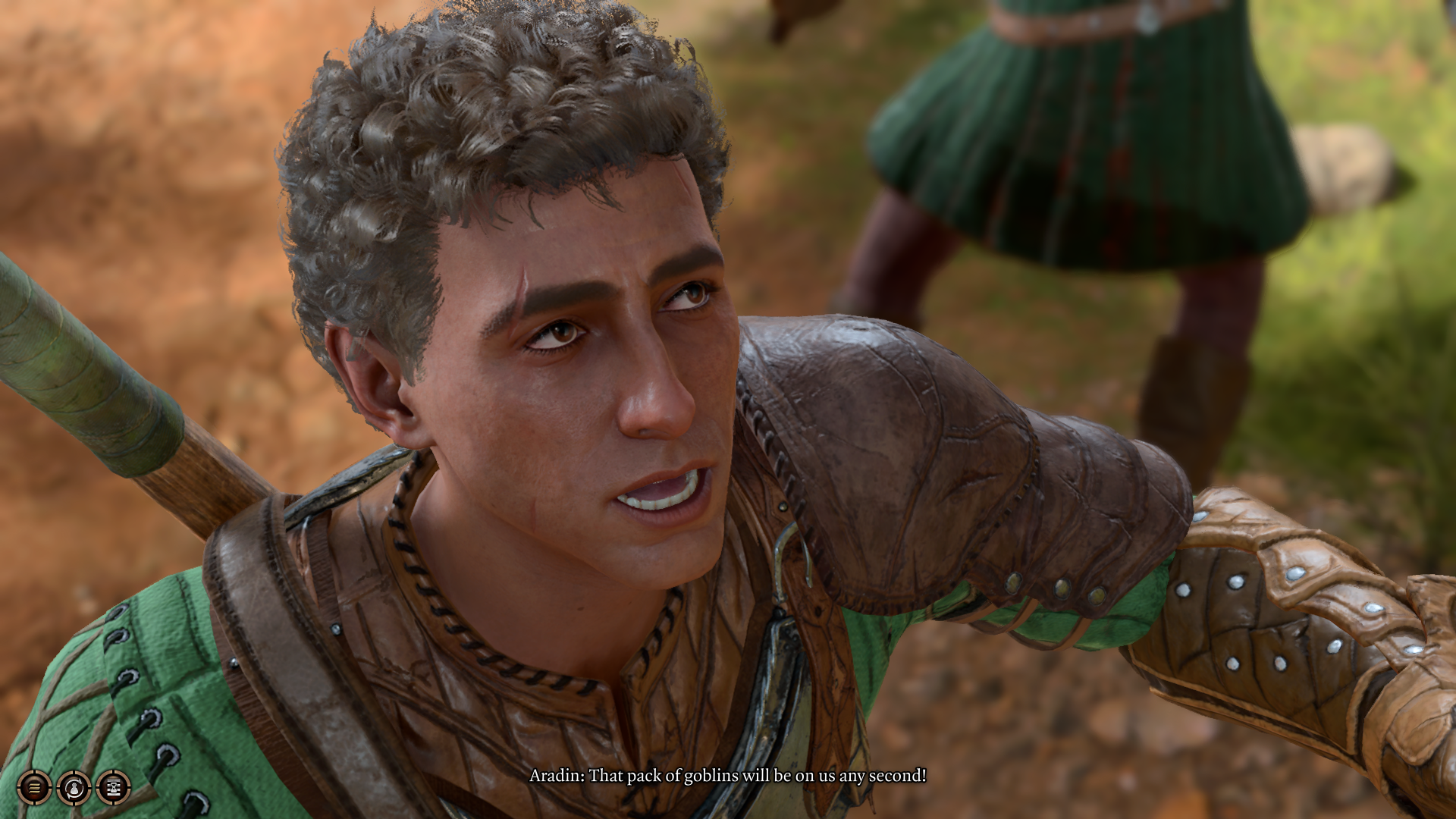
- We find an unsuspecting NPC. For the purpose of this demonstration, I have chosen Aradin.
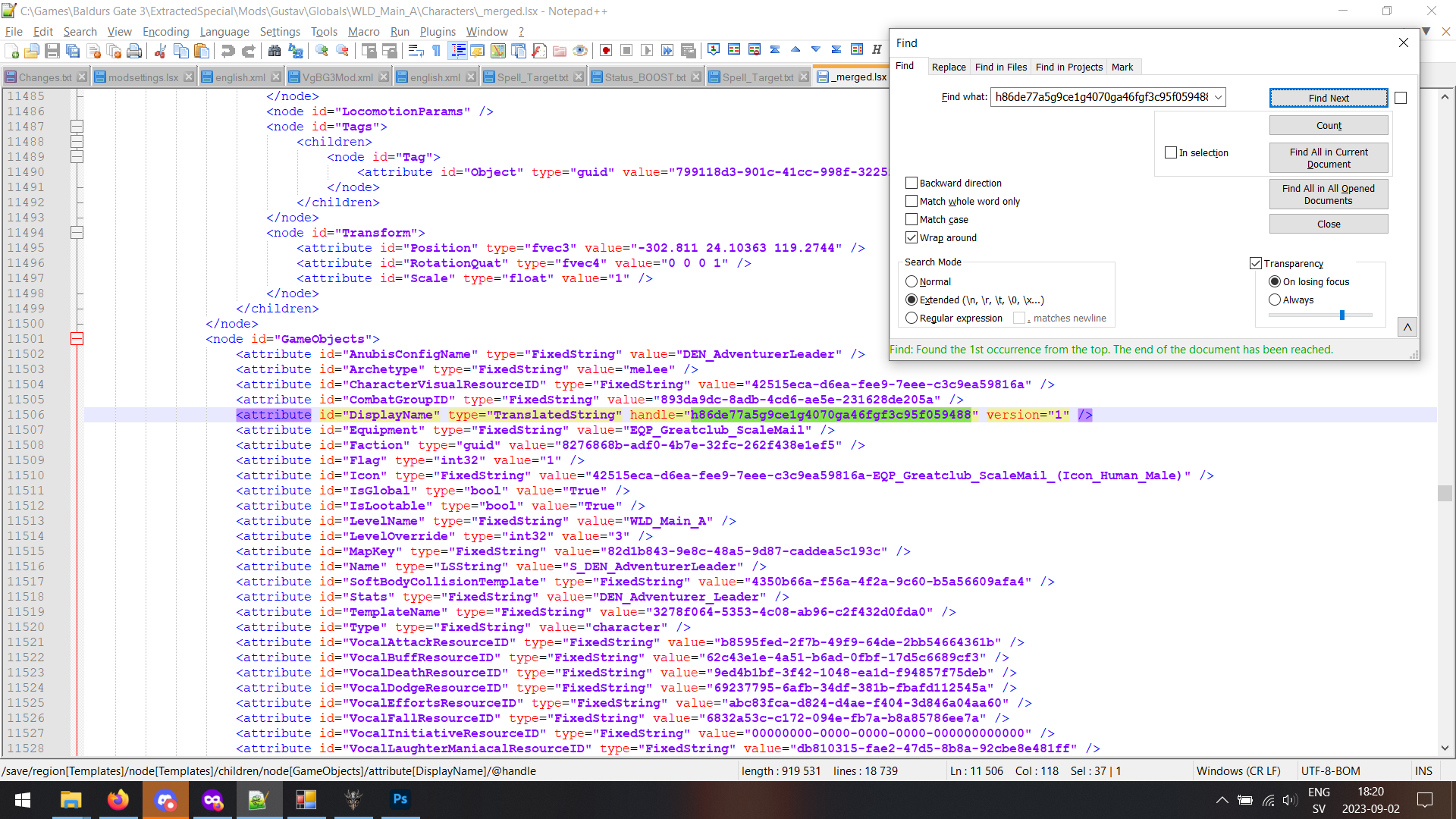
- We check english.xml. We know that Aradin is Aradin because this is his name that shows up both in dialogue and when we hover over him in the game, and because this happens, we know that this has to be referenced by a unique ID in the game; it's just how the game functions. So we search english.xml for a string that ">Aradin<"; if we search for just "Aradin", we will get a bunch of false positives. By including the brackets, we know that that is the entire string. Voila: Aradin's contentuid is "h86de77a5g9ce1g4070ga46fgf3c95f059488", on row 116116 (for me).
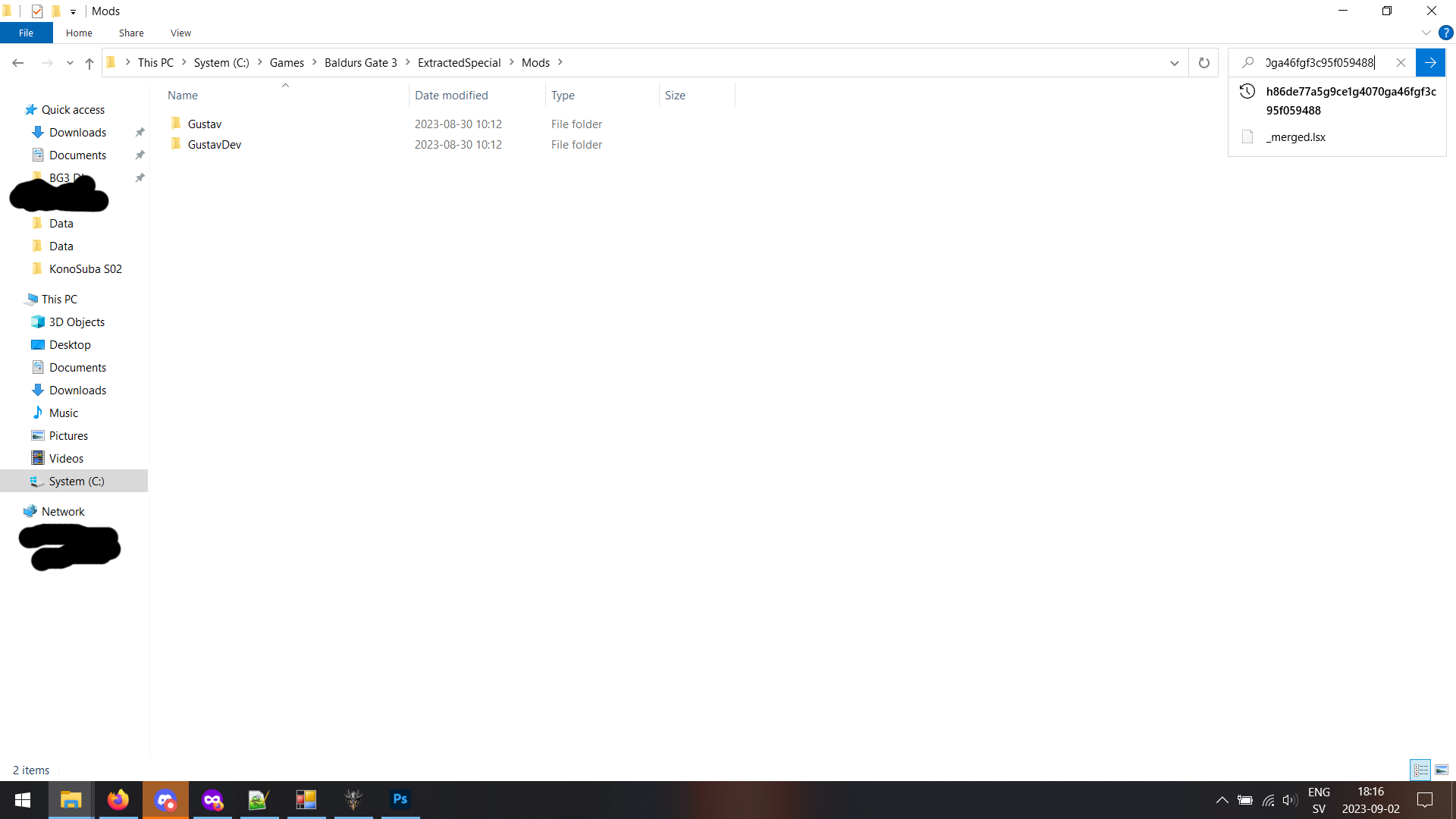
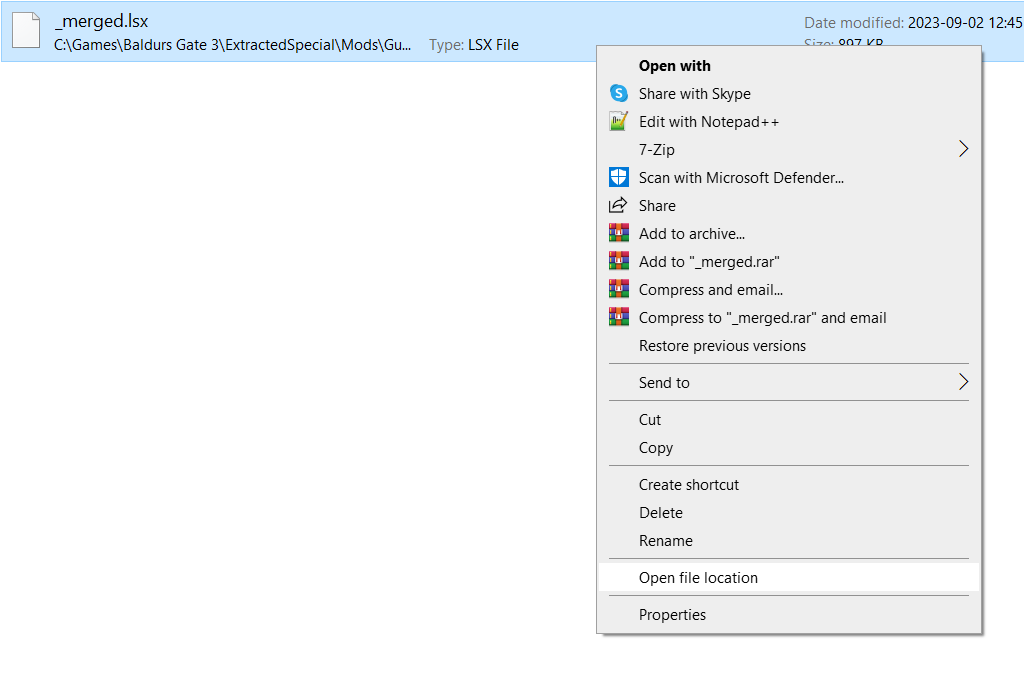
- Knowing this, and having let Windows index all the files in the extracted folder, and reading the content of all the .lsx files, we can now search for "h86de77a5g9ce1g4070ga46fgf3c95f059488" through Explorer, then go to the file, and open it up in Notepad++ or equivalent.
- We can then search that file specifically for "h86de77a5g9ce1g4070ga46fgf3c95f059488", again, the localization contentuid we know Aradin has.
- And there we have it. We now know that Aradin's internal name is "DEN_AdventurerLeader" and/or "S_DEN_AdventurerLeader".
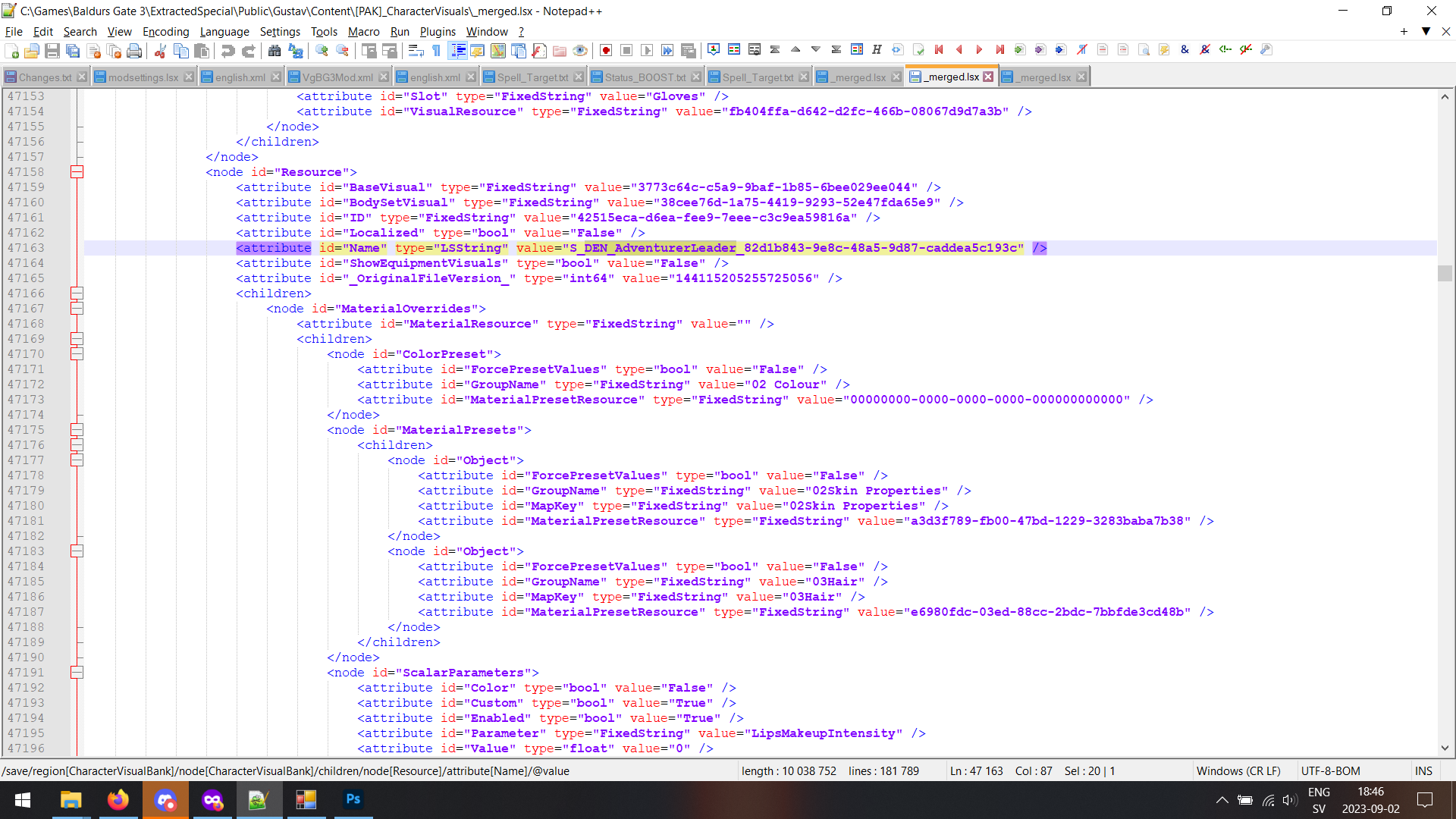
- Knowing this, we can now search the appropriate .lsx files for this name. I forgot to include these folders for conversion and indexing earlier because I'm a stupid ******* idiot, but it's almost invariably either \Public\Gustav\Content\[PAK]_CharacterVisuals\_merged.lsf/.lsx or the exact same except \GustavDev\.
- So we open up the \Gustav\ one, search it for DEN_AdventurerLeader, and.. boom! There's all the cosmetic settings for Aradin.
I have yet to see any good guides on this sort of editing or where to find stuff or how to edit certain aspects of the character visuals, which is why Wyll mod still relies on completely replacing the model for the hair he is using instead of just changing what hair he actually uses.