Downloads
| Files | Version |
|---|---|
 Stealthy MO2 Plugin Stealthy MO2 Plugin | 0.4 |
► Old Versions
Installation
- Download Mod.Organizer-2.5.2.7z (The portable version)
- Extract the contents anywhere
- Download the plugin
- Drop the "plugins" folder into your MO2 folder
- Start ModOrganizer2.exe
How It Works
This implements a new 3rd party mod method to integrate mods completely externally of the game. Instead of overriding the game's modsettings.lsx file, this plugin is setting the base game's dependencies to include your mod PAK files. You won't need to toggle the mods on since they are essentially being loaded as base game DLCs.
You'll be able to join each other in multiplayer or join lobbies with mods the host doesn't have installed, for the same reason you can connect to lobbies without everyone having the Dice DLC.
Usage
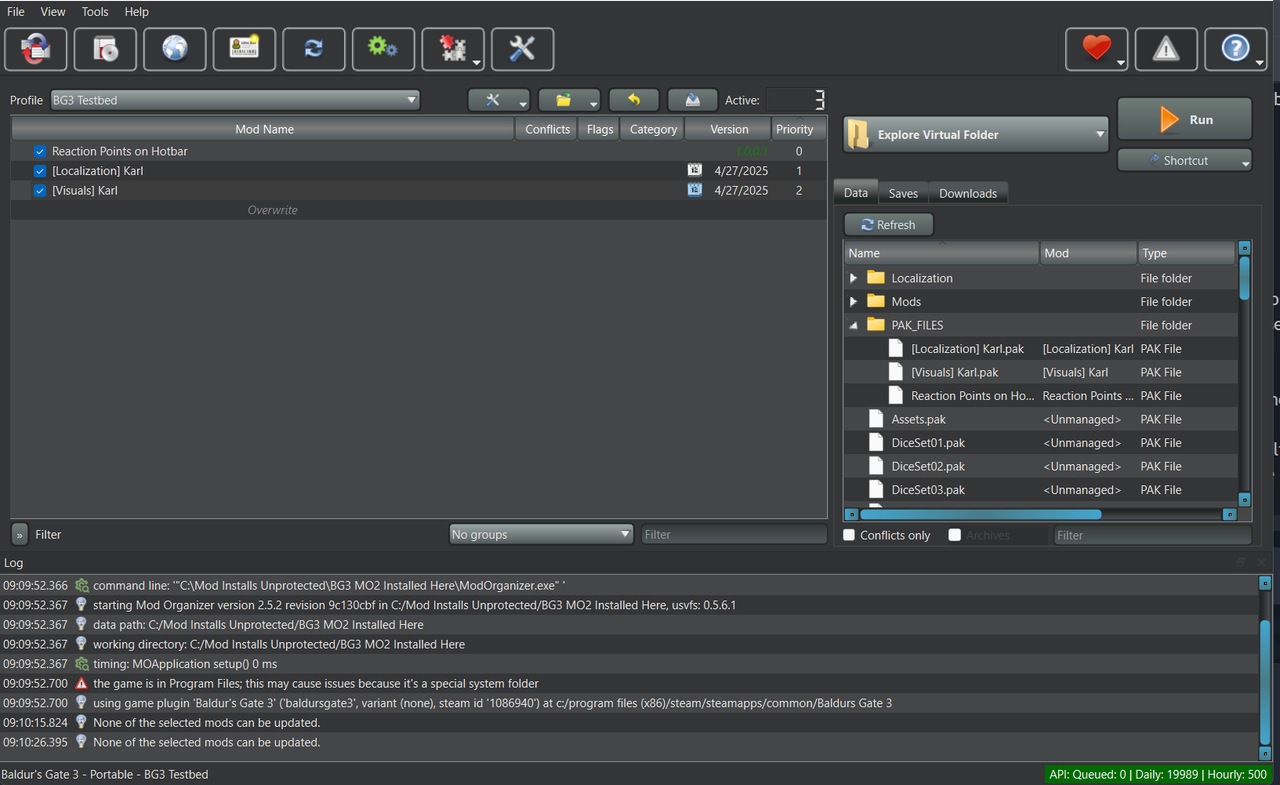
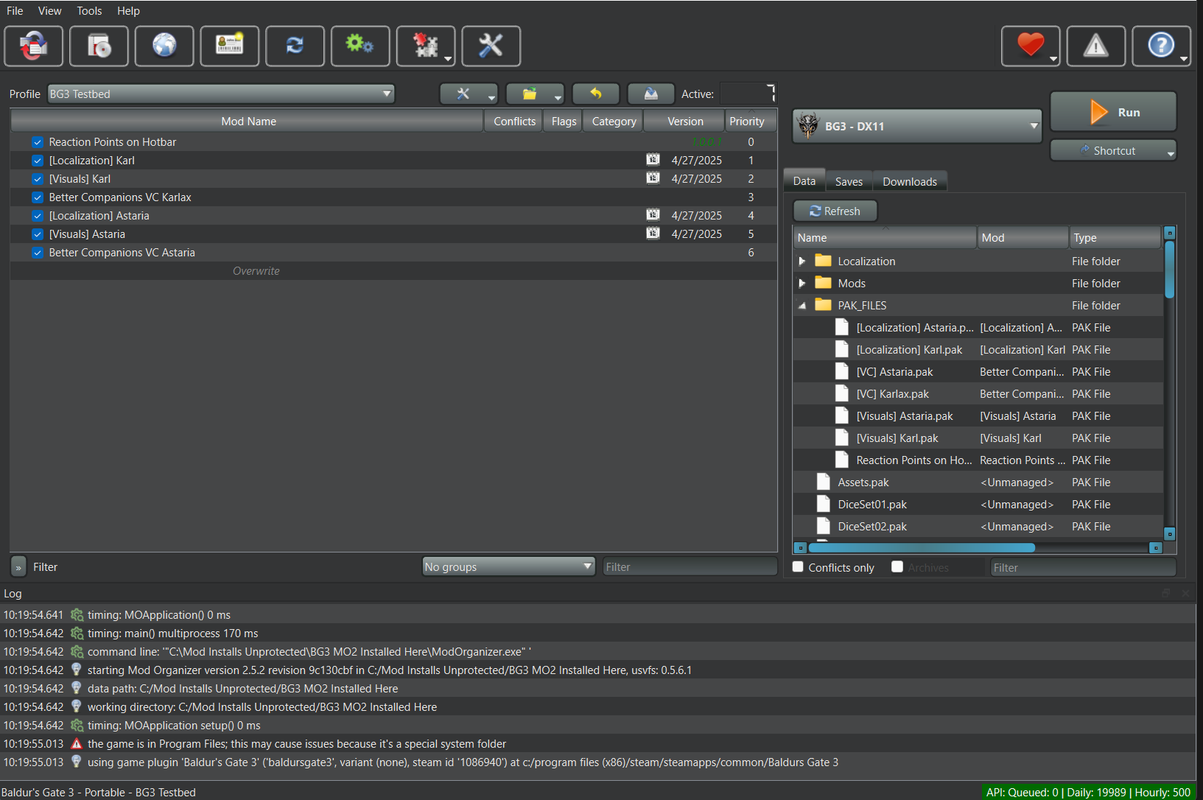
I don't feel like doing a full tutorial of how MO2 works right now tbh. If you've used it before, all you need to know is your MO2 order will be what's exported as your game's load order. Move things around so they are correct there.
NOTE: Do not merge multiple PAK files into one mod. Make each row for one PAK file each!
Drawbacks
Mods that utilize Osiris Scripting will not work. They will need to be enabled normally in BG3 Mod Manager.
To Do
- Make big modlist and upload
- Recruit some Pythonfag who finds this to improve the plugin since I don't wanna
Known Issues
- If a mod had GustavX.pak as a dependency, then your game will crash. This is because it causes a circular dependency issue, as it's GustavX.pak that we're overriding FIXED IN v0.2
Credits
Stole code from some guy's unofficial plugin on github. Thank you kind stranger
https://github.com/Alvadus/BG3-MO2-Unofficial-Plugin







 How do you install Script Extender the right way with MO2 loregamer's edition + Root Builder?