
We have a Steam curator now. You should be following it. https://store.steampowered.com/curator/44994899-RPGHQ/

Hijimare's NPC Visual Overhaul Enhanced — Baldur's Gate 3
Looking for the download?
This mod's files are on ModHQ.
Go to mod page
Moderator: Mod Janitor
-
Machpella

- Posts: 3
- Joined: Sep 22, '25
-
Geolocation

Mod seems to be busted, no matter what i do, when i put the update file in my load order, the game is just stuck at 93% loading. And without the update theres no changes at all.
-
loregamer

- Site Moderator
- Posts: 5067
- Joined: Dec 3, '23
-
Geolocation


Send load order screenshotMachpella wrote: ↑ September 22nd, 2025, 20:43Mod seems to be busted, no matter what i do, when i put the update file in my load order, the game is just stuck at 93% loading. And without the update theres no changes at all.
Jingle Jangle Jingle
-
Machpella
- Posts: 3
- Joined: Sep 22, '25
-
Geolocation
loregamer wrote: ↑ September 22nd, 2025, 20:48Send load order screenshotMachpella wrote: ↑ September 22nd, 2025, 20:43Mod seems to be busted, no matter what i do, when i put the update file in my load order, the game is just stuck at 93% loading. And without the update theres no changes at all.


Last edited by rusty_shackleford on September 23rd, 2025, 15:08, edited 1 time in total.
-
CheesusCrust

- Posts: 604
- Joined: Nov 6, '23
- Location: Nobere's two dads' bedroom
-
Geolocation
Machpella wrote: ↑ September 22nd, 2025, 20:43Mod seems to be busted, no matter what i do, when i put the update file in my load order, the game is just stuck at 93% loading. And without the update theres no changes at all.
not a modder, but that **** solved "stuck at X%" case for me, so i'll drop it here just in case
1. save your current load order in BG3MM (File -> Export Order to Text File, it'll create a .tsv file), exit BG3MM (not optional, close this ****)
2. delete modsettings.lsx (AppData/Local/Larian Studios/Baldur's Gate 3/PlayerProfiles/Public)
3. open the game mods-free, exit the main menu screen right after
4. open BG3MM, you'll see your mods re-arranged in alphabet order and inactive (aka all will appear on the right side of the BG3MM screen)
5. fix it by loading the load order made in step 1, that .tsv file (File -> Import Order from File). keep in mind some mods for some reason can stay on the right side even after doing that, so you'll have to drag them back manually
-
Machpella
- Posts: 3
- Joined: Sep 22, '25
-
Geolocation
Messed up my load order for a bit but got it to change the characters finally, still without the update file but at least it worksCheesusCrust wrote: ↑ September 23rd, 2025, 15:32Machpella wrote: ↑ September 22nd, 2025, 20:43Mod seems to be busted, no matter what i do, when i put the update file in my load order, the game is just stuck at 93% loading. And without the update theres no changes at all.
not a modder, but that **** solved "stuck at X%" case for me, so i'll drop it here just in case
1. save your current load order in BG3MM (File -> Export Order to Text File, it'll create a .tsv file), exit BG3MM (not optional, close this ****)
2. delete modsettings.lsx (AppData/Local/Larian Studios/Baldur's Gate 3/PlayerProfiles/Public)
3. open the game mods-free, exit the main menu screen right after
4. open BG3MM, you'll see your mods re-arranged in alphabet order and inactive (aka all will appear on the right side of the BG3MM screen)
5. fix it by loading the load order made in step 1, that .tsv file (File -> Import Order from File). keep in mind some mods for some reason can stay on the right side even after doing that, so you'll have to drag them back manually
-
loregamer
- Site Moderator
- Posts: 5067
- Joined: Dec 3, '23
-
Geolocation
Converted this mod and its dependencies to toolkit projects incase anyone wants to update it
 Hijimare NPC Visual Overhaul Toolkit Project
Just drop into your game's Data folder and then open NPC_VO_All_In_One
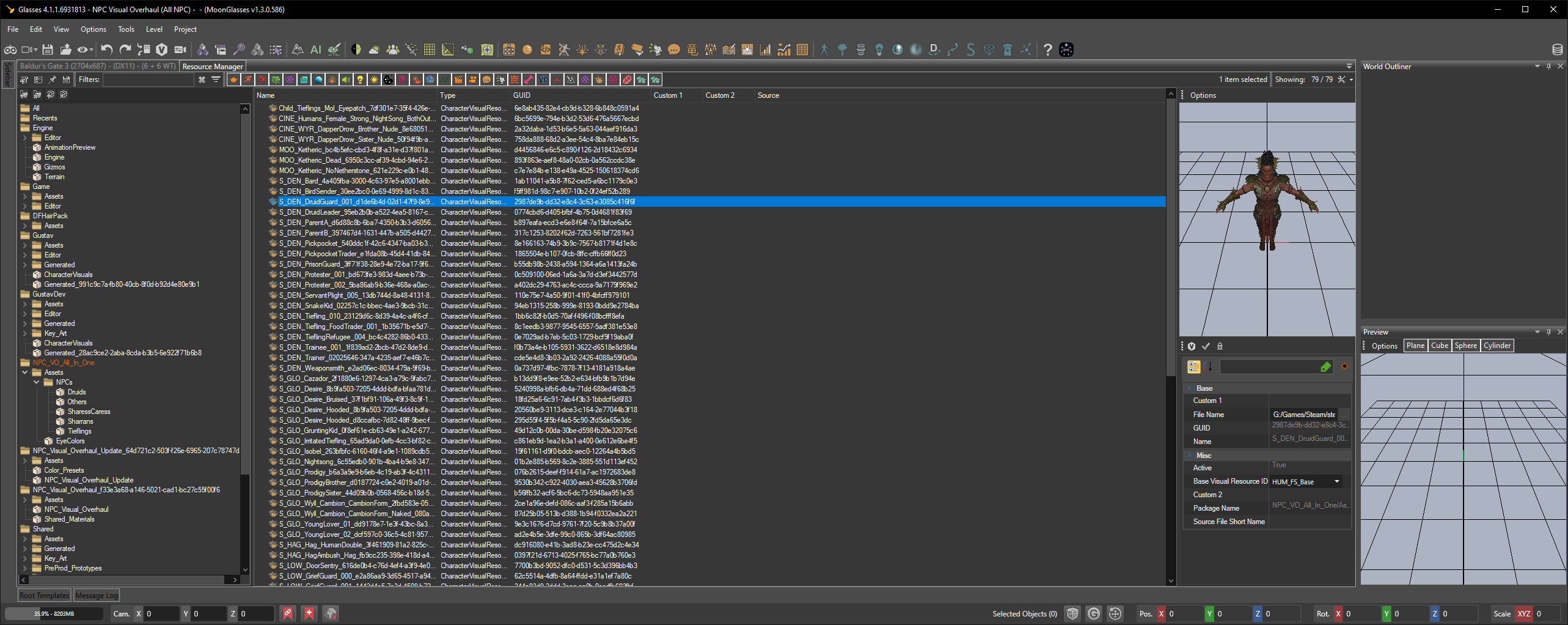
 Hijimare NPC Visual Overhaul Toolkit Project
Just drop into your game's Data folder and then open NPC_VO_All_In_One
Last edited by loregamer on October 6th, 2025, 15:16, edited 3 times in total.
Jingle Jangle Jingle
-
jackierow

- Posts: 8
- Joined: Nov 15, '23
-
Geolocation
oh my ******* god i missed this beautiful mod, ******* **** nexusmods
found a bug maybe, bex tiefling is bald
found a bug maybe, bex tiefling is bald
Last edited by jackierow on October 12th, 2025, 14:13, edited 1 time in total.
-
loregamer
- Site Moderator
- Posts: 5067
- Joined: Dec 3, '23
-
Geolocation
Did you download Tav's Hair Salon?
Jingle Jangle Jingle
-
jackierow
- Posts: 8
- Joined: Nov 15, '23
-
Geolocation
yes i've downloaded all the requirement files and put it in order as instructed, only thing i can think of is maybe there's conflict with other hair mods since im using few of them and im in the middle honor run, if i take out one of them i can't load my save so i can't find out which one is conflicting
list of hair mods im using:

to bypass the problem, i was thinking of how to remove bex and danis from the all in one mod but due to my limited knowledge of modding, i ended up download and install all pak files from separate npc files excluding those 2, now i ended up with bloated mod list lol
also where can i see changes made for each npc btw, since there's several files with different version and i dont know how other version looks, like viconia, orin, and gortash since there are a few of their files
-
guest
- Posts: 6
- Joined: Apr 14, '24
-
Geolocation
need to download hijimare hairs and all the pictures are on hijimares patreonjackierow wrote: ↑ October 12th, 2025, 22:01yes i've downloaded all the requirement files and put it in order as instructed, only thing i can think of is maybe there's conflict with other hair mods since im using few of them and im in the middle honor run, if i take out one of them i can't load my save so i can't find out which one is conflicting
list of hair mods im using:
to bypass the problem, i was thinking of how to remove bex and danis from the all in one mod but due to my limited knowledge of modding, i ended up download and install all pak files from separate npc files excluding those 2, now i ended up with bloated mod list lol
also where can i see changes made for each npc btw, since there's several files with different version and i dont know how other version looks, like viconia, orin, and gortash since there are a few of their files