Looking for the download?
This mod's files are on ModHQ.
Share things you've made or found for games here.
Moderator: Mod Janitor
Ignore Topic
loregamer
Site Moderator
Posts: 5190Joined: Dec 3, '23
Geolocation
Post by loregamer
February 16th, 2025, 07:37
Overview
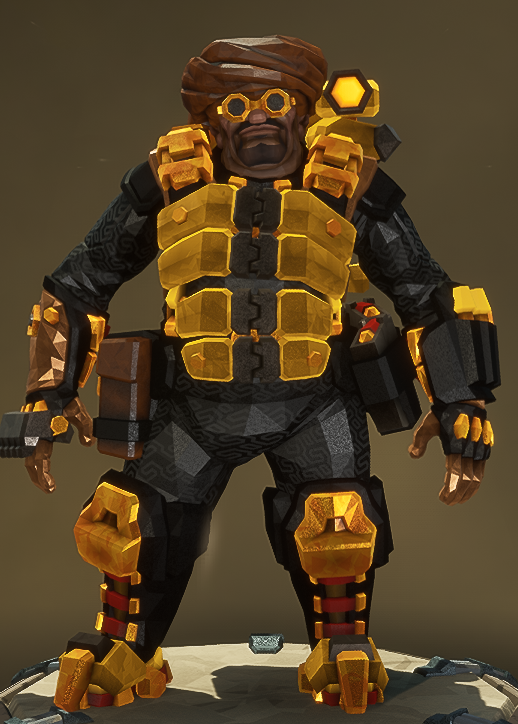
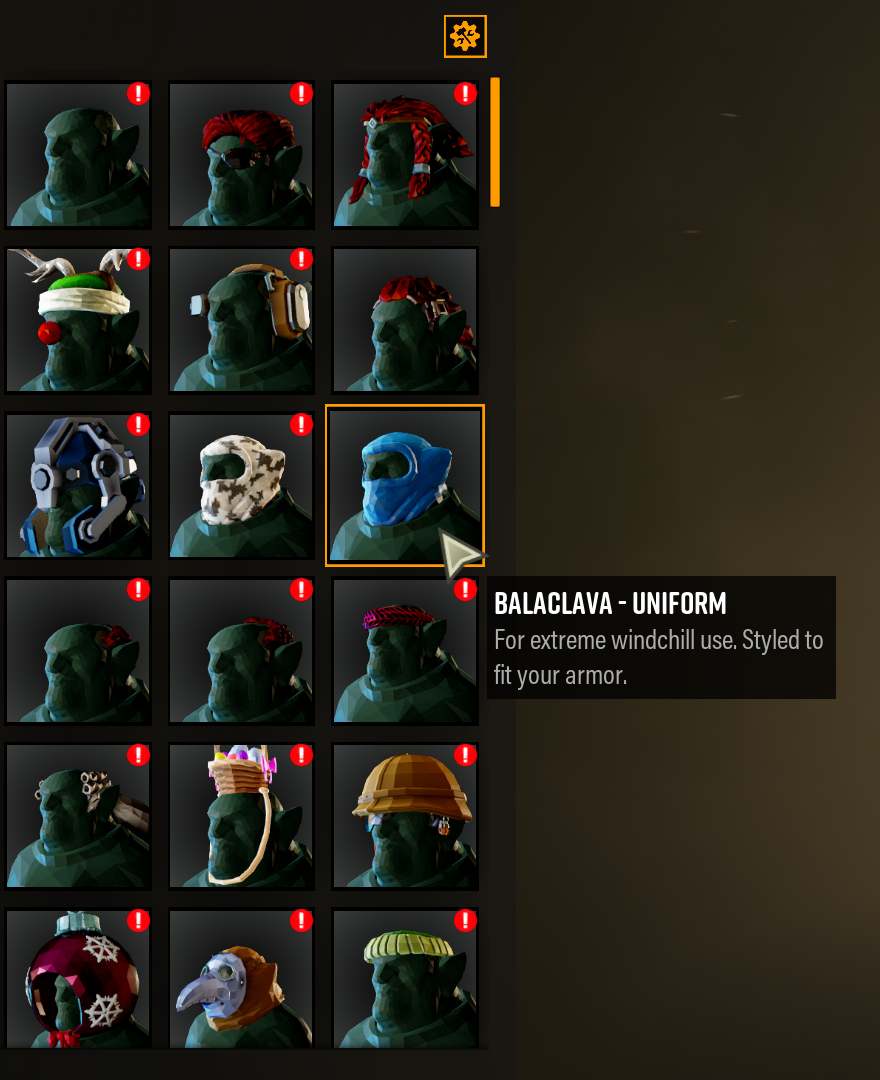
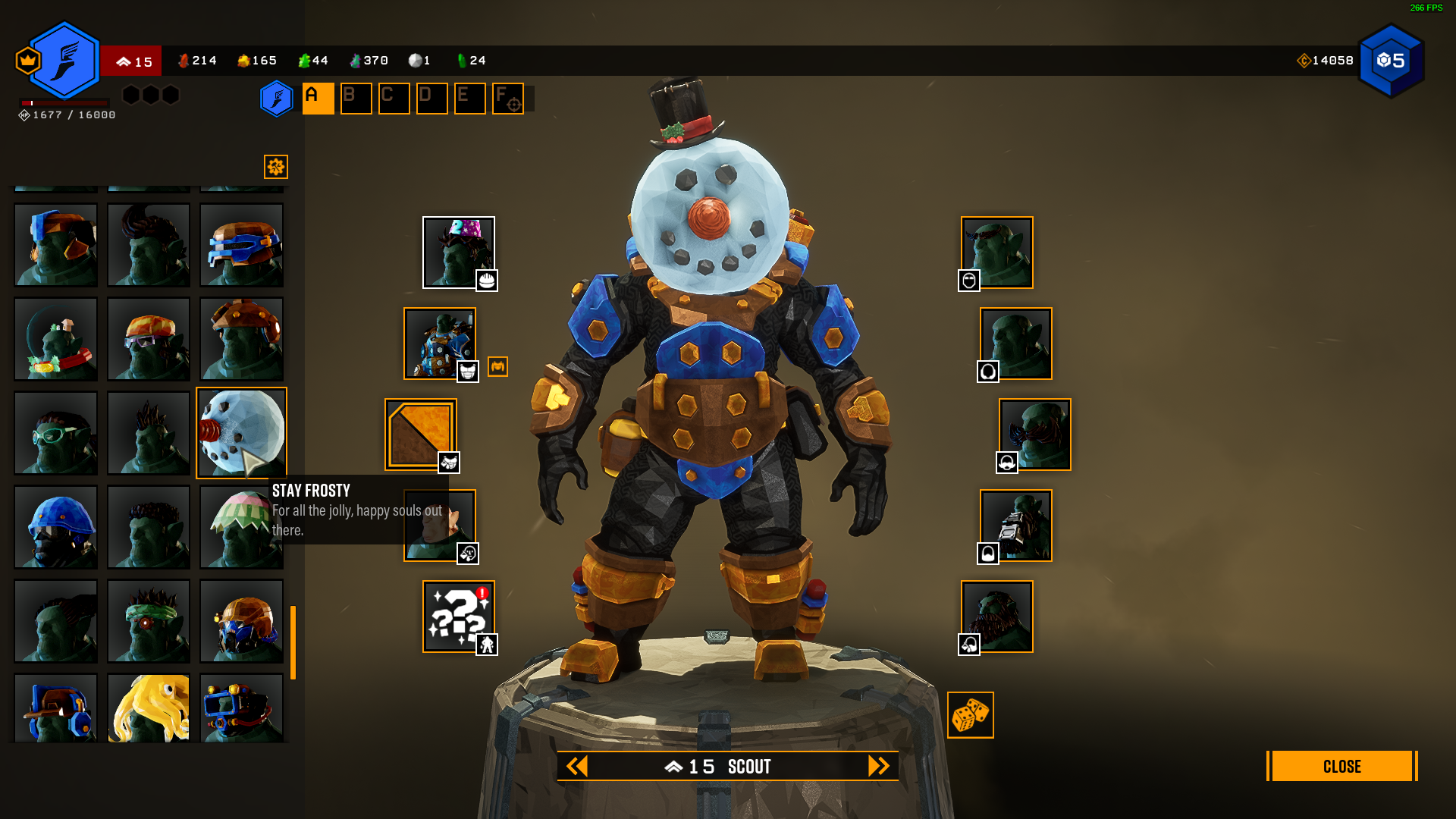
Unlock all skins, paints, poses, and other cosmetics in Deep Rock Galactic.
Requires UE4SS .
Downloads Files Version Type Description 1.0 Main Requires UE4SS . Clear Mods folder and add this zip's contents to it.
Instructions
Back up or start a new save if needed.
Download UE4SS_v3.0.1.zip
Extract the zip's contents to \Deep Rock Galactic\FSD\Binaries\Win64
Download my zip file, and add the zCosmeticsUnlocker folder to the Mods folder
Open the game and load the game
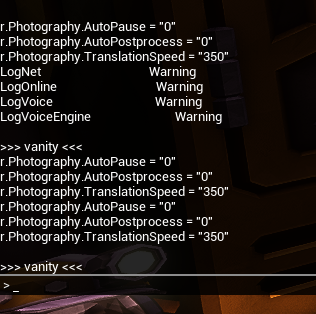
Click F10
Type vanity
The game may freeze for a bit the first time you do this. Just wait it out
After doing this once, you can uninstall UE4SS and this mod.
Last edited by loregamer on February 16th, 2025, 20:00, edited 7 times in total.
Reason: funnier image
Jingle Jangle Jingle
Manny V
Posts: 1681Joined: Mar 19, '24Location: Castle Drakenhof, Sylvania
Geolocation
Post by Manny V
February 16th, 2025, 10:40
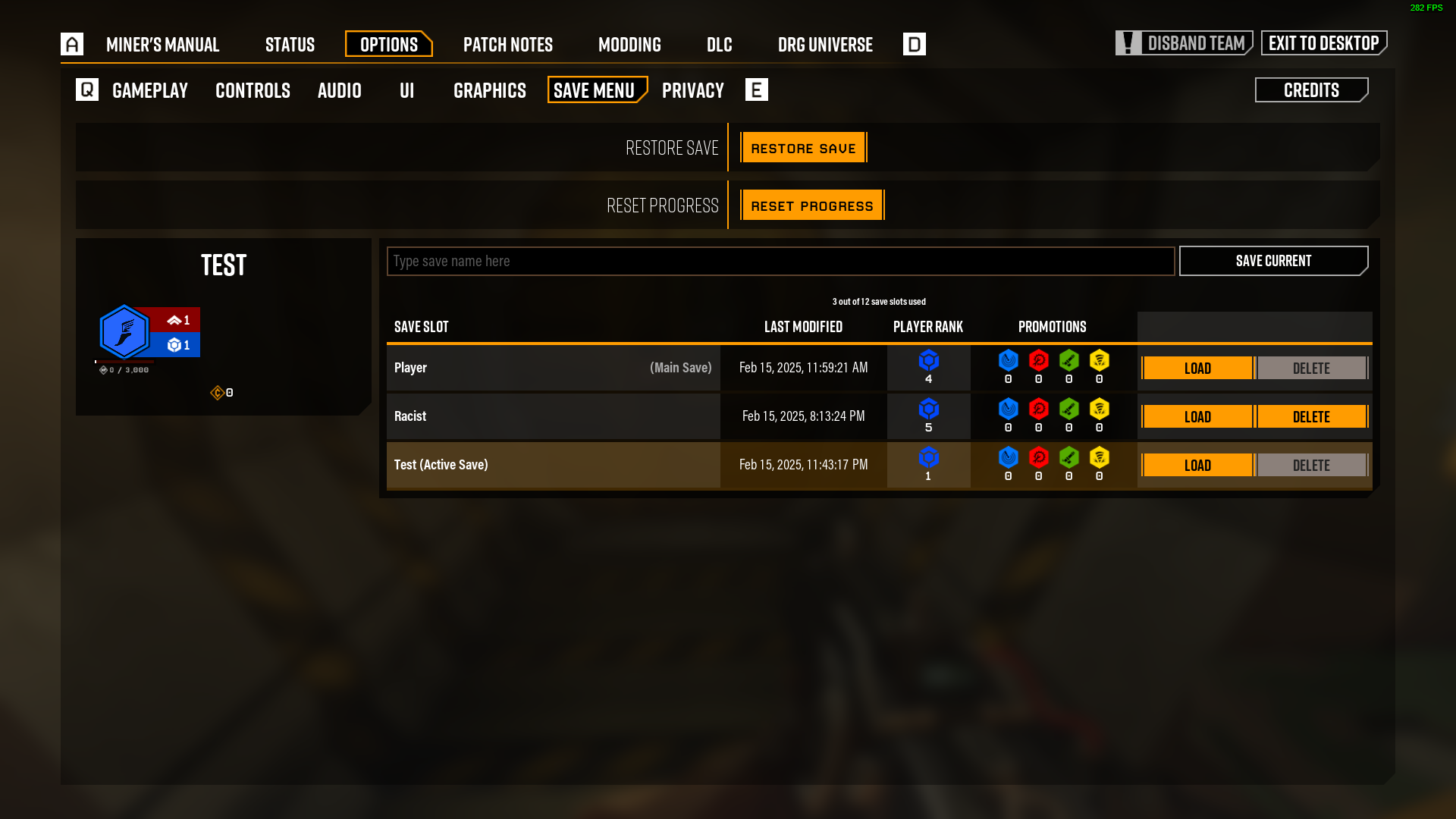
is the 'racist' save your dedicated Musa of Mali save?
Soushin332
Posts: 3Joined: Apr 2, '25
Geolocation
Post by Soushin332
April 2nd, 2025, 19:30
Is there a video tutorial? I did everything as it was said but nothing appeared. Maybe I misunderstood( Help
Soushin332
Posts: 3Joined: Apr 2, '25
Geolocation
Post by Soushin332
April 3rd, 2025, 09:52
>>>vanity<<<
Soushin332
Posts: 3Joined: Apr 2, '25
Geolocation
Post by Soushin332
April 3rd, 2025, 12:41
moderation is checking my comment for more than 4 hours. Is this normal here??? crazy
tinpan-
Posts: 1Joined: Apr 8, '25
Geolocation
Post by tinpan-
April 8th, 2025, 18:58
Getting the same issue as the other guy, typing in vanity just gives a command not found
loregamer
Site Moderator
Posts: 5190Joined: Dec 3, '23
Geolocation
Post by loregamer
April 8th, 2025, 21:22
Yeah it still works. I just totally blanked and remembered I made the vanity command myself so it should at least not log that it doesn't exist. This means you guys don't have the mod in the correct folder, I think
@tinpan- @Soushin332
The folder that you should be installing in is
Steam\steamapps\common\Deep Rock Galactic\FSD\Binaries\Win64\Mods\zCosmeticsUnlocker , and your FSD\Binaries\Win64 folder should be like this:
Code: Select all
Win64
├── Changelog.md
├── dwmapi.dll
├── FSD-Win64-Shipping.exe
├── mint_hook.log
├── Mods
│   ├── ActorDumperMod
│   │   └── Scripts
│   │       └── main.lua
│   ├── BPML_GenericFunctions
│   │   └── Scripts
│   │       └── main.lua
│   ├── BPModLoaderMod
│   │   ├── load_order.txt
│   │   └── Scripts
│   │       └── main.lua
│   ├── CheatManagerEnablerMod
│   │   └── Scripts
│   │       └── main.lua
│   ├── ConsoleCommandsMod
│   │   └── Scripts
│   │       ├── dump_object.lua
│   │       ├── main.lua
│   │       ├── set.lua
│   │       └── summon_unloaded_assets.lua
│   ├── ConsoleEnablerMod
│   │   └── Scripts
│   │       └── main.lua
│   ├── jsbLuaProfilerMod
│   │   └── Scripts
│   │       └── main.lua
│   ├── Keybinds
│   │   └── Scripts
│   │       └── main.lua
│   ├── LineTraceMod
│   │   └── Scripts
│   │       └── main.lua
│   ├── mods.txt
│   ├── shared
│   │   ├── jsbProfiler
│   │   │   └── jsbProfi.lua
│   │   └── UEHelpers
│   │       └── UEHelpers.lua
│   ├── SplitScreenMod
│   │   └── Scripts
│   │       └── main.lua
│   └── zCosmeticsUnlocker
│       ├── enabled.txt
│       └── Scripts
│           └── main.lua
├── OpenImageDenoise.dll
├── README.md
├── tbb12.dll
├── UE4SS-settings.ini
├── UE4SS.dll
├── UE4SS.log
└── x3daudio1_7.dll
Last edited by loregamer on April 8th, 2025, 21:26, edited 1 time in total.
Jingle Jangle Jingle
Wriggie
Posts: 3Joined: Apr 19, '25
Geolocation
Post by Wriggie
April 19th, 2025, 05:59
Maybe I installed UE4SS incorrectly, my game crashes after home screen(press to continue). Is there something I need to delete from the UE4ss zip? I’m just extracting it into win64 like the instructions says to do.
Wriggie
Posts: 3Joined: Apr 19, '25
Geolocation
Post by Wriggie
April 20th, 2025, 08:23
This is the crash error I'm getting when trying to start the game.
Wriggie
Posts: 3Joined: Apr 19, '25
Geolocation
Post by Wriggie
April 21st, 2025, 01:45
Actually i solved it for myself, instead of using the most recent version of UE4SS I used 2.5.2 and my game didn't crash on start and was able to run the command.
loregamer
Site Moderator
Posts: 5190Joined: Dec 3, '23
Geolocation
Post by loregamer
April 21st, 2025, 02:42
Wriggie wrote: ↑
April 21st, 2025, 01:45
Actually i solved it for myself, instead of using the most recent version of UE4SS I used 2.5.2 and my game didn't crash on start and was able to run the command.
Oh my bad. I was completely locked in on another mod
Glad you got it sorted. I'll add to the description you have to use the specific version
Jingle Jangle Jingle
Bola 8
Posts: 1Joined: Oct 10, '25
Geolocation
Post by Bola 8
October 10th, 2025, 03:35
Hola hago tal cual como me dicen las indicaciones y no funciona, leí un un compañero lo consiguió instalando una versión anterior del UE4SS (2.5.2), pero estoy buscando y no encuentro donde se puede descargar. me podrían hachar una mano?
bubba
Posts: 1Joined: Feb 2, '26
Geolocation
Post by bubba
February 2nd, 2026, 01:57
Kind of a stupid question, but will other players be able to see my equipped cosmetics?
Maledict
Posts: 836Joined: Dec 30, '25
Geolocation
Adventurer's Guild
Post by Maledict
February 3rd, 2026, 23:24
loregamer wrote: ↑
February 16th, 2025, 07:37
Overview
Unlock all skins, paints, poses, and other cosmetics in Deep Rock Galactic.
Requires UE4SS .
Downloads Files Version Type Description 1.0 Main Requires UE4SS . Clear Mods folder and add this zip's contents to it.
Instructions
Back up or start a new save if needed.
Download UE4SS_v3.0.1.zip
Extract the zip's contents to \Deep Rock Galactic\FSD\Binaries\Win64
Download my zip file, and add the zCosmeticsUnlocker folder to the Mods folder
Open the game and load the game
Click F10
Type vanity
The game may freeze for a bit the first time you do this. Just wait it out
After doing this once, you can uninstall UE4SS and this mod.
Good mod. **** the devs for making the cosmetics system as it is, split 4 times.
DworkTeam
Posts: 2Joined: Feb 13, '26
Geolocation
Post by DworkTeam
February 13th, 2026, 20:46
hey, is the DLC cosmetics available?





 Cosmetics Unlocker