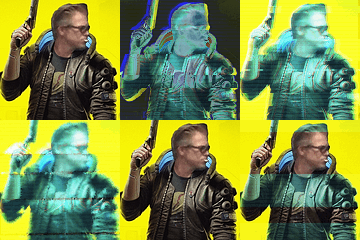

Plenty of mods replacing all ADS, but none that only replace those five.
So i simply removed the other changes from various mods to get a ***** & gay replacer only.
If you wish to make your own patchwork, you can use the
 WolvenKit tool.
Downloads
Main
| Files | Version | Type | Description |
|---|---|---|---|
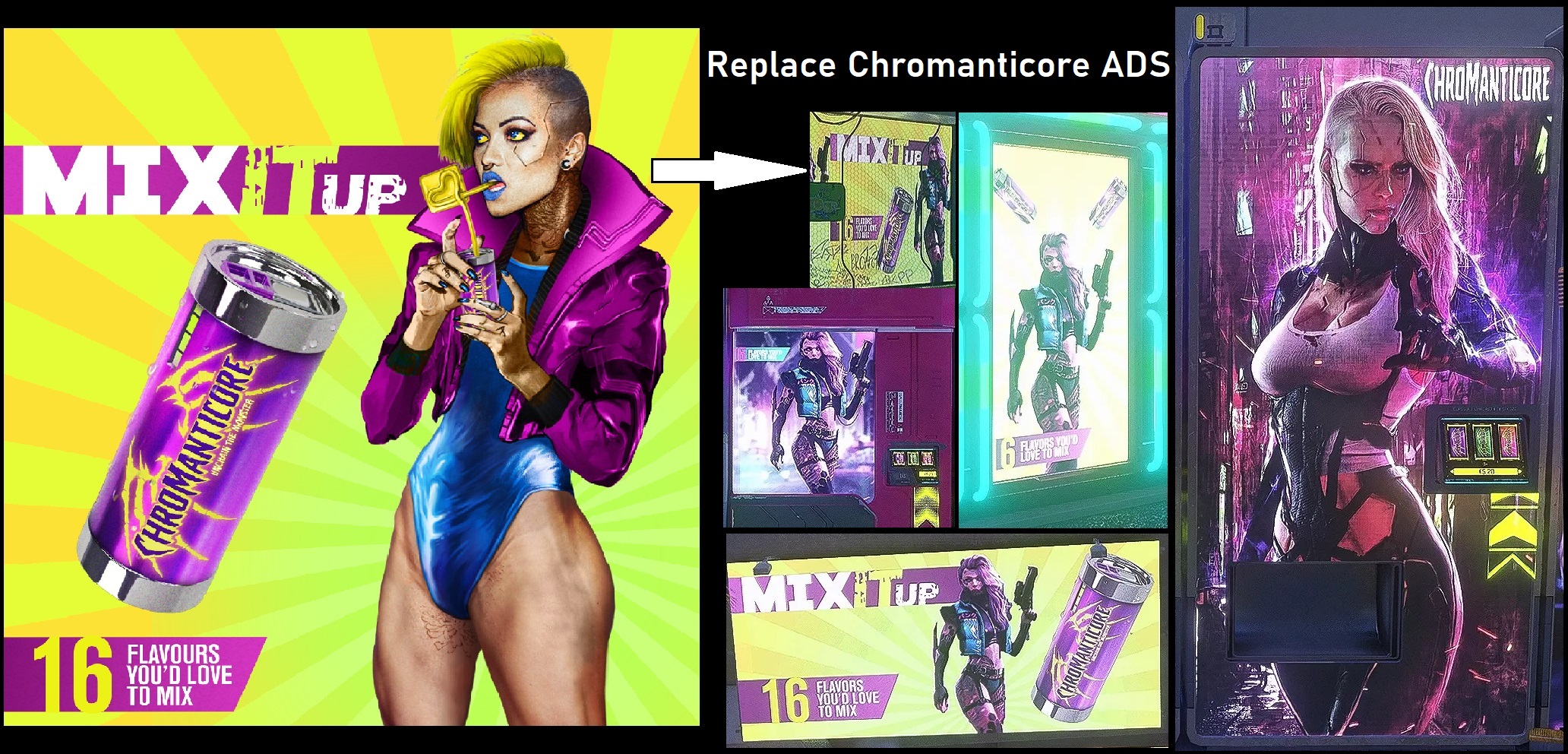
| ***** (& Gay) ADS Replacer | 1.1 | Main | Replace the Chromanticore, Watson *****, Khalil and Avente Ads. |
https://www.nexusmods.com/cyberpunk2077 ... e_id=56910 - To be used with REDmod
https://www.nexusmods.com/cyberpunk2077 ... e_id=67241 - To be tested on current version of the game
► v1.1 Preview

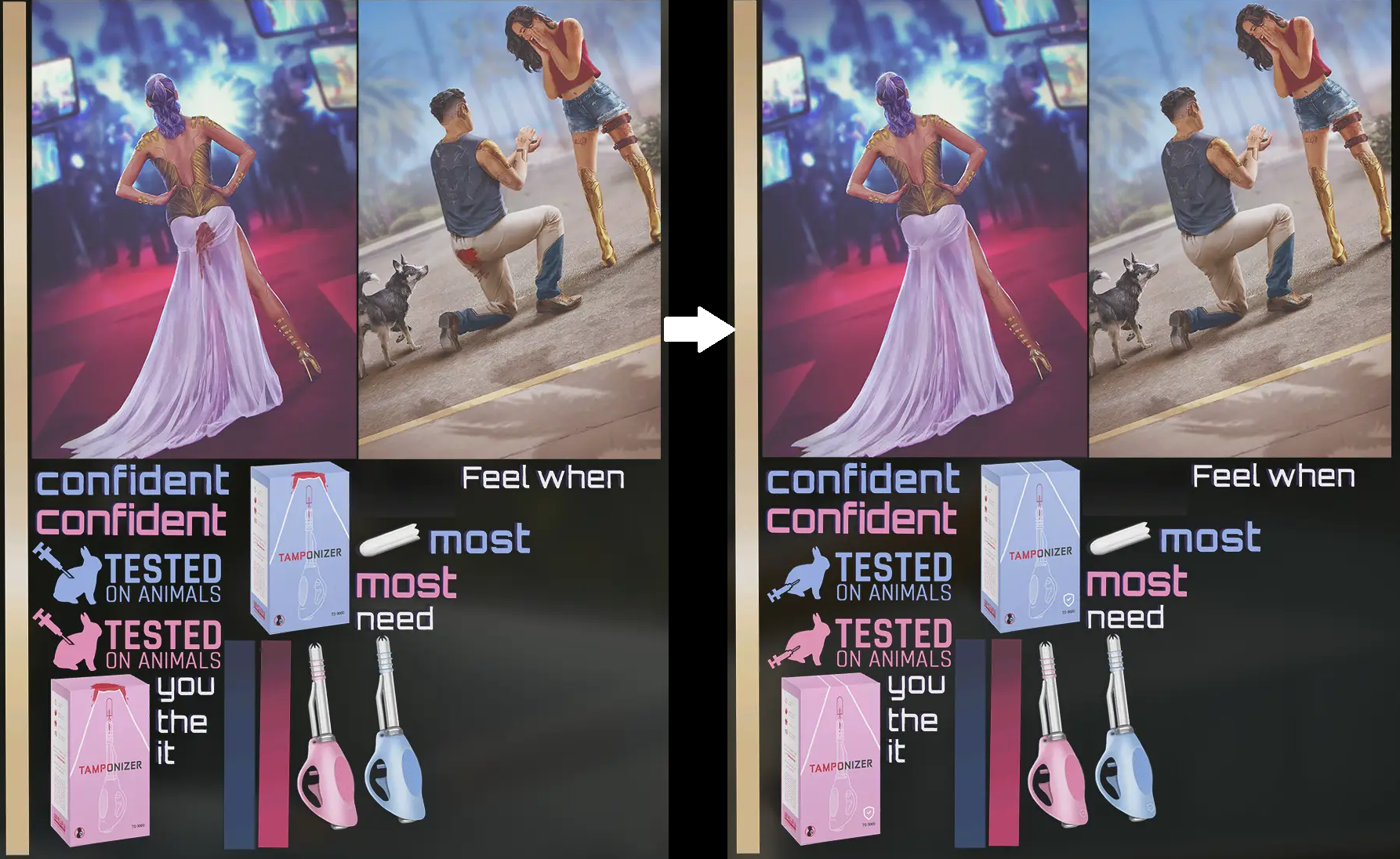
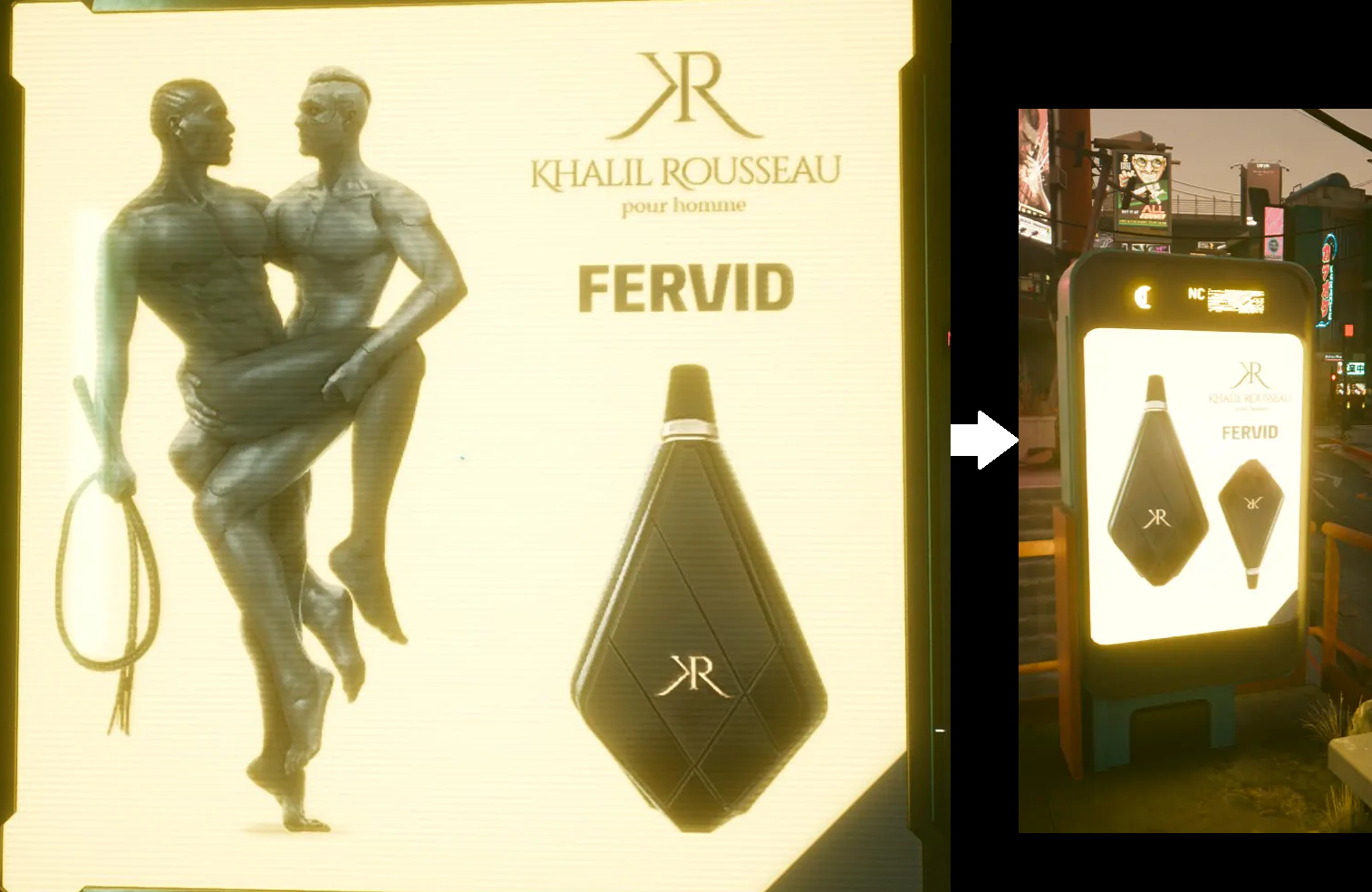
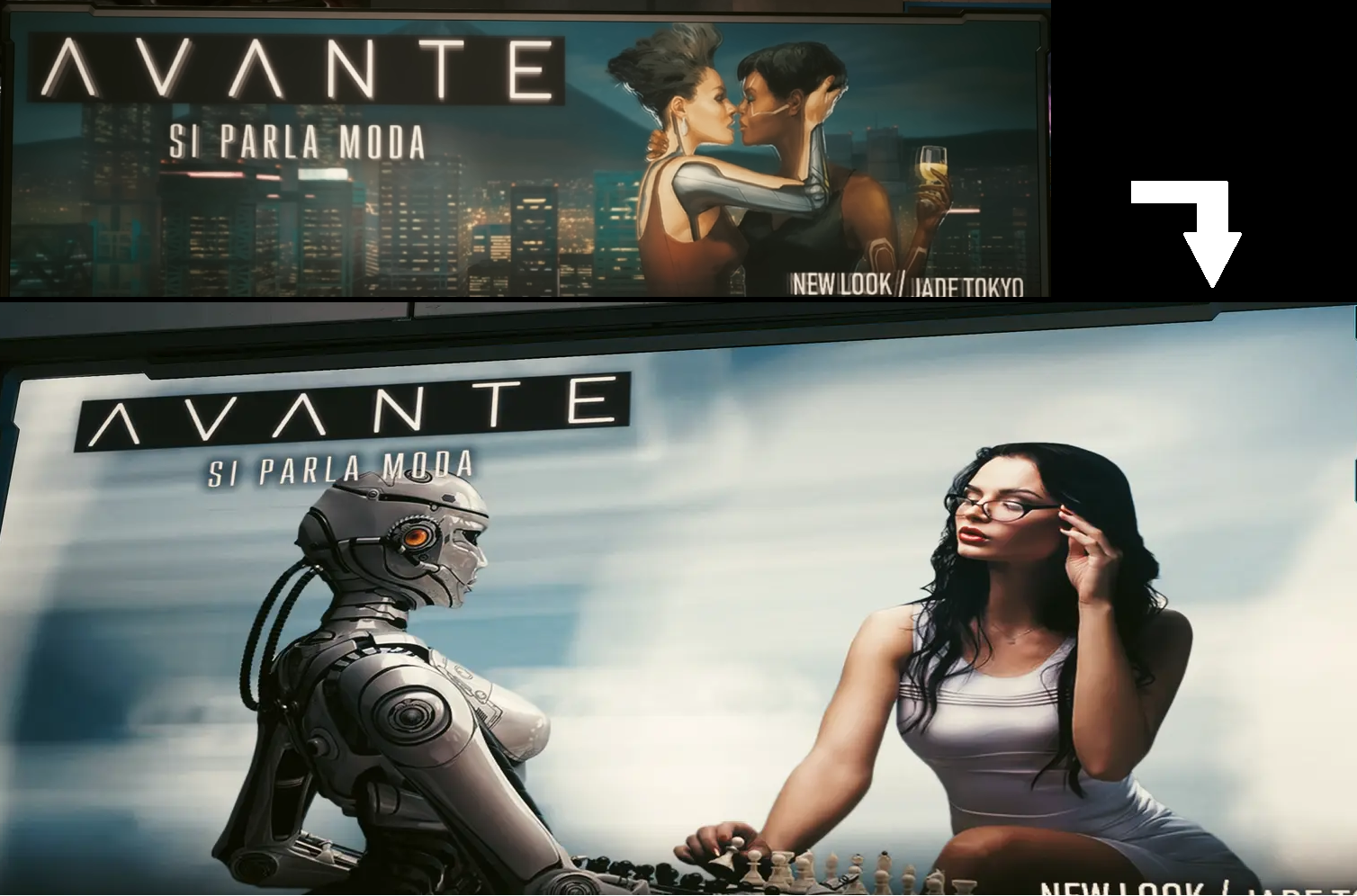
► Changelog
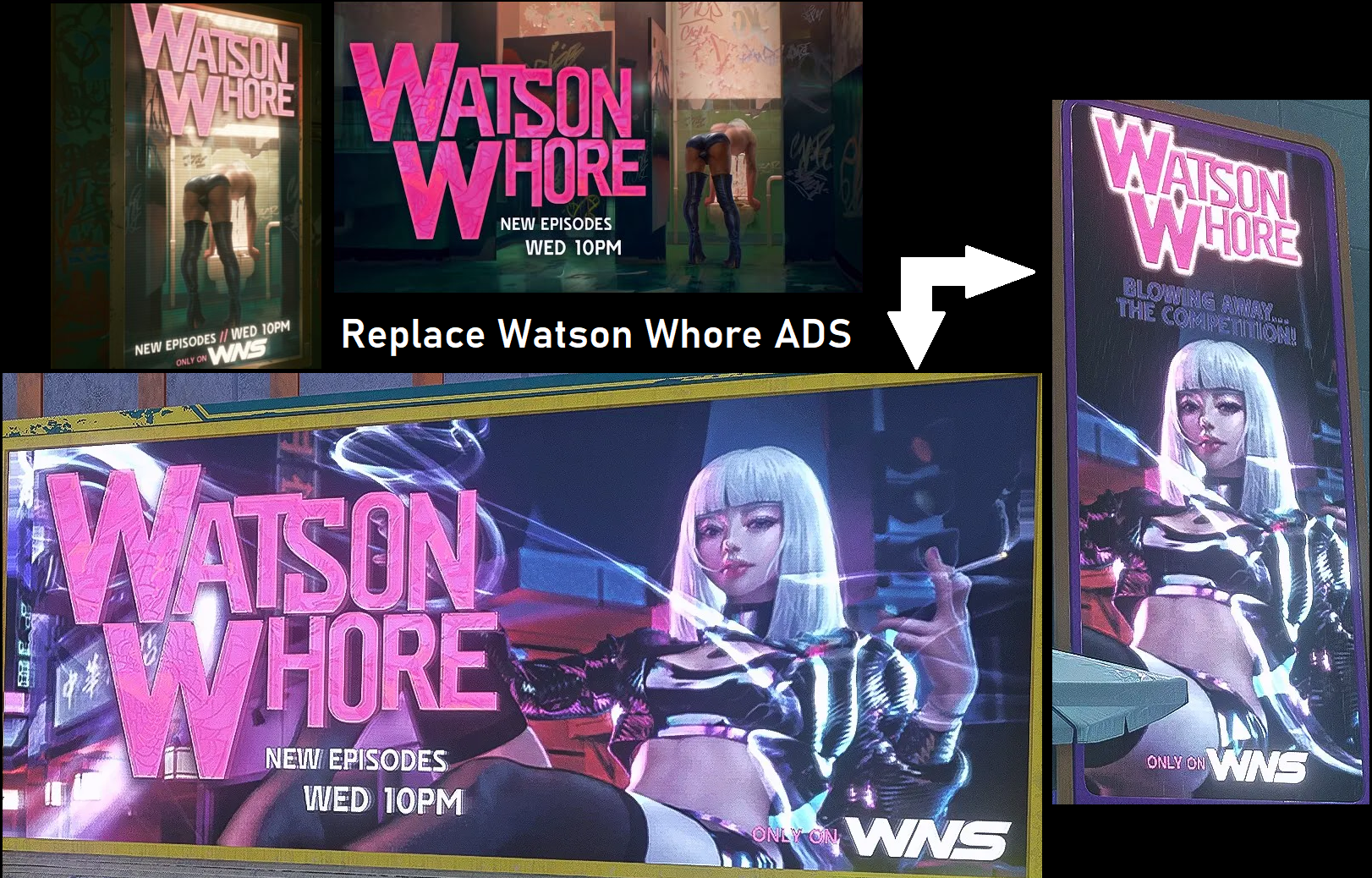
► v1.0.0
Replacers taken from
Cybergirls ADS, Preem ADS, No More NSFW ADS & Lore Friendly Advert Replacer.Optional
| Files | Version | Type | Description |
|---|---|---|---|
| Various ADS Replacer | 1.1 | Main | A patchwork i did for myself with what i found in various replacer mods. See Credits below. |
For some of them it is not a 100% replacer, some of the images are still the originals, maybe because some iterations escaped the original authors or by choice.
And the TV Ads version are not changed, for that, maybe you can use this mod ;
https://www.nexusmods.com/cyberpunk2077 ... e_id=56910 - To be used with REDmod
https://www.nexusmods.com/cyberpunk2077 ... e_id=67241 - To be tested on current version of the game
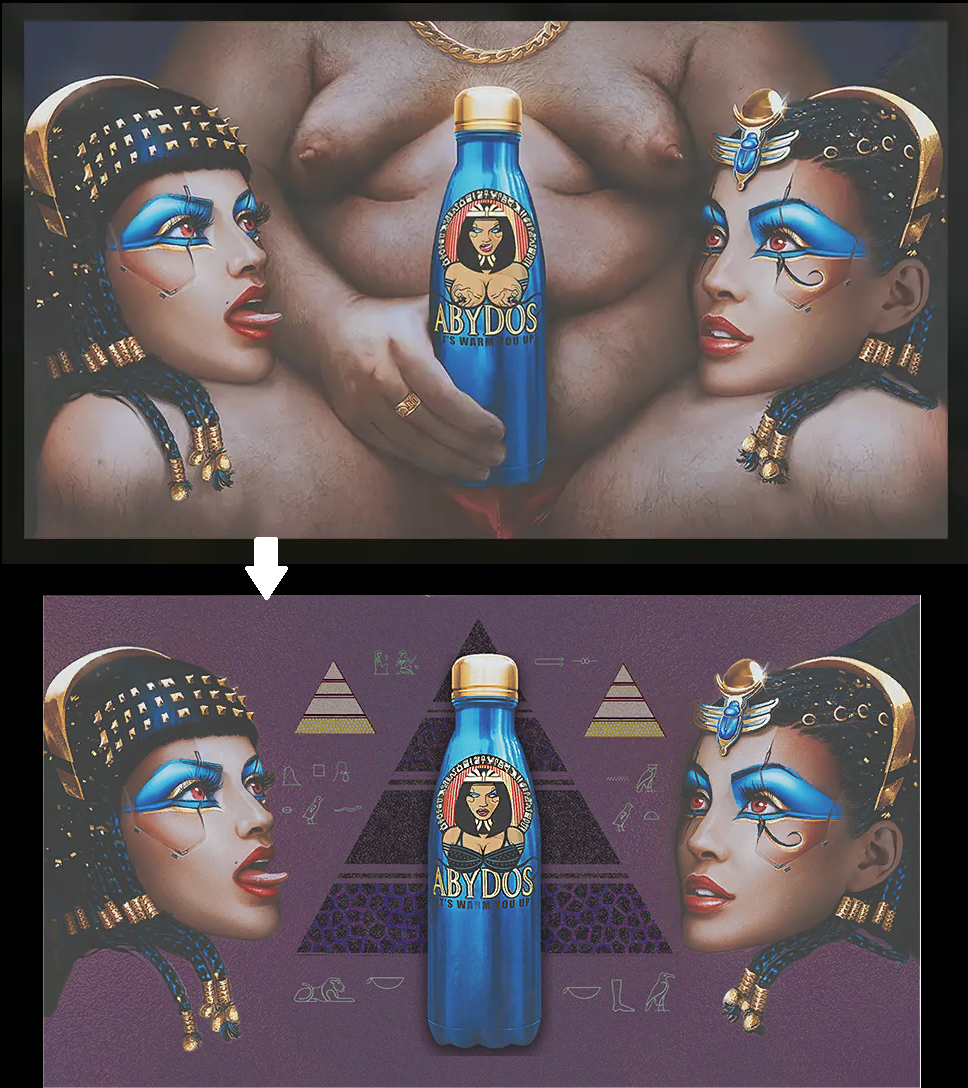
► Abydos Preview
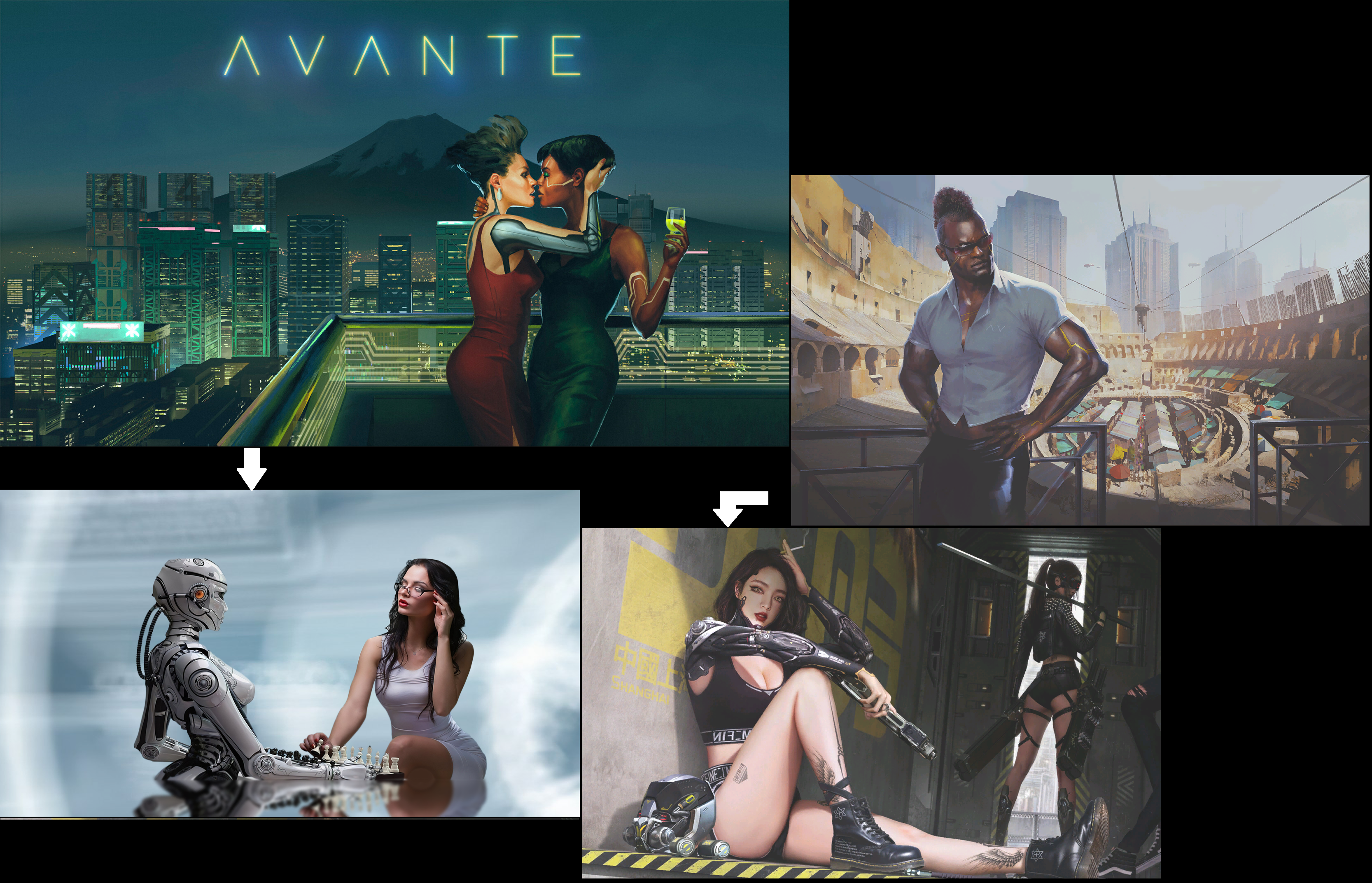
► Avante Preview
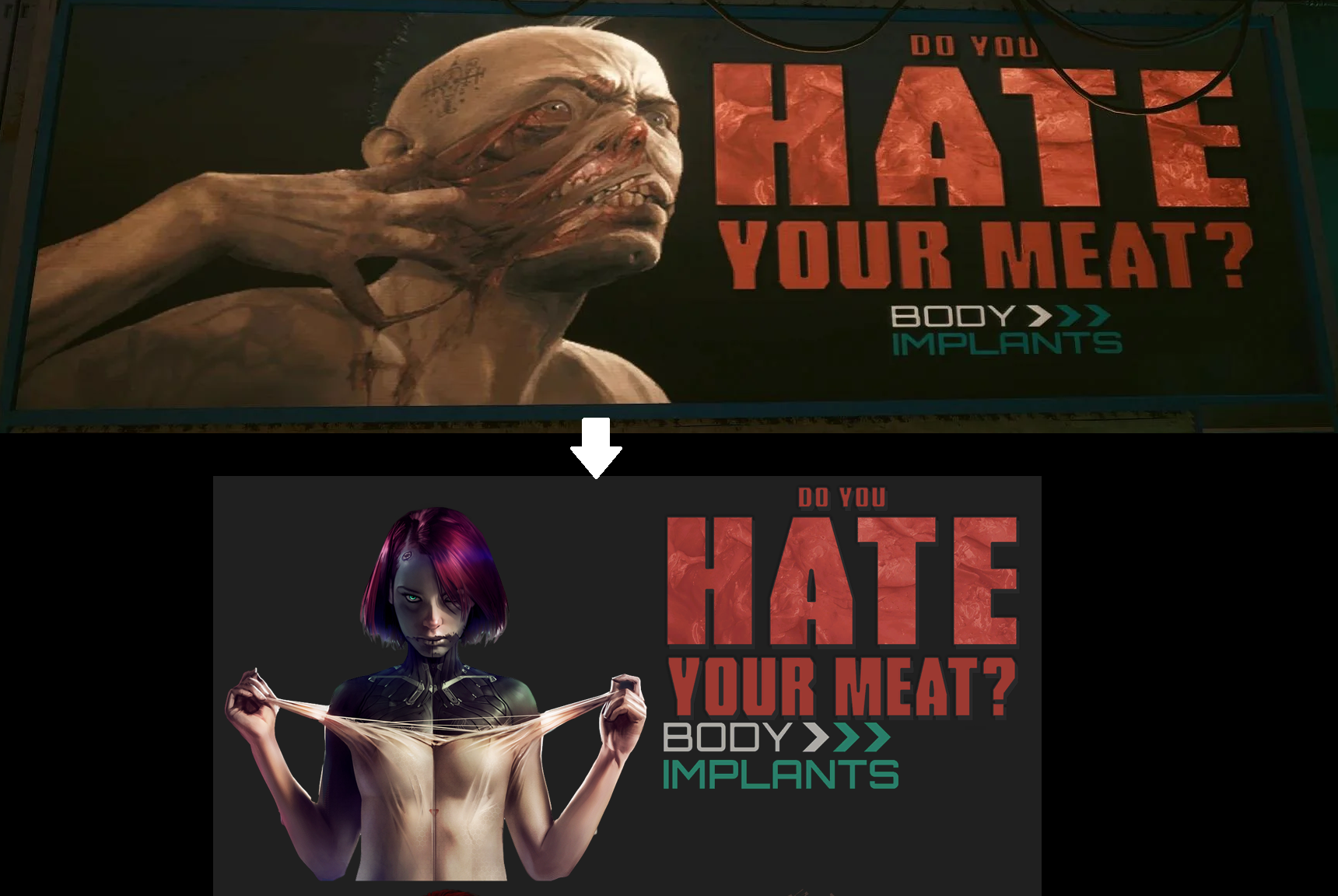
► Body Implants Preview
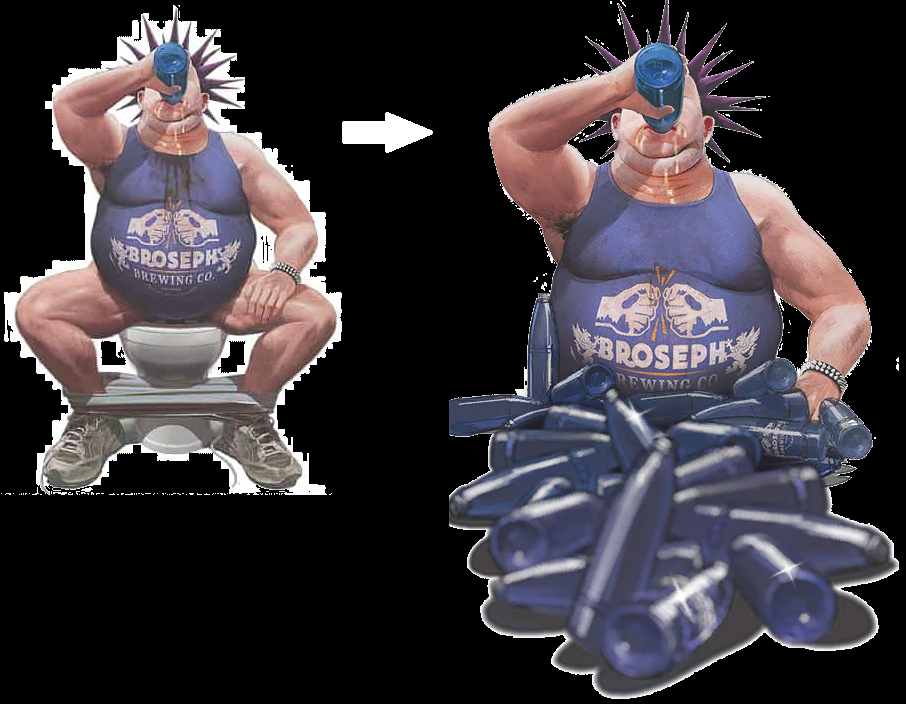
► Broseph Preview
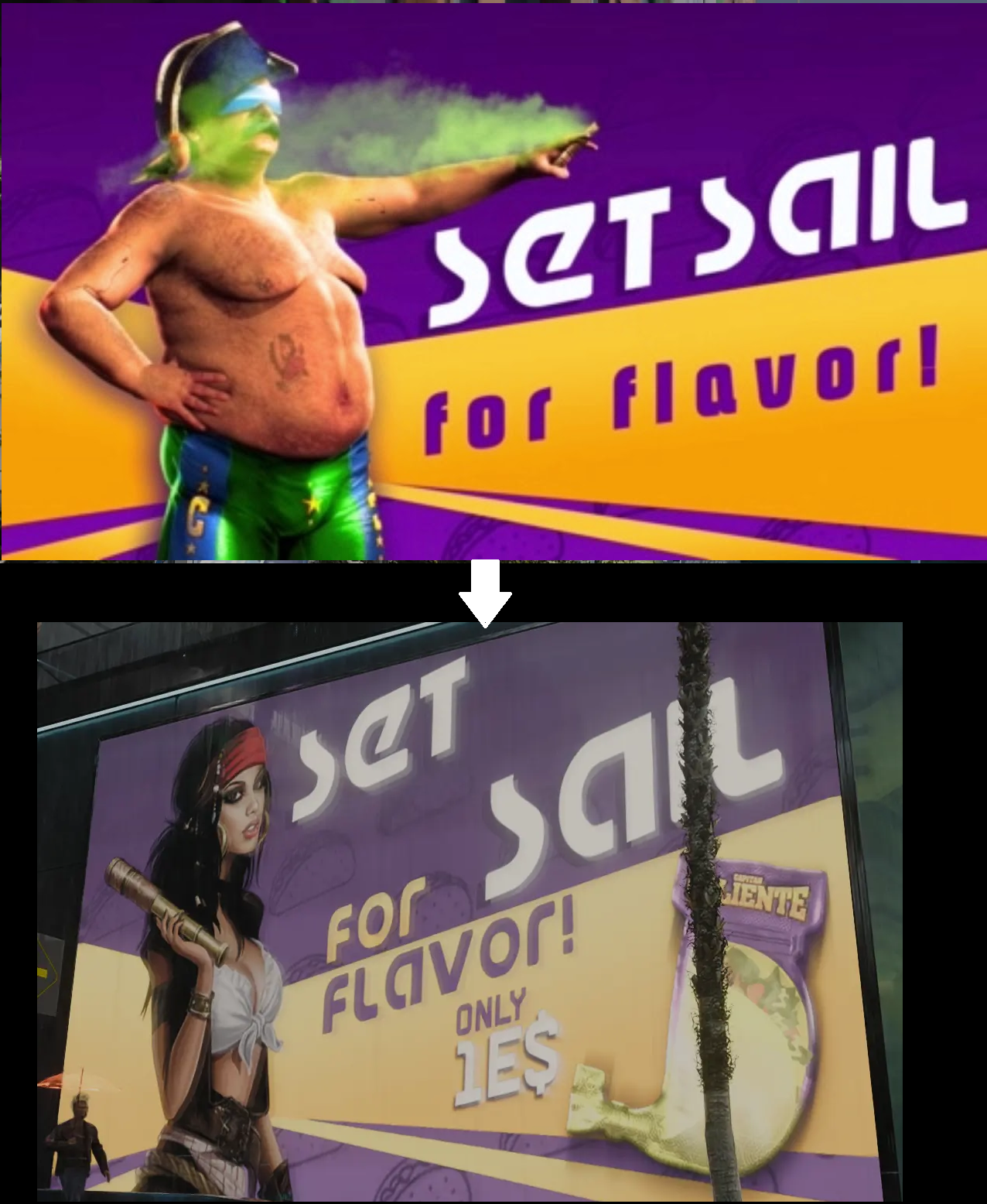
► Captain Caliente Preview
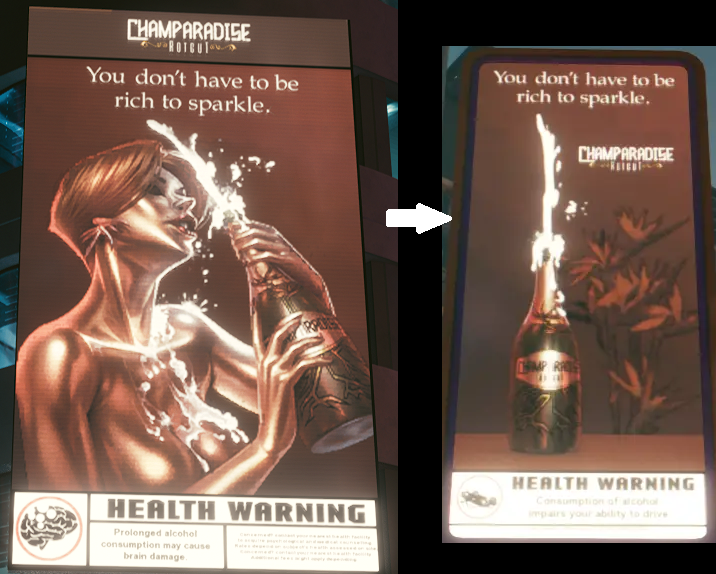
► Champaradise Preview
► Chromanticore Preview
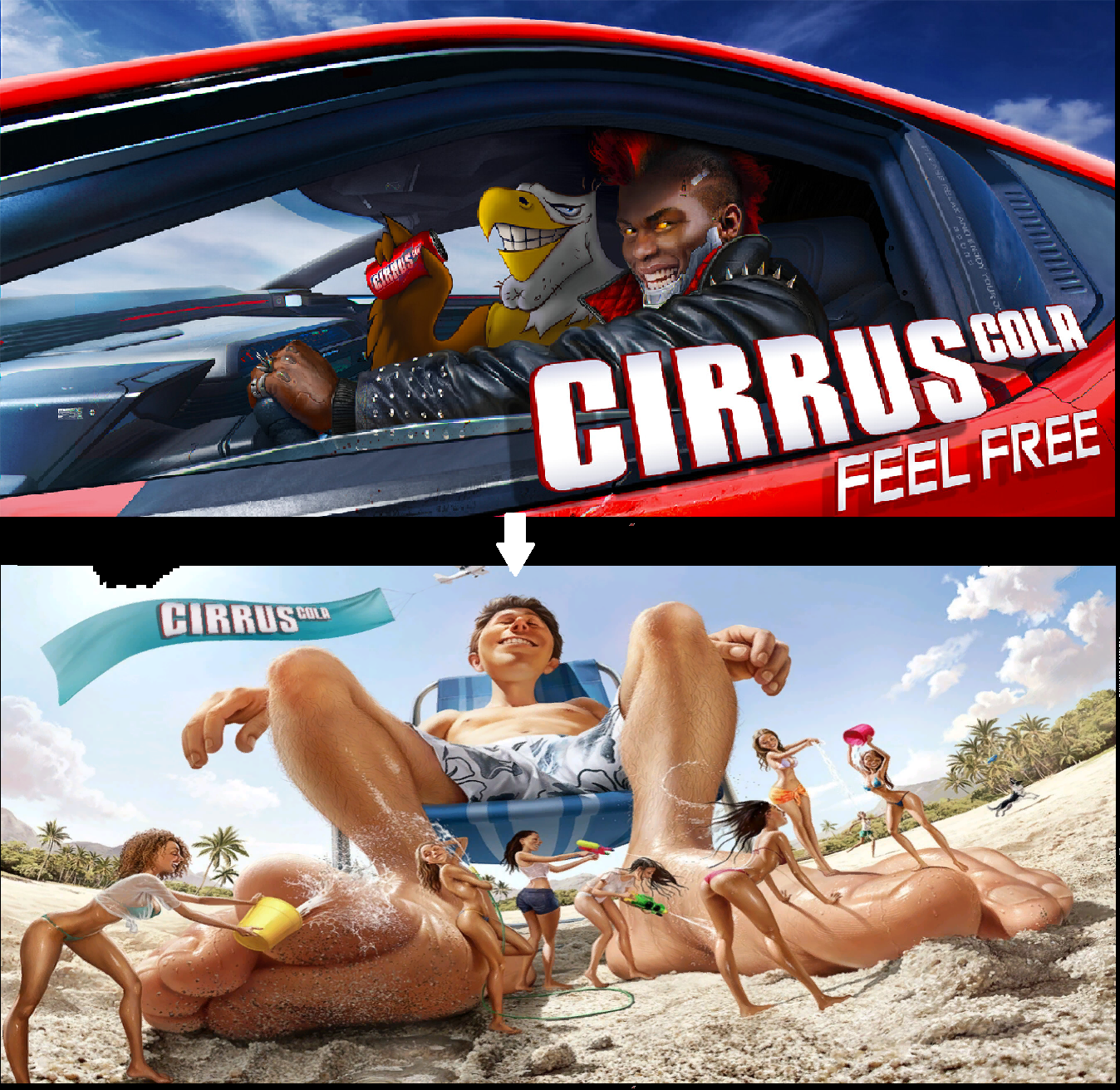
► Cirrus Cola Preview
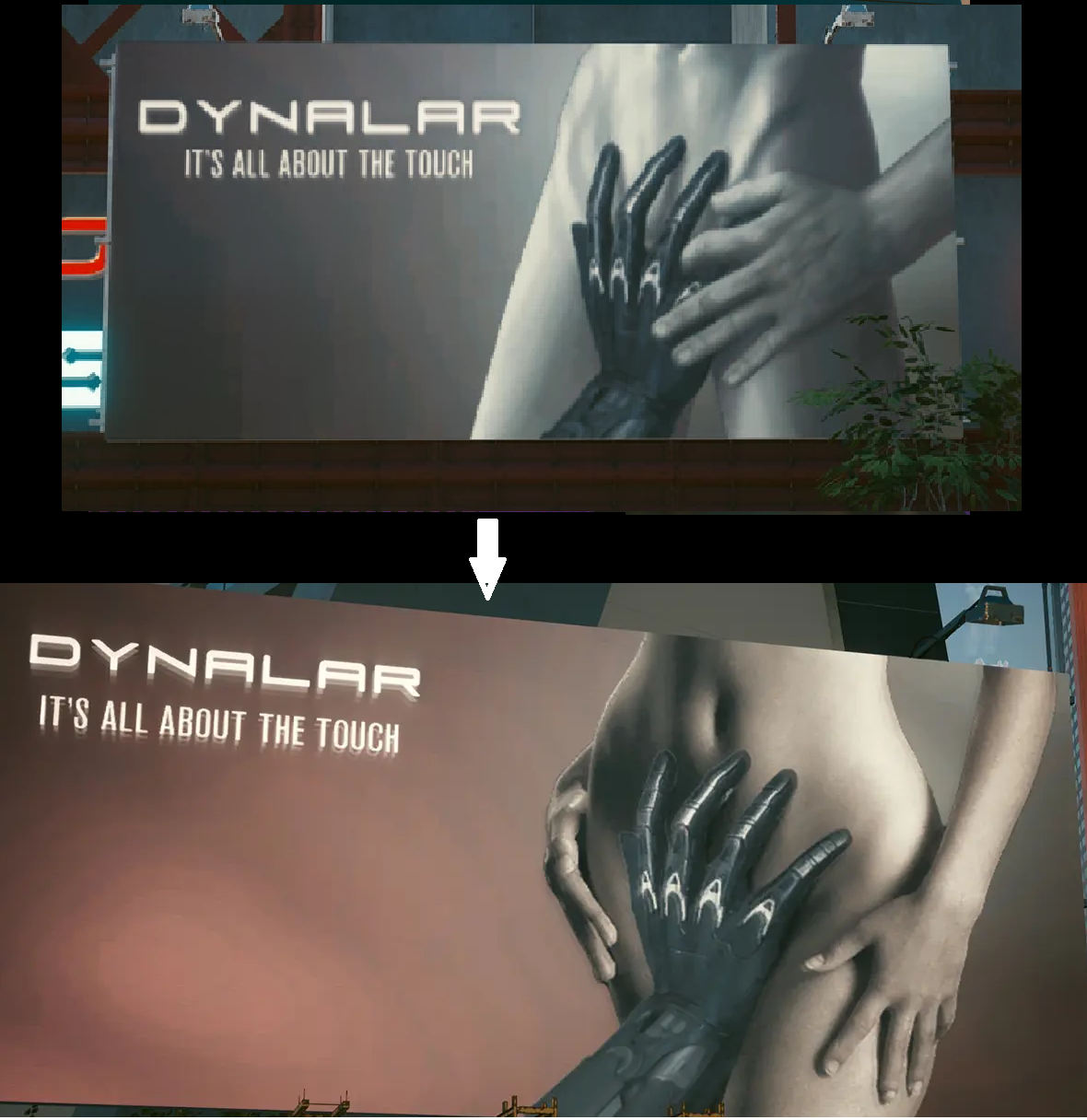
► Dynalar Preview
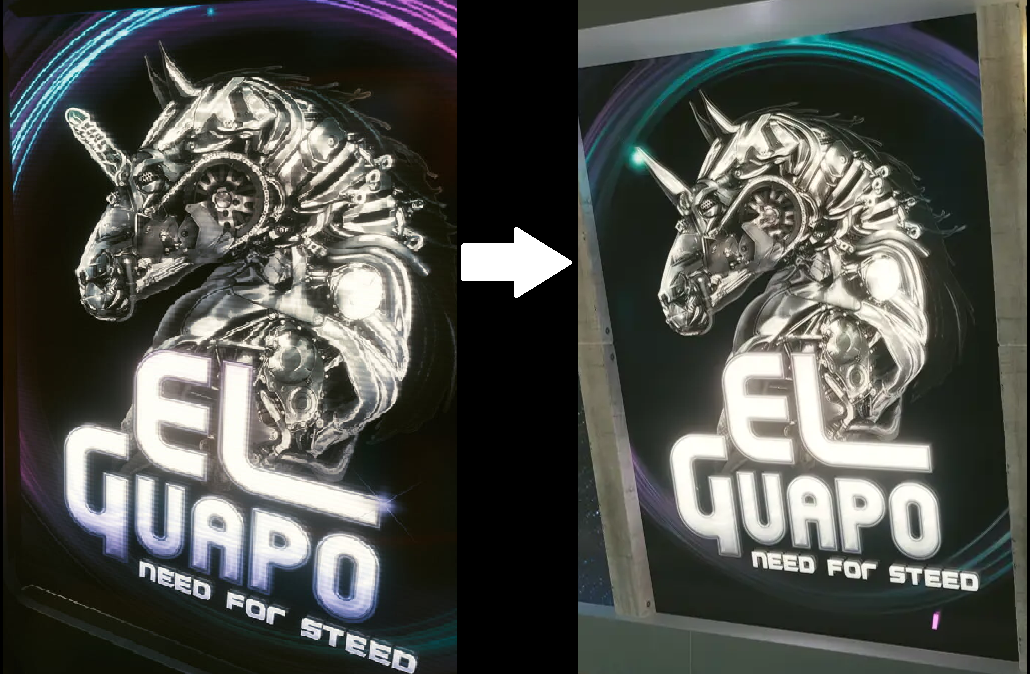
► Elguapo Preview
► Khalil Preview
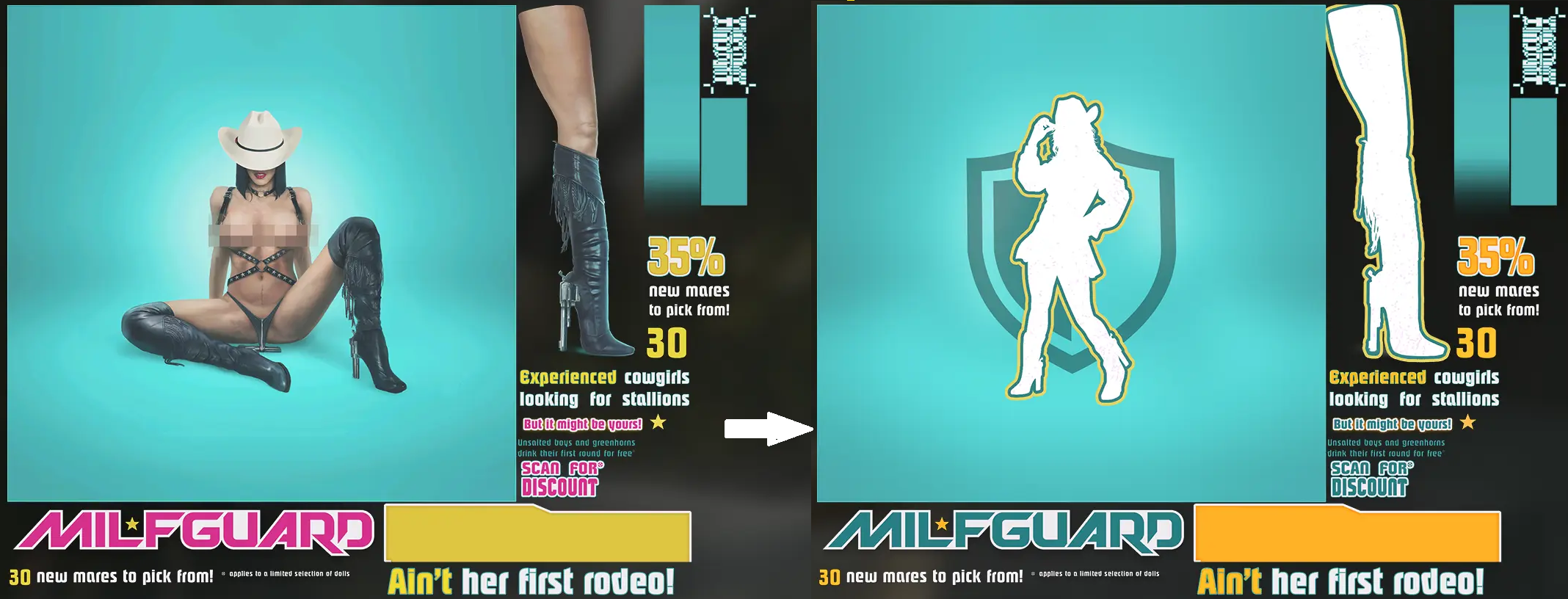
► Milfguard Preview
► Mr. Stud Preview

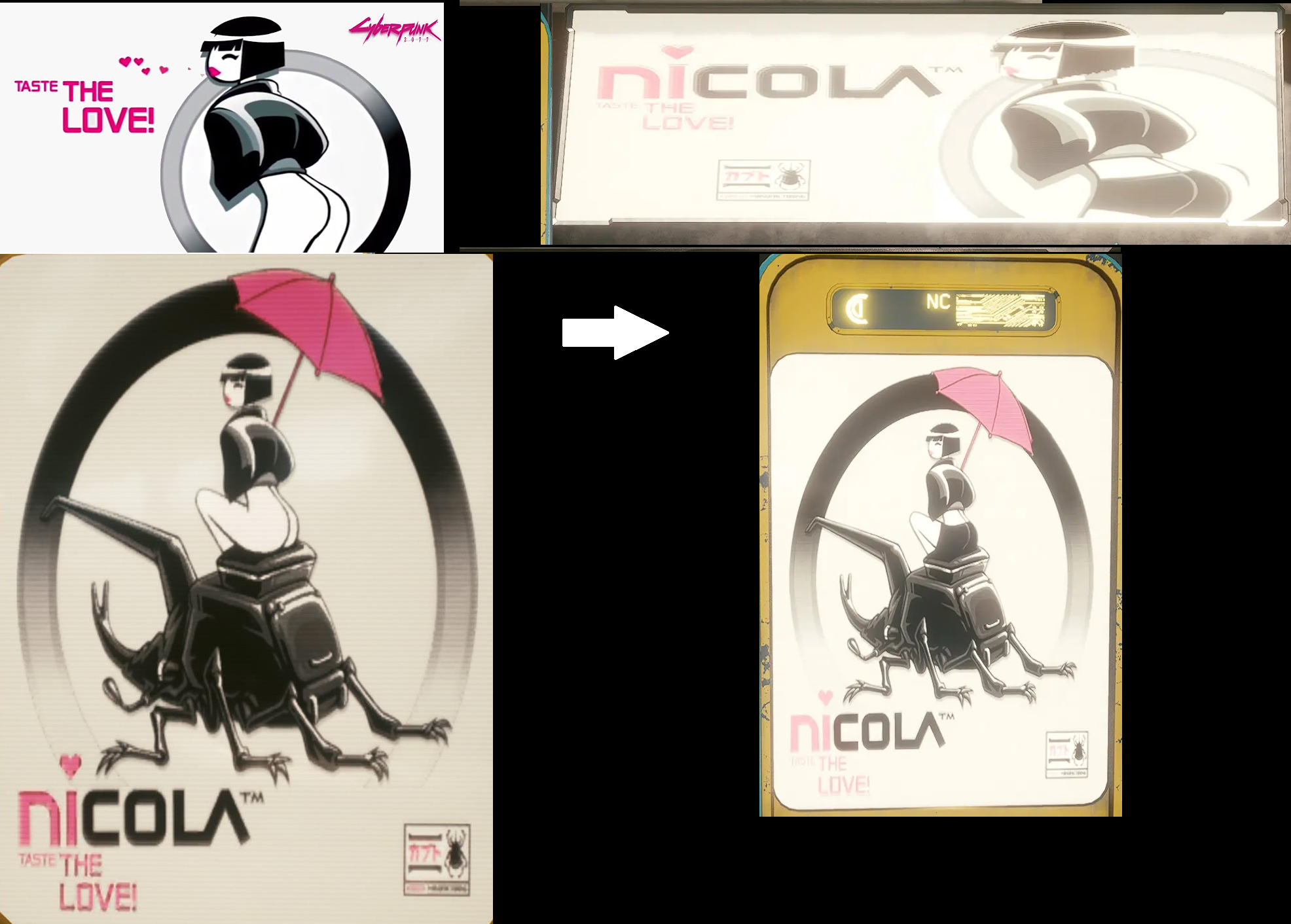
► Nicola Preview
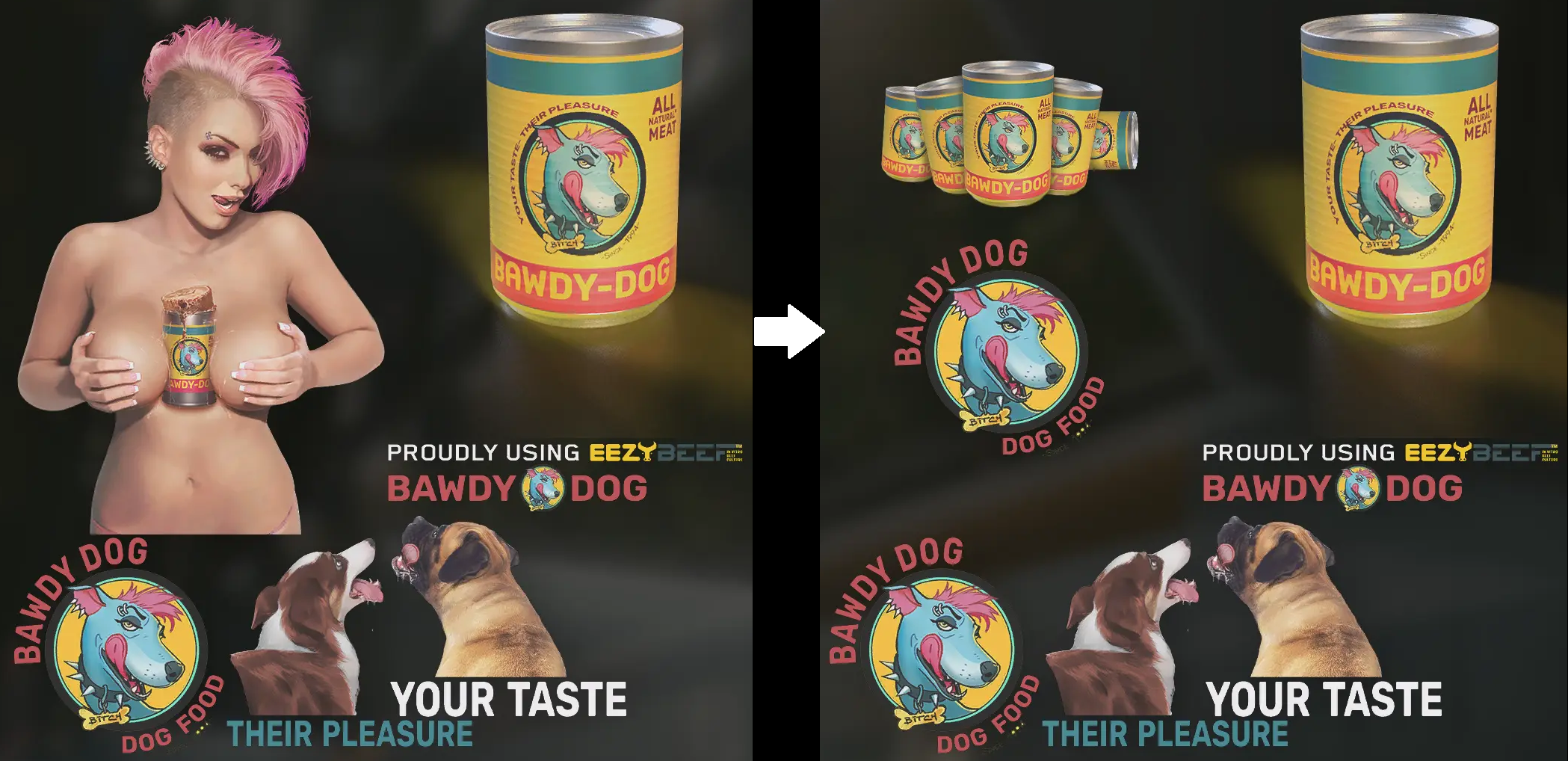
► Rowdy Dog Preview
► Sasha Devon Preview

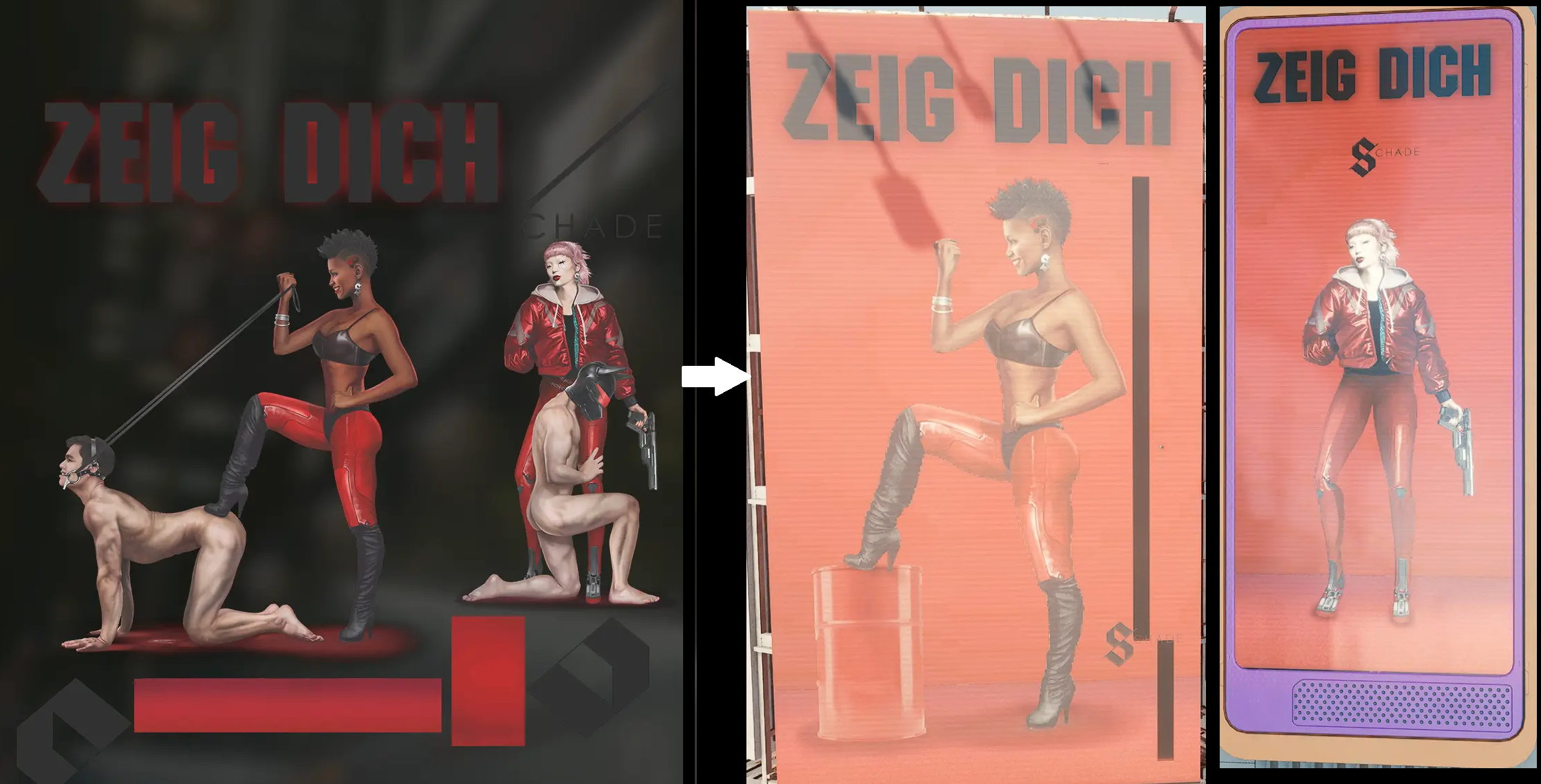
► Schade Zeig Dich Preview
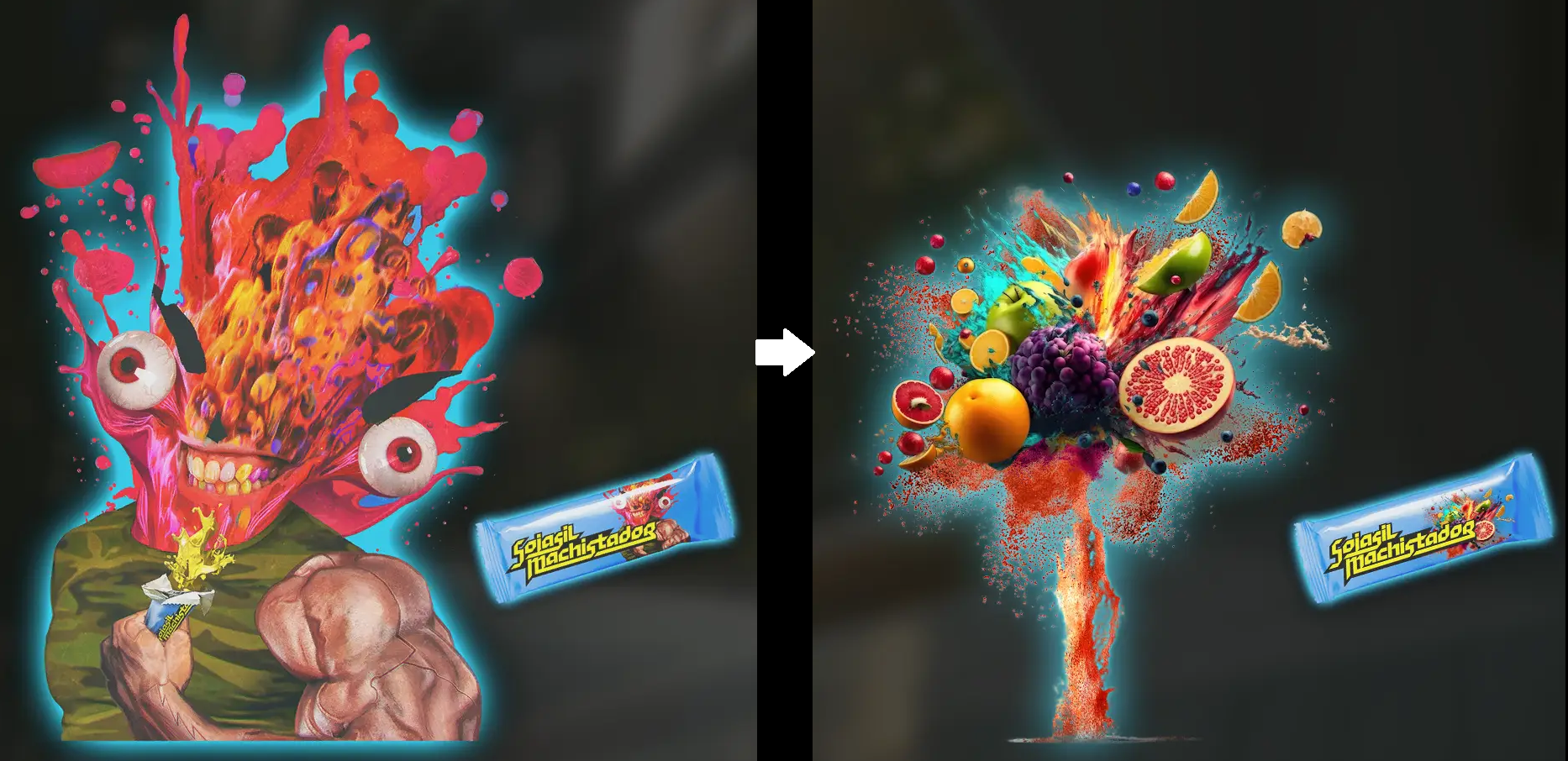
► Sojasil Preview
► Tamponizer Preview
► Time Machine Preview

► Watson ***** Preview
Credit to
cyborgsage, Daxtreme, Kalel9, KonungGedimin, qpoiuy5, theCyanideX, xlipxtream and zyd232 for their replacers.Single Pick
| Files | Version | Type | Description |
|---|---|---|---|
| Various ADS Replacer as individual files | 1.1 | Main | Pick the ones you want. Preview images in the archive. |
Credit to
cyborgsage, Daxtreme, Kalel9, KonungGedimin, qpoiuy5, theCyanideX, xlipxtream and zyd232 for their replacers.Installation
- Extract/place the .archive files to your Cyberpunk 2077 directory 'mod' folder
- The install path should be like this \Cyberpunk 2077\archive\pc\mod
Issues ;
- ADS pixelate a lot, even the vanilla ones. Zooming in usually clears the image
- You'll see vanilla ads from a distance. Nothing I can do about that, it's game logic. It will change when you get close enough.
- The game sometimes pushes a few ads outside their borders.
A fix for those first two issues that worked for me ;
Always Best Quality _ Ads mod, by EmreHQ- Any other mods that replace advertisements and vending machines will probably cause issues.
You could try to rename the .archive and adding some # to give the one you want higher priority; #ModName.archive
Artwork Credits
I only found where those come from, from the original mod pages ;
https://www.uhdpaper.com/2019/07/cyberp ... k-135.html
https://www.pinterest.fr/pin/810507264170098691/
https://wallhaven.cc/w/q2z7dq
Browse For Other Mods Here